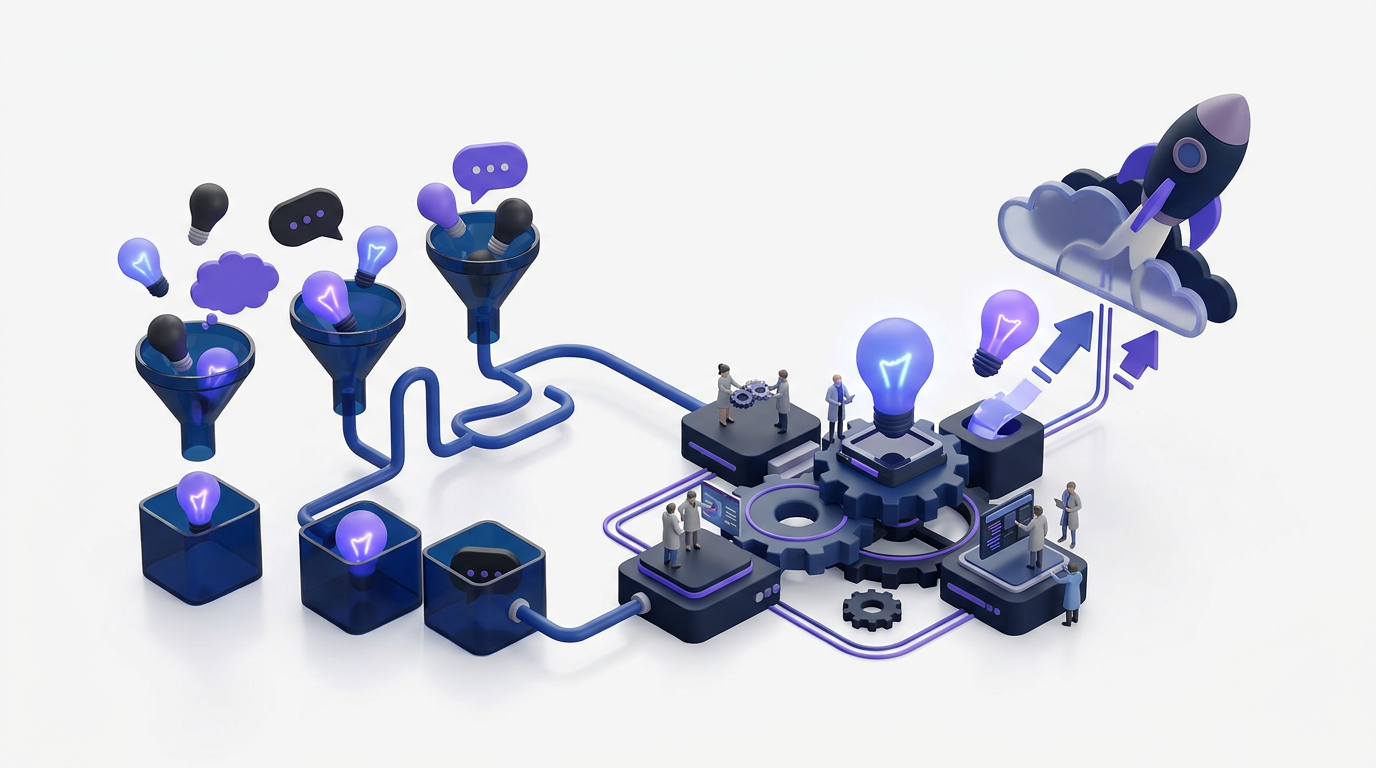
Feature requests arrive through support tickets, sales calls, chat messages, and internal documents. Without one shared hub, teams create duplicate requests, lose customer context, and publish roadmap updates that never reach the people who asked for them.
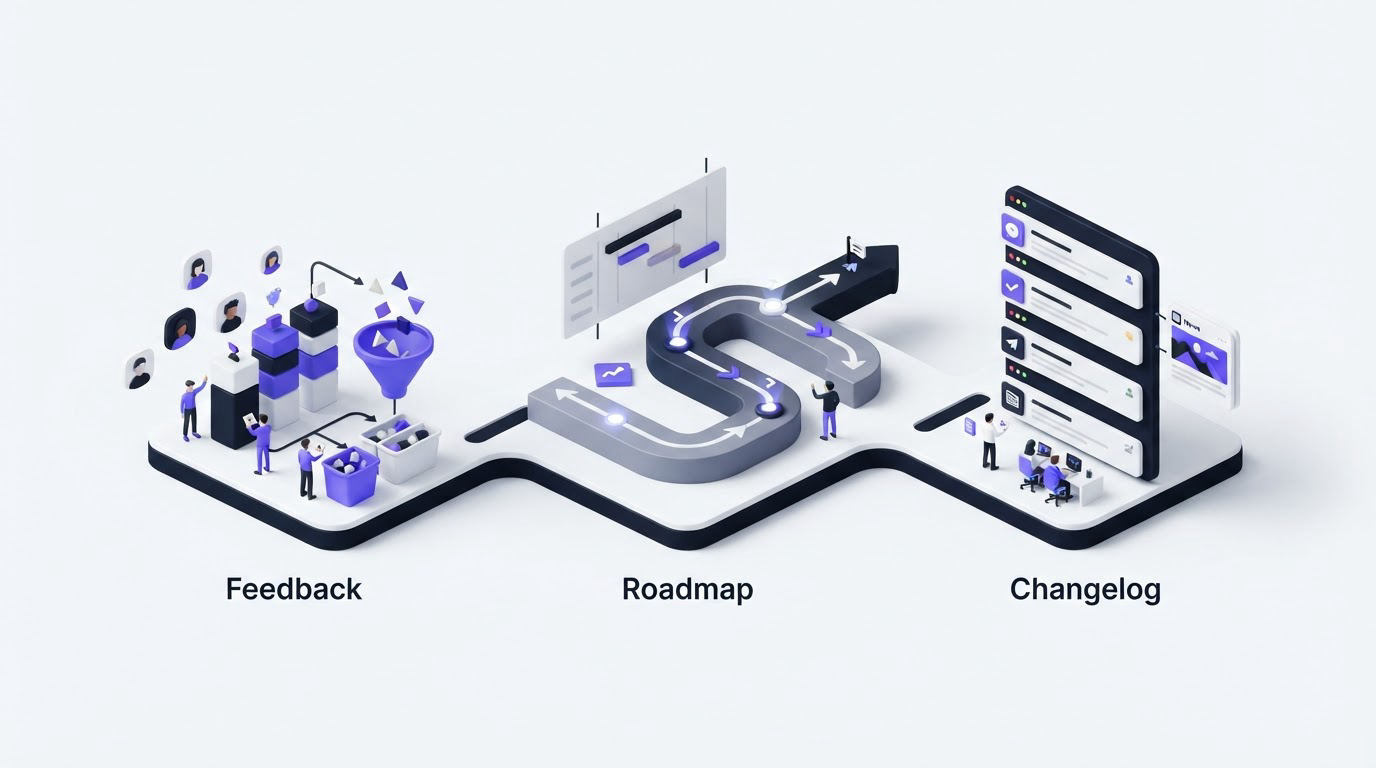
A customer feedback hub gives users and product teams one visible route from request to release. Upvoty supports that workflow with feedback boards, a product roadmap, and a changelog.
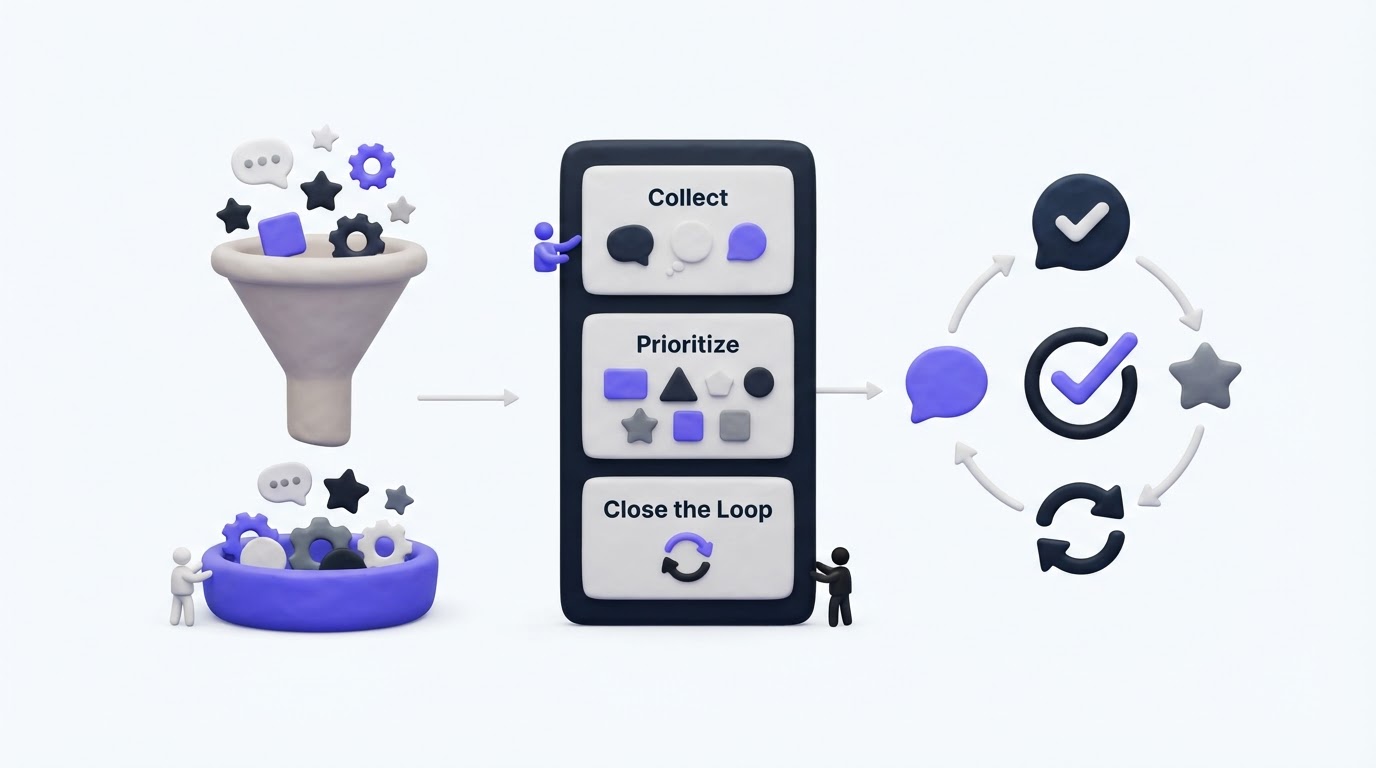
Here is the quickest way to set up the workflow:
- Collect product requests on a shared feedback board.
- Consolidate duplicates and let customers vote on existing ideas.
- Prioritize requests using demand, customer context, and product fit.
- Move selected requests onto a customer-facing roadmap.
- Announce completed work through a public changelog.
What a customer feedback hub should contain
A useful hub is more than a form. It connects each stage of product feedback so customers can see what happened after they submitted an idea.
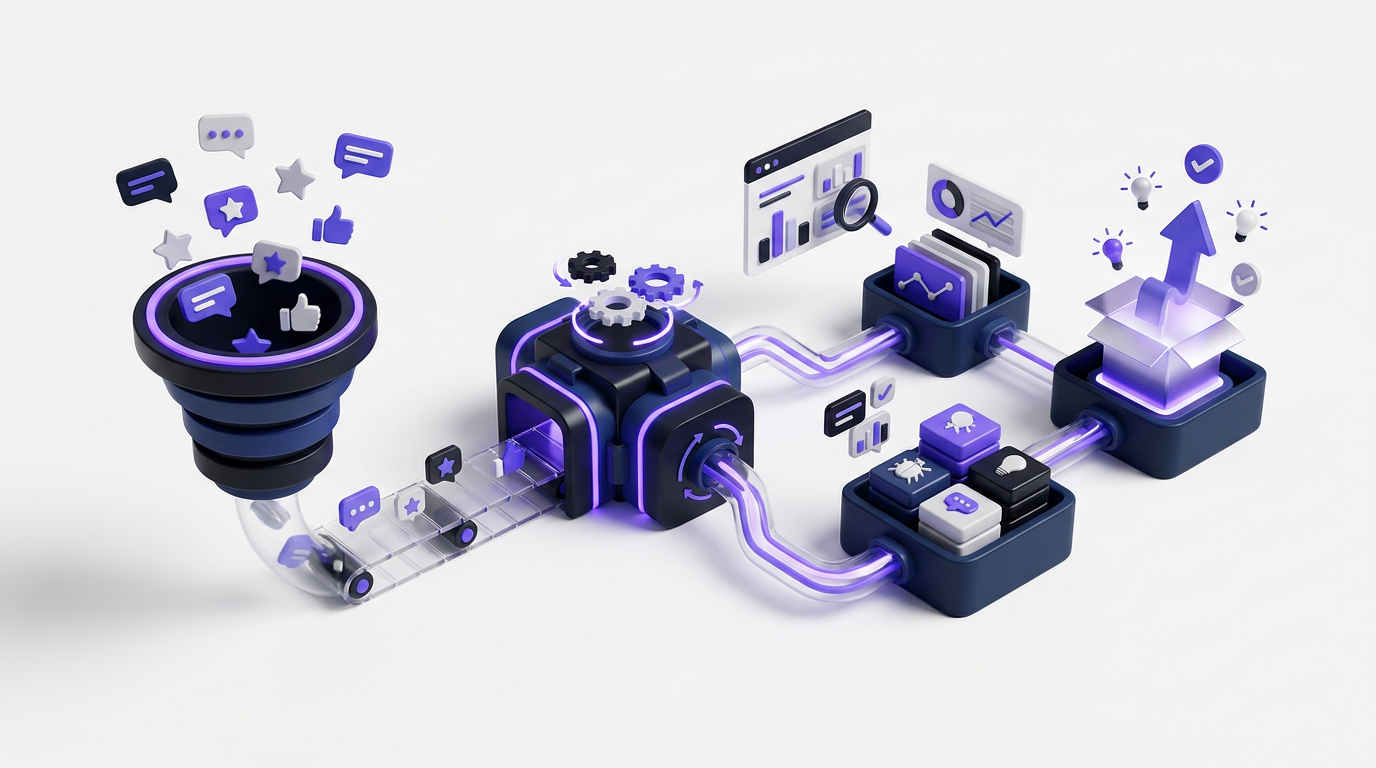
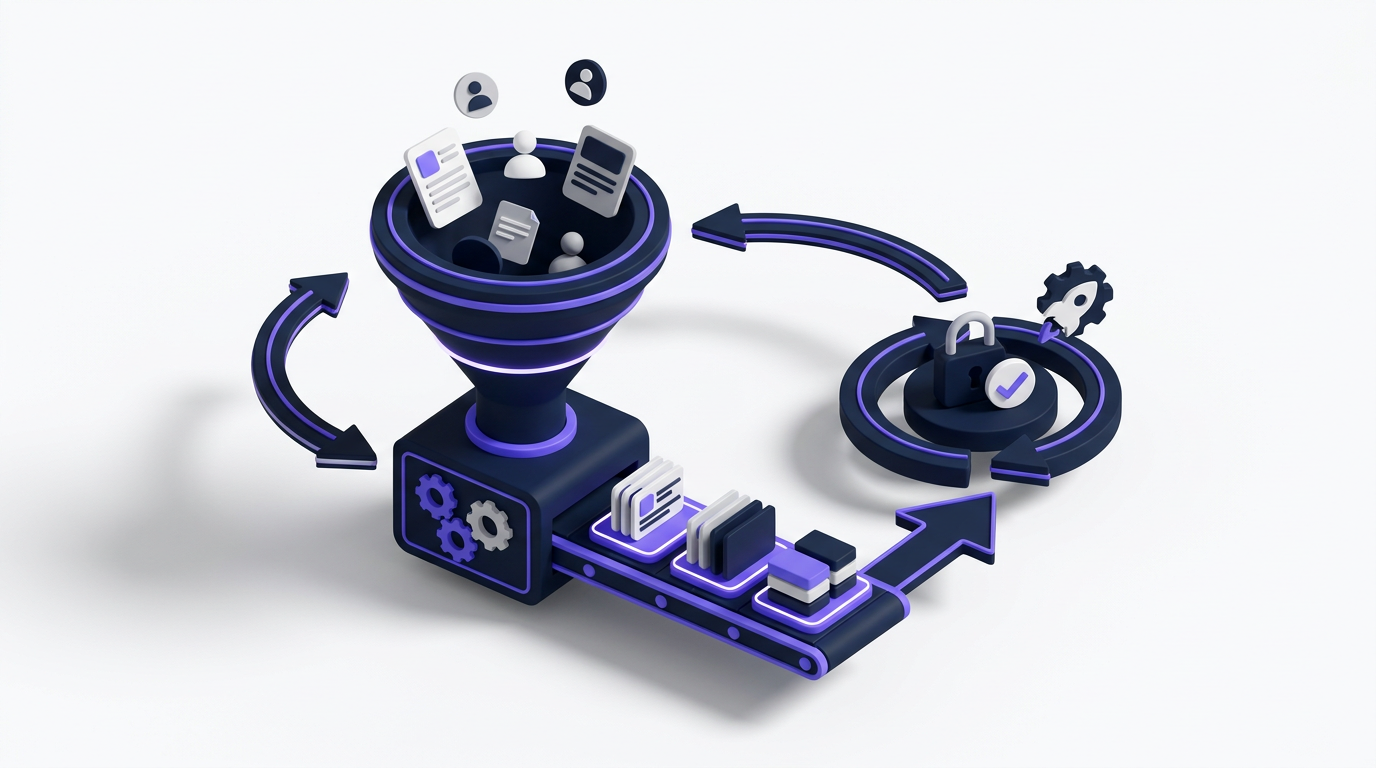
The same request should move from the feedback board into internal review, then onto the roadmap when the team commits to it. Once released, the changelog closes the loop. If these stages live in separate systems, status updates become manual and customers are more likely to submit the same request again.
| Workflow stage | What the team records | What customers see | Main decision |
|---|---|---|---|
| Collection | Request, description, category, and submitter context | A searchable idea or feedback post | Is the request clear and relevant? |
| Voting | Votes, comments, duplicates, and related requests | Existing demand and discussion | Should similar requests be merged? |
| Prioritization | Customer segment, product fit, urgency, and effort context | A status such as under review | Does the request deserve product capacity? |
| Roadmap | Planned scope and current status | What is being considered, planned, or built | Is the team ready to communicate intent? |
| Changelog | Release details and user impact | What shipped and how to use it | Has the feedback loop been closed? |
This structure prevents the public board from becoming a suggestion box that nobody maintains. It also gives product managers a stable record when priorities change.
How a customer feedback hub works, step by step
Consider a hypothetical B2B billing application. Customers report that CSV imports fail when date fields use regional formats. One request arrives through support, another is mentioned during a sales call, and a third appears in a shared document.
The team creates a public post at feedback.example.com/boards/imports/regional-date-formats. Support initially labels one report as an export problem, so it is not connected to the main request. That classification error makes demand look smaller than it is.
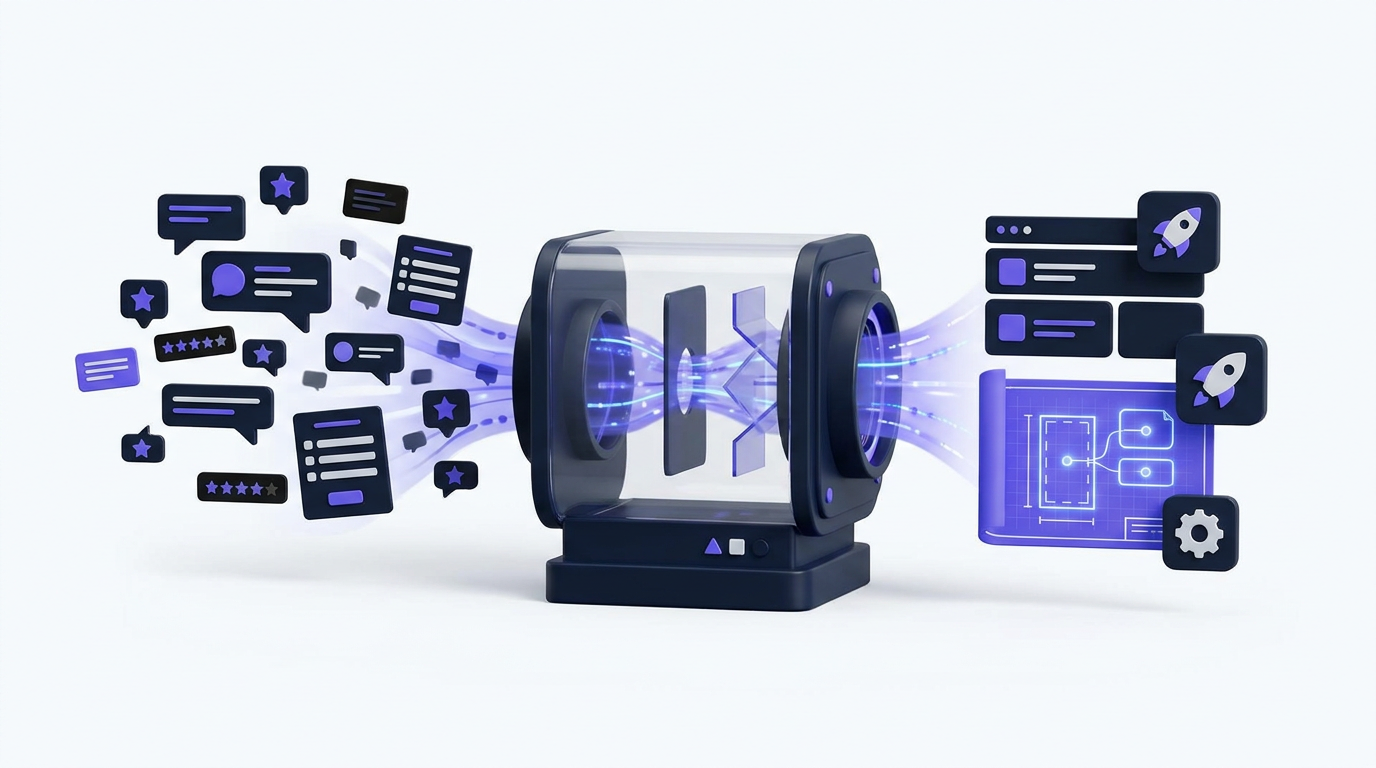
The hub workflow fixes the issue by bringing the reports together, preserving the customer context, and showing request status in one place. Each following section continues that example.
Collect requests in your customer feedback hub
Start with a dedicated board for a product area or audience. For the billing application, an “Imports and exports” board is more useful than one large board containing every account, billing, reporting, and integration request.
Create a short submission form. Ask for the problem, the desired outcome, and enough context to understand the use case. Avoid requiring customers to propose a technical solution. A request titled “Support regional date formats in CSV imports” is easier to evaluate than “Change the parser library,” but the description should still explain which files fail and what the customer has to do instead.
Use a public board when customers can safely discuss the request. Use restricted processes for security reports, personal data, contract details, or account-specific problems. If submissions may contain personal information, define a retention and access policy that reflects the obligations in the official EU General Data Protection Regulation.
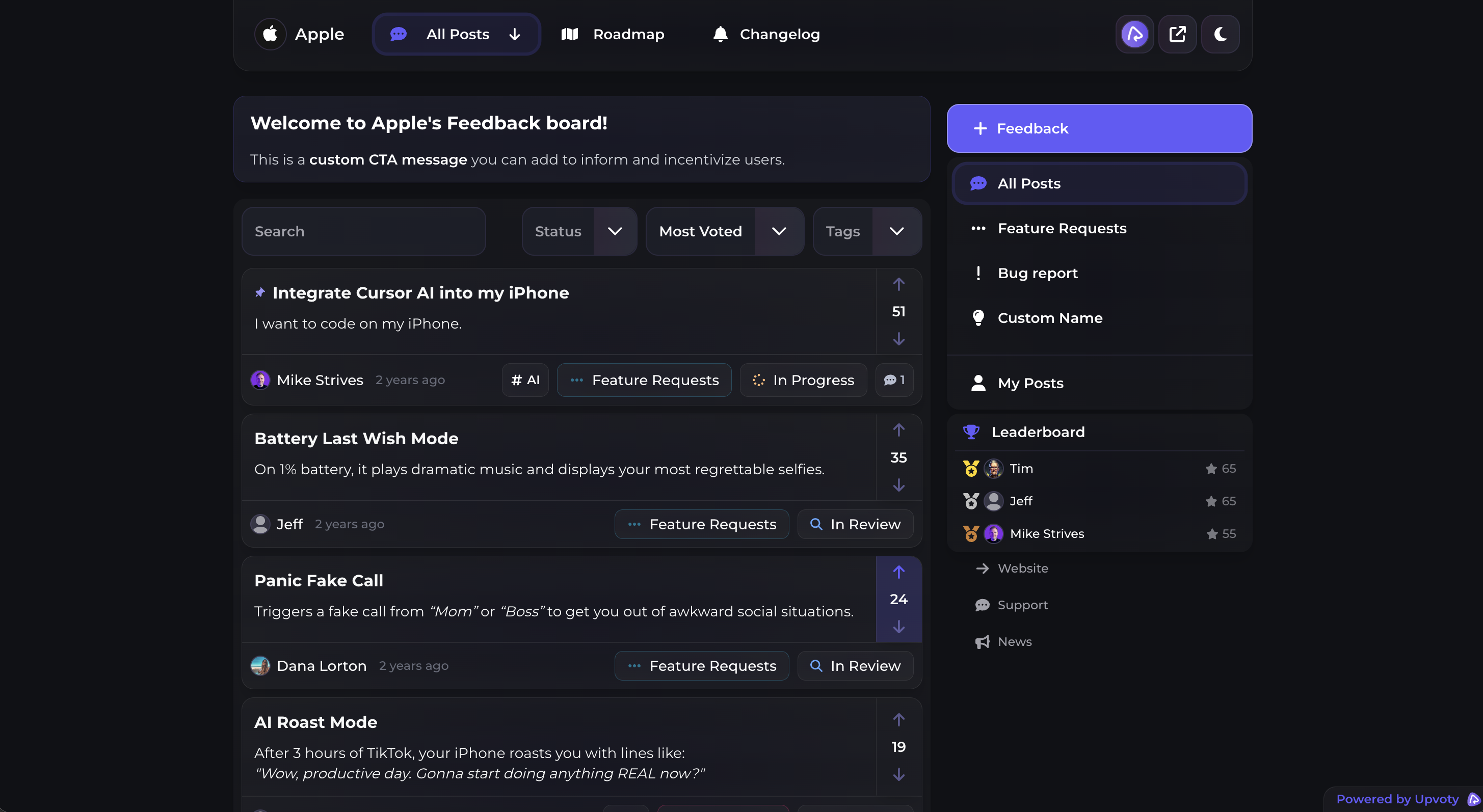
Upvoty’s feedback boards give product teams a dedicated place to collect and organize these requests.
This screenshot shows how public voting boards present feedback and feature requests to users.
Use feature voting without treating votes as the answer
Before accepting a new submission, search for an existing request. Merge duplicates where the underlying problem is the same, but do not combine requests merely because they mention the same screen.
In the billing example, “regional dates fail during CSV import” and “show an import preview before saving” affect the same workflow but require different product decisions. Keep them separate. The request accidentally labeled as an export issue should be reassigned and connected to the regional date format post.
Voting helps customers support an existing idea instead of writing another ticket. It also gives product teams a directional signal. Votes do not reveal implementation cost, account risk, strategic fit, or how severely each user experiences the problem.
Treat comments as evidence, not noise. A customer who explains that they manually reformat every file provides more decision context than an unexplained vote. For a complete operating process, use this guide to collect, organize, and prioritize feature requests.
This presentation from Y Combinator explains how direct user conversations expose the real problem behind a requested feature.
Prioritize customer feedback with context
Review feedback on a regular schedule rather than reacting whenever one post becomes active. The interval depends on release cadence, but the decision record should be consistent.
For the CSV import request, the team checks which customer segments reported the failure, whether the workaround blocks adoption, how the issue relates to the product strategy, and what engineering investigation is required. Sales interest can be relevant, but a request mentioned by a large prospect should not automatically bypass requests affecting existing customers.
Keep the public status honest. “Under review” should mean the team is actively evaluating the request. It should not serve as a permanent holding category for ideas nobody wants to reject.
A practical prioritization review considers:
- The user problem and its frequency
- Customer segment and account context
- Evidence of blocked workflows or repeated work
- Fit with the current product direction
- Dependencies, risk, and implementation effort
- Demand from votes, comments, support, and sales
The customer feedback prioritization guide explains how to combine revenue, segment, and demand without letting one signal dominate every decision.
Publish a customer-facing roadmap from the hub
Move a request to the public roadmap only when the team is ready to communicate genuine intent. Publishing every popular idea creates expectations the team may not be able to meet.
For the billing application, the regional date format request moves from “under review” to a planned roadmap column after the team confirms the expected input formats and accepts the work. The roadmap description focuses on the customer outcome. It does not promise an exact implementation or release date before those details are stable.
A roadmap can use broad states such as planned, in progress, and completed. Keep the language consistent across product areas. The Upvoty roadmap feature provides a public destination where customers can check what is coming without contacting support.
Publish enough information to be useful while preserving room to respond to technical findings. For additional writing guidance, see these tips for creating a clear product roadmap.
Public roadmap pages should also work for keyboard and screen-reader users. The Web Content Accessibility Guidelines provide specific criteria for structure, focus, labels, and visual presentation.
Close the customer feedback hub loop with a changelog
When the improved CSV import ships, mark the roadmap item as completed and publish a changelog entry. Explain which date formats are now accepted, where customers can find the import control, and whether they need to change existing files.
Do not write “Import improvements” and expect users to understand the impact. A useful release note connects the shipped change to the original problem.
The product changelog becomes the final public stage of the hub. It gives customers a durable release record and gives support a page to share when old conversations become active again.
One common failure mode is closing the roadmap item without notifying the people who submitted or followed it. The feature may be finished internally, but the feedback process remains incomplete from the customer’s perspective.
How Upvoty runs the complete customer feedback hub
A manual version of this workflow can be assembled from forms, spreadsheets, project tools, and release notes. The cost appears later. Someone has to transfer requests, reconcile statuses, find duplicates, update public pages, and work out which customers need a response.
Inside Upvoty, the user first meets a feedback board where they can submit an idea, find an existing request, vote, and add context. The product team manages that input in a central dashboard rather than rebuilding the request from scattered conversations.
Next, the team reviews the feedback and decides what deserves further attention. Public statuses show whether an item is being considered, planned, developed, or completed without exposing private product discussions.
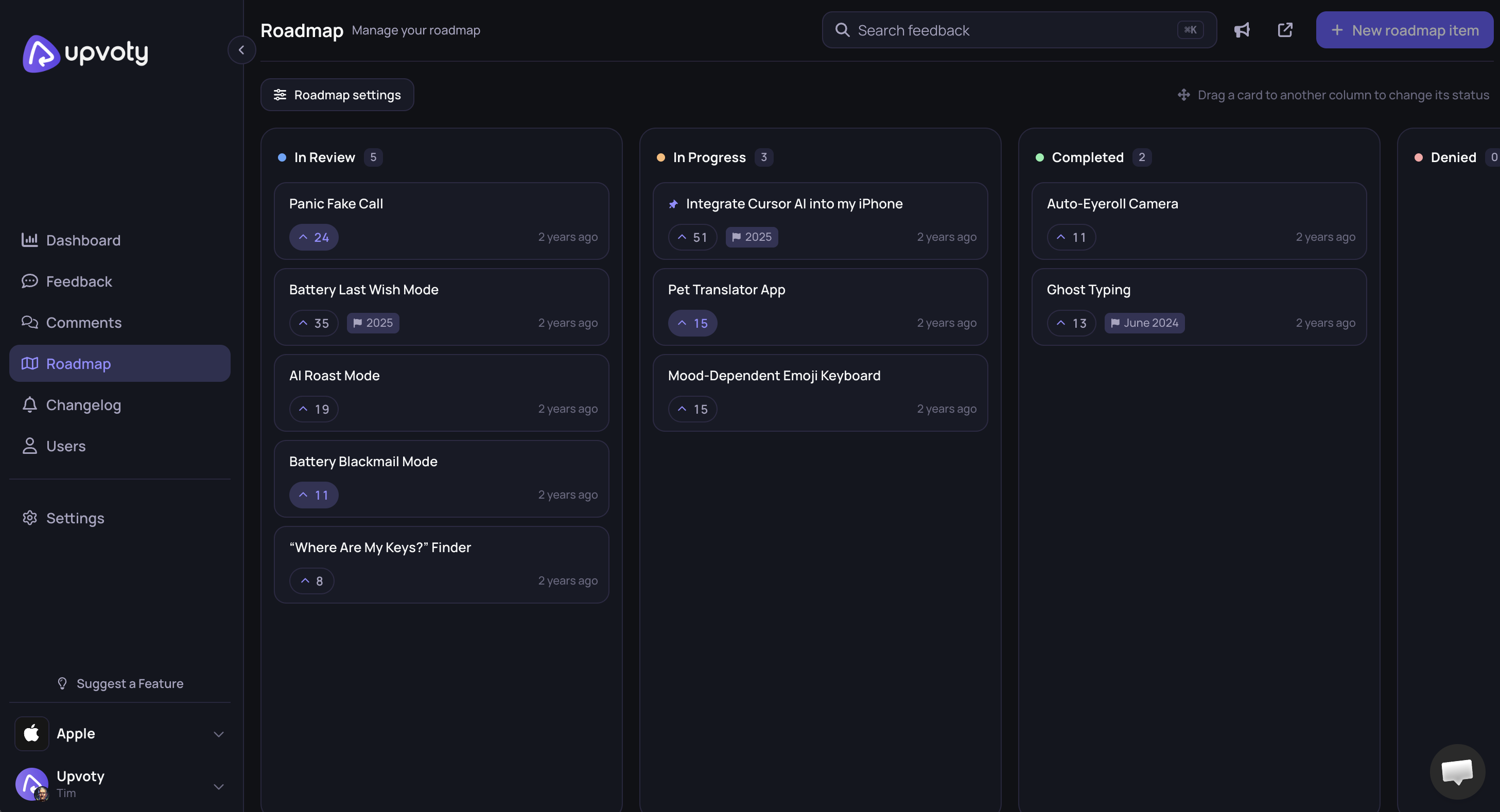
When the decision is firm enough to share, the relevant work appears on the product roadmap. Customers get a clearer view of direction, while the team controls how much timing and scope it communicates.
This dashboard view shows how planned product work can be organized before it reaches customers.
After release, the team publishes the update through the changelog. That sequence keeps the original request, public progress, and shipped result connected. See the workflow in the live Upvoty demo, then review Upvoty pricing against the number of products, boards, and team members you need.
How to choose the right customer feedback hub
Test the complete workflow with a real request before selecting software. Submit a duplicate, add a vote, change the status, publish a roadmap item, and create a release update. This exposes friction that feature lists hide.
Canny, Featurebase, Nolt, and Upvoty approach feedback management with different packaging and product choices. Compare the current plans on each vendor’s own pricing page, but make the decision based on the workflow your team will maintain every week. The product feedback tools selection guide provides a more detailed evaluation process, while the Upvoty and Canny comparison covers that specific choice.
Pay close attention to moderation, duplicate handling, status clarity, roadmap publishing, and changelog maintenance. A long feature list is less valuable if routine updates require several disconnected systems.
Customer feedback hub FAQ
Do we need a public feedback board?
Use a public board when customers benefit from discovering, discussing, and voting on shared requests. Keep sensitive account issues, security reports, and contractual conversations private. Many teams need both a public product channel and a separate support process.
Should the most-voted feature always be built first?
No. Voting measures visible demand among participating users. Prioritization also needs customer context, product strategy, urgency, dependencies, and delivery cost. Record why a popular request was deferred so the same debate does not restart at every review.
Can a customer feedback hub replace support software?
It should not replace one-to-one support. Use the hub for reusable product feedback and shared status updates. Keep troubleshooting, billing questions, and account-specific conversations in the support channel where agents can handle private details.
Does a feedback hub need AI?
AI can help with tasks such as grouping similar text or summarizing large volumes of comments, but weak input remains weak evidence. Establish clear categories, moderation rules, ownership, and decision criteria first. Verify AI-generated groupings before merging requests that may describe different problems.
How often should we update a public roadmap?
Update it whenever the underlying commitment changes and review it on a fixed schedule. Remove stale promises, explain meaningful status changes, and avoid publishing dates the delivery team cannot support. A smaller current roadmap is more credible than a crowded page of old ideas.
Create a visible route from customer request to product release instead of maintaining disconnected forms and status documents. Build your customer feedback hub with Upvoty and give users one place to submit ideas, follow the roadmap, and see what shipped.