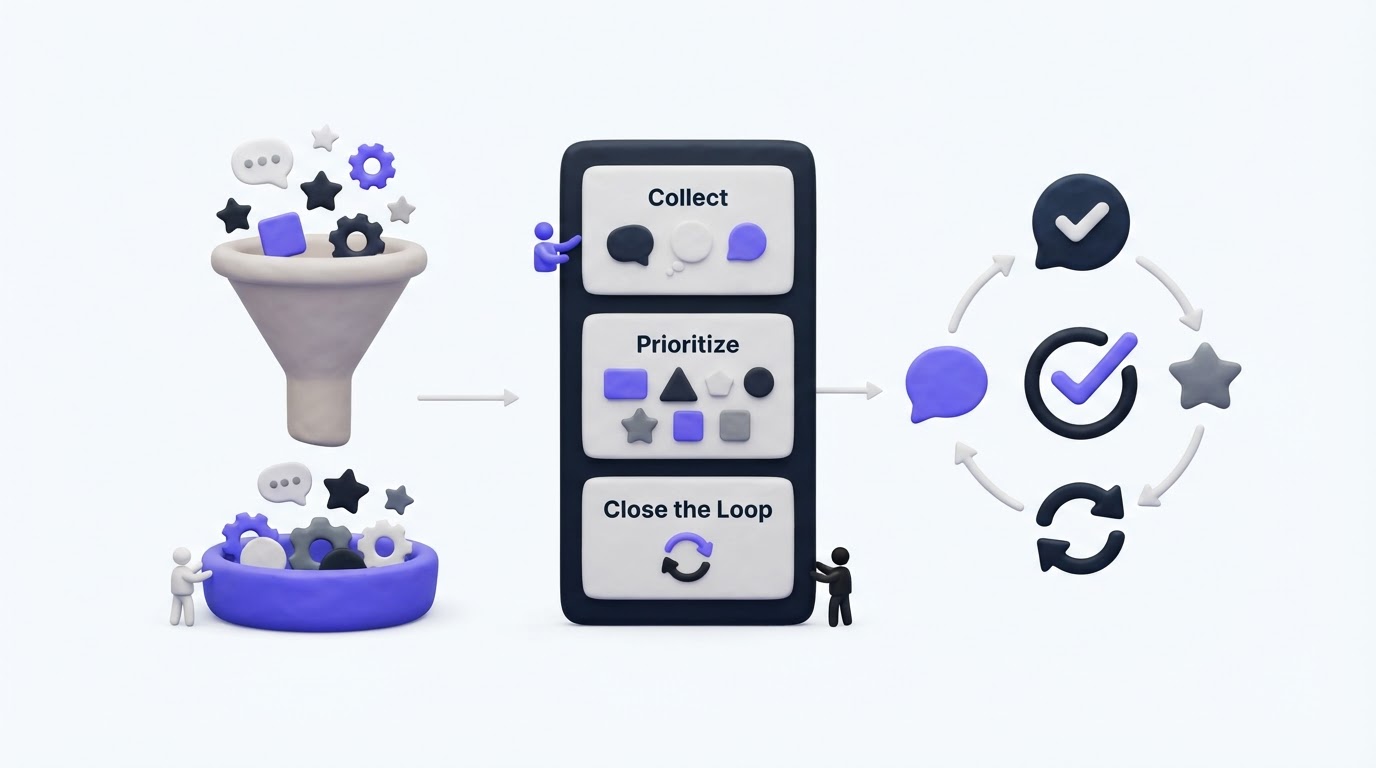
Feature requests often arrive through support tickets, sales calls, reviews, and scattered messages. The result is a backlog full of duplicate ideas, unclear demand, and customers who never hear what happened next.
A feature request board gives every request a shared home. Upvoty helps teams collect requests, group similar ideas, assess demand by segment, and communicate progress through a roadmap and changelog.
Quick answer: how to create a feature request board
- Define the request categories, fields, and audience for your board.
- Publish a branded board where customers can search, submit, and vote.
- Route requests from every channel into the same review process.
- Merge duplicate requests and preserve every voter behind the combined idea.
- Prioritize with demand, customer segment, revenue context, effort, and strategy.
- Update request statuses, publish roadmap progress, and notify voters after release.
How to set up a feature request board with a clear scope
Start with the product areas where feedback will help your team make decisions. A small SaaS product might use categories such as Reporting, Integrations, Billing, and Mobile. A broader taxonomy creates a board that takes too long to browse and encourages vague submissions.
Choose the audience before publishing. A public board works well when you want prospects and customers to see what people are asking for. A private board suits enterprise accounts, beta groups, or internal teams. Upvoty supports public and private feedback boards, so you can run separate spaces when different audiences require different levels of visibility.
For a practical example, consider a B2B scheduling platform. Its product team creates a board at /feedback with three categories: Calendar Sync, Team Scheduling, and Reporting. The submission form asks for the workflow affected, the desired outcome, and an optional screenshot. Those prompts turn “improve reports” into requests the team can evaluate.
Keep the form focused. Each extra field adds friction. Ask only for information that changes the product decision.
Build a feature request board customers can actually use
The board needs to make discovery easier than creating another duplicate. Put search near the submission action and show popular, planned, and completed requests prominently. Clear statuses set expectations before a customer writes a new post.
Use plain-language titles. “Support multiple calendar connections per user” makes more sense to a customer than an internal ticket label such as CAL-184.
The scheduling platform’s first request is “Allow two Google calendars for conflict checking.” A customer searches for “multiple calendars,” finds it, and adds a vote rather than creating a near-identical post. That single interaction improves the quality of demand data.
This is what each visibility choice is designed to support:
| Board setup | Best for | Who can submit and vote | Operational consideration |
|---|---|---|---|
| Public board | Broad customer communities and transparent products | Visitors or authenticated customers, based on your settings | Requires regular moderation and clear statuses |
| Private customer board | Enterprise accounts and sensitive workflows | Invited users or authenticated customers | Keeps account-specific requests contained |
| Internal board | Sales, support, success, and product teams | Employees | Captures account context before ideas reach the public board |
| Segmented board | Different plans, regions, or beta cohorts | Users assigned to a segment | Lets teams compare demand across relevant audiences |
Use accessible labels and instructions in your form. The W3C guidance on labels and instructions is a useful reference for ensuring people understand what each field needs.
Explore Upvoty’s feedback boards to see how a centralized board can provide voting, categories, statuses, and branded presentation.
Collect requests from every customer touchpoint
A board only reflects demand when the team consistently routes feedback into it. Support and sales still hear valuable context in conversations. Give those teams a simple process for searching the board first, then adding a new post or attaching context to an existing request.
For the scheduling platform, a customer success manager hears that a $12,000 annual account needs two calendars to support regional coverage. The manager finds the existing calendar request, adds an internal note with the account context, and records the request against the customer segment. The product team sees both the broad vote total and the commercial context.
Embed a feedback widget in the product when feedback is most useful during a specific workflow. Place it where users encounter the limitation, such as the calendar connection screen. Context produces clearer requests.
If your team handles a high volume of input, follow a documented intake routine. This guide to collecting, organizing, and prioritizing feature requests covers the operational handoffs between customer-facing and product teams.
Merge duplicate feature requests before analyzing demand
Duplicates are useful evidence, yet they fragment the signal. Merge requests when they describe the same user outcome, even when customers use different words. Keep separate posts when the implementation or audience meaningfully changes the problem.
In the example, “Two Google calendars,” “check personal calendar conflicts,” and “multiple conflict calendars” all point to the same need. Merge them into one request titled “Check availability against multiple calendars.” Preserve the original descriptions as context, then retain the attached votes.
Avoid merging “multiple calendars” with “support Outlook Calendar.” Both concern availability, yet they represent different integrations and delivery work. Over-merging hides a real product choice.
AI-assisted duplicate detection can speed up review, particularly on active boards. A human owner should confirm each merge. Request wording can hide important differences in permissions, plans, or supported platforms.
Prioritize feature request board data with customer context
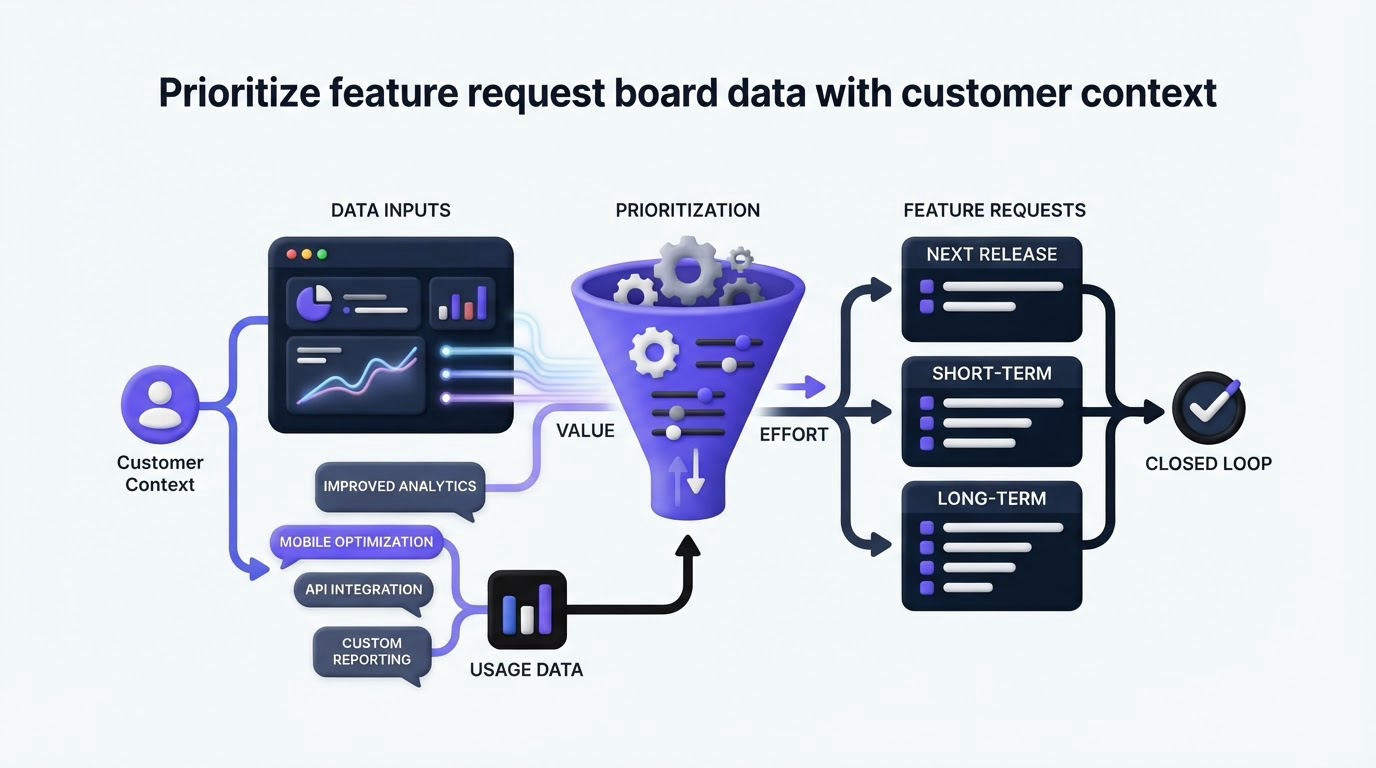
Vote counts show visible demand. A useful decision also considers who is asking, the severity of the workflow problem, strategic fit, confidence in the evidence, and delivery effort.
For the scheduling platform, the merged multiple-calendar request reaches 46 votes. Twenty-nine come from free accounts, 12 from growth-plan customers, and five from enterprise accounts. Two enterprise accounts have calendar coverage as a renewal issue. The team assigns the request a high priority, validates the technical approach, and moves it into the next planning cycle.
Use segments to separate meaningful patterns from broad totals. Upvoty segments can help teams assess requests by plan, customer type, region, or lifecycle stage. For a deeper scoring model, read how to prioritize customer feedback by revenue, segment, and demand.
Avoid treating votes as a binding product contract. A small group can generate a large vote total, and customers may vote for an appealing label without understanding constraints. Review the comments, linked accounts, and use cases before setting a delivery commitment.
Run a feature request board in Upvoty
A good workflow needs enough structure to keep feedback moving without forcing the product team into manual spreadsheet cleanup. Upvoty connects the customer-facing board to the internal steps behind it.
First, create a board and configure categories, submission fields, branding, access rules, and moderation. The customer sees a simple place to search, submit, comment, and vote.
Next, review incoming posts in the feedback dashboard. Tag themes, assign an owner, add internal notes, and merge related requests. For the scheduling platform, the product manager merges calendar duplicates while the customer success team adds account context.
Then, use segments and analytics to inspect demand. The team identifies that the multiple-calendar request has support across paid accounts, rather than relying on one raw total.
Finally, move approved work onto a public product roadmap and publish the release in a changelog. Voters receive an update when the request changes status or ships, which turns the board into an ongoing customer communication channel.
Here is the kind of customer-facing voting board that supports that flow:
!Public Upvoty feedback board showing feature requests and customer voting
For the scheduling platform, the request moves from Under Review to Planned after technical validation. When multiple-calendar checking launches, the team marks it Complete, links the release note, and lets every voter know. The request has a visible ending.
Connect your feature request board to a roadmap and changelog
Customers benefit from seeing progress, but roadmap entries need disciplined wording. Publish the problem area and intended outcome. Avoid dates until the team has enough delivery confidence to stand behind them.
The scheduling platform’s roadmap card says: “Multiple calendar availability checks - planned.” It avoids promising a specific provider combination before engineering confirms the scope. Later, the changelog explains which calendar connections are supported at launch and where to configure them.
A reliable closing process has three actions:
- Update the original request status when the team makes a decision.
- Give voters a concise release update with the relevant changelog link.
- Capture follow-up feedback if the shipped version solves only part of the original workflow.
Read how to build a public product roadmap customers can trust and how to close the customer feedback loop with a changelog for the communication practices behind each update.
If you collect names, emails, account data, or request details from customers in applicable regions, define retention and access practices early. The GDPR data minimization principle provides a clear baseline: collect data that serves a defined purpose.
Common feature request board mistakes
The most damaging mistake is leaving requests without an owner or status. Customers interpret silence as indifference, while internal teams lose the context behind older posts. Set a weekly triage slot and assign responsibility for each category.
Another common issue is publishing every internal backlog item. A public board should communicate customer-relevant problems and progress. Security work, infrastructure changes, and exploratory projects may need a different level of detail.
Finally, avoid closing requests with a generic “released” label. Explain what shipped, include any scope boundaries, and invite customers to test it. That reply helps the customer who requested the feature and the next customer searching for the same answer.
Feature request board FAQ
What should be on a feature request board?
Include customer-facing ideas that people can search, vote on, and discuss. Use categories, descriptive titles, clear statuses, and a short submission form. Keep internal delivery details in private notes when they contain sensitive information.
Should customers be able to vote on feature requests?
Yes, when votes feed into a broader prioritization process. Voting reveals demand and creates a simple way for customers to follow a request. Review votes alongside customer segment, product strategy, qualitative comments, and implementation effort.
How often should a team review feature requests?
Review new posts at least weekly for most SaaS teams. High-volume products may need daily moderation. Hold a deeper prioritization review before roadmap planning, using the latest request, account, and delivery information.
Can a feature request board be private?
Yes. Private boards suit internal feedback, beta programs, and account-specific collaboration. They also let teams collect sensitive ideas while maintaining a public board for broader product communication.
Build a feature request board that gives customers a voice and gives your team evidence for product decisions. Start with Upvoty to collect requests, prioritize them with context, and keep voters informed through release. Read next: Feature Request Portal: Collect, Prioritize, and Close the Loop.