
Feature requests arrive through support tickets, sales calls, onboarding sessions, and emails. Without a shared workflow, product teams lose context, build from the loudest request, and leave customers waiting for an answer.
Voice of customer software gives every request a home, connects similar ideas, and helps teams show customers what happens next through customer feedback management. Upvoty brings feedback collection, prioritization, roadmaps, and changelogs into one customer-facing workflow.
Quick answer: how to use voice of customer software
- Capture requests from customers in one feedback portal, widget, or shared link.
- Merge duplicate requests and add categories, segments, and internal context.
- Prioritize requests using demand, customer value, strategic fit, and delivery effort.
- Publish planned work on a roadmap with clear status labels.
- Announce completed work and notify the customers who asked for it.
How voice of customer software turns feedback into product decisions
A useful voice of customer process starts with a single source of truth. Give customers, prospects, and internal teams a clear place to submit ideas. Then connect each submission to the people, accounts, and product area behind it.
Consider a B2B inventory SaaS company. Customers submit requests through support and account managers for faster purchase-order editing. Some ask for bulk editing, others mention copy-and-paste workflows, and another request focuses on correcting quantities after approval. The product team creates one parent request called “Edit multiple purchase-order lines” and merges related posts into it.
The merged request now shows the full demand signal. Product can read the details, sales can add account context, and customers can vote or comment on the same item rather than scattering support across several threads.
Start with these practical decisions:
- Create categories that mirror product areas, such as Orders, Reporting, and Integrations.
- Set a moderation rule for duplicate ideas, incomplete submissions, and sensitive requests.
- Ask for the problem, affected workflow, and desired outcome in the submission form.
- Separate public customer feedback from private internal feedback when required.
A structured form improves the evidence available during prioritization. Make the fields easy to complete and follow W3C guidance for accessible forms so more customers can participate successfully.
How to prioritize customer feedback with context
Votes show the visible level of demand. A product decision needs more context: who requested the work, which workflow they are trying to complete, whether the request supports the product strategy, and what delivery involves.
For the inventory SaaS example, the team sees demand for bulk purchase-order editing across several customer segments. A key account manager adds a private note explaining that the current workflow slows month-end procurement. Engineering estimates that a lightweight inline-editing approach can solve the core issue without redesigning the entire approval flow.
The team assigns a high priority because the request has repeat demand, a clear job to be done, and a contained scope. That decision is easier to review later because the supporting evidence sits with the request.
Use a consistent prioritization model across your board. Many teams assess four areas: demand, revenue or account impact, strategic alignment, and effort. The weighting should reflect your company stage and product strategy. For a deeper scoring approach, see this guide to prioritizing customer feedback by revenue, segment, and demand.
| Decision input | What to capture | How it changes the decision |
|---|---|---|
| Demand | Votes, comments, duplicate posts | Shows breadth and recurring pain |
| Customer context | Segment, plan, account notes, use case | Identifies who benefits and why |
| Product fit | Related objective, product area, dependency | Keeps work aligned with strategy |
| Delivery effort | Scope, technical risk, team estimate | Helps sequence work realistically |
Avoid a backlog that treats every request as a commitment. Use clear statuses such as Under Review, Planned, In Progress, and Complete. Customers gain an honest view of where an idea stands, while the team retains room to evaluate scope and timing.
How voice of customer software closes the feedback loop
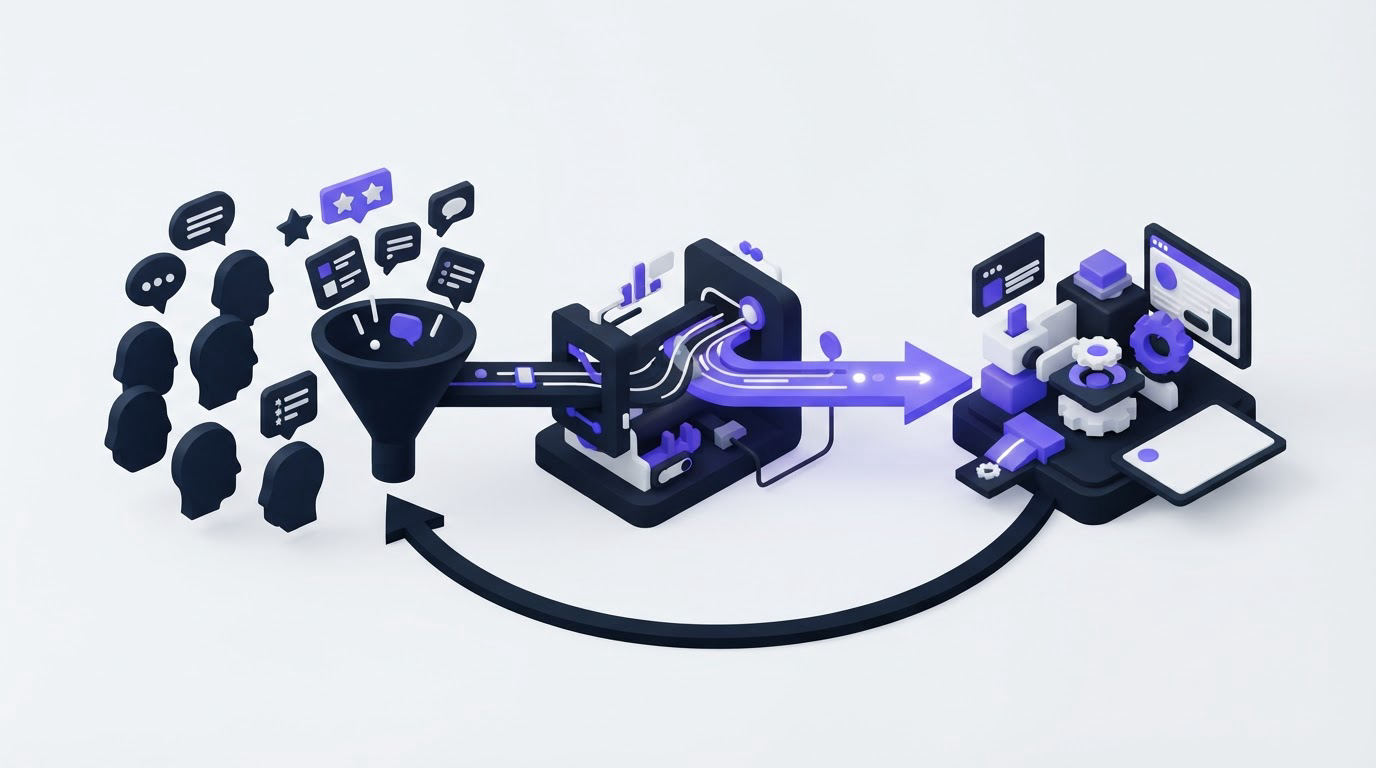
Feedback collection creates an expectation of follow-through. When customers can see progress, they have fewer reasons to ask support for updates and more confidence that their input reached the right team.
For the purchase-order editing request, the team moves the item to Planned after confirming scope. The roadmap explains that the first release will cover editing quantities and dates in bulk. Later, when development starts, the status changes to In Progress. Customers who voted receive an update when the change ships.
This sequence makes product delivery visible without exposing internal planning details. A public product roadmap customers can trust should explain the status system, use customer-friendly language, and avoid promises tied to uncertain dates.
When the feature launches, publish a short changelog entry that states what changed, who benefits, and where to find it. Then notify voters directly. Read more about the operational side of closing the customer feedback loop with a changelog.
Customer data requires care throughout this process. Limit public information to what customers need to understand the request, control team access to account context, and document retention practices. Teams serving people in the European Economic Area should also review the European Commission’s GDPR overview.
How Upvoty supports your voice of customer workflow
Upvoty is designed around the customer-visible lifecycle of feedback: capture the request, make the decision, communicate the plan, and share the result.
First, create feedback boards for the product areas customers recognize. You can run public or private boards, collect votes and comments, and use moderation to keep similar requests together. For the inventory SaaS example, “Edit multiple purchase-order lines” becomes the central post where customers add their use cases.
Next, organize the post for the product team. Add segments, smart tags, internal notes, assignees, and priorities so customer demand sits beside the context needed for a decision. The analytics features help teams review feedback patterns across boards rather than reviewing each request in isolation.
!Upvoty feedback dashboard showing organized customer feedback and analytics
Once the request is planned, add it to a public roadmap with the level of detail that suits your product. The customer sees a meaningful status update. Your team keeps internal discussions and delivery decisions in the workspace where they belong.
After release, publish the update through the changelog and use voter notifications to close the loop. This is where a feedback system becomes a customer communication system. The request starts as a customer problem and ends with a visible response.
What to look for in voice of customer software
Choose software that supports your operating model rather than adding another inbox. Review the complete path from intake through delivery communication before making a decision.
Look for flexible collection options. A standalone portal works well for active communities, while an in-app feedback widget can capture input near the moment of friction. Upvoty offers both a feedback widget and customizable submission forms for teams that need more context at intake.
Also review privacy controls, branding, language support, permissions, and integrations with the tools your team already uses. A workflow becomes difficult to maintain when product, support, and engineering each work from separate records. Upvoty supports integrations with tools such as Jira, Linear, Slack, Intercom, and HubSpot.
Canny, Featurebase, and Nolt are also commonly evaluated by SaaS teams. Compare each platform against your specific workflow: where feedback enters, who needs access, how decisions are prioritized, and how customers receive updates. For a broader evaluation framework, use this practical guide to selecting product feedback tools.
FAQ about voice of customer software
What is voice of customer software used for?
Voice of customer software collects customer ideas, requests, and comments in a shared workspace. Product teams use it to identify recurring needs, prioritize work with context, publish plans, and communicate releases back to customers.
Should feedback boards be public or private?
Public boards work well when community visibility and feature voting support your product strategy. Private boards suit internal teams, selected customers, and feedback that includes account-specific detail. Many teams use both formats for different audiences.
Can small SaaS teams use a public roadmap?
Yes. A focused roadmap with a few clear statuses gives customers useful visibility without creating a heavy planning process. Publish only work that has passed your internal decision process, then keep statuses current as priorities change.
How do you prevent duplicate feature requests?
Search suggestions during submission help customers find an existing request. Moderators can merge related posts, preserve votes and comments, and explain the combined scope in the parent request. This produces a clearer demand signal for the product team.
How quickly should teams respond to feedback?
Acknowledge new feedback promptly through visible moderation or a short response. Decision timing depends on product planning cycles, but status updates should stay current. Customers can accept an open evaluation period when the process is clear.
Bring requests, prioritization evidence, roadmap updates, and release communication into one place with Upvoty. Create a feedback workflow your product team can maintain and your customers can follow. Read next: Jira Product Discovery Alternative.