
Your team has feature requests spread across UserVoice, support conversations, internal documents, and issue trackers. Customers submit the same ideas repeatedly because they cannot see what has already been requested or what the product team plans to build.
Upvoty is a UserVoice alternative built around a direct feedback loop: collect requests, let customers vote, prioritize the evidence, publish roadmap updates, and announce completed work.
Quick answer: how to replace UserVoice
Use this workflow to assess and move to a UserVoice alternative without losing useful feedback:
- Export your existing requests, users, votes, comments, statuses, and categories.
- Remove duplicates and separate actionable requests from support issues.
- Map UserVoice fields and statuses to the new feedback structure.
- Configure public or private boards, permissions, branding, and sign-in.
- Import a representative sample and verify authors, votes, dates, and URLs.
- Publish a customer-facing roadmap without exposing internal commitments.
- Redirect old submission paths and explain the change to customers.
- Close the loop by notifying voters when requests move or ship.
Why teams look for a UserVoice alternative
A feedback platform becomes difficult to justify when everyday administration takes more effort than the product decisions it supports. Typical warning signs include low customer participation, duplicate requests, unclear ownership, limited visibility for customers, or a workflow that depends on manual status emails.
Cost can also trigger a review, but subscription price should not be the only factor. Calculate the time spent merging requests, copying items into a roadmap, updating support teams, and notifying customers. A cheaper tool that leaves those tasks untouched may cost more to operate.
Start with the workflow your team needs. A practical feedback system should connect four activities:
- Capturing requests where customers already interact with the product
- Consolidating duplicate ideas without losing votes or context
- Prioritizing requests by customer relevance rather than vote count alone
- Communicating progress through a roadmap and changelog
If you are still defining the category, use this practical guide to product feedback tools to compare tools against your operating process rather than a long feature list.
How to evaluate a UserVoice alternative
Start with a real request, not a polished demo
Use one feature request from submission to release during every product evaluation. This reveals gaps that separate screens and feature checklists can hide.
Consider an illustrative SaaS company with a customer portal at feedback.exampleapp.com. Its users frequently request scheduled PDF reports. The current system contains three versions of the idea: “email reports weekly,” “scheduled exports,” and “automated PDF delivery.” Together, these posts include comments from administrators, analysts, and trial users.
The evaluation should test whether a new platform can merge those requests, preserve useful context, identify which customer groups care, place the consolidated request on a roadmap, and notify interested users after release. Do not test only whether someone can submit a new idea.
Check the complete feedback workflow
A voting board is only the intake layer. Product managers also need moderation, internal context, ownership, priorities, and a controlled way to communicate decisions.
Review these areas in sequence:
- Submission through a hosted portal or an in-app feedback widget
- Duplicate handling and request merging
- Tags, segments, ownership, internal notes, and priorities
- Public and private visibility controls
- Roadmap statuses that customers can understand
- Release communication and voter notifications
Test access from a customer account as well as an administrator account. A well-organized dashboard does not compensate for a confusing customer portal.
Review privacy, access, and data portability
Decide which feedback can be public before migration. Enterprise requests, security-related comments, and details about unreleased customer projects may need private boards or restricted access.
Ask each vendor how administrators export posts, comments, votes, and user records. For organizations subject to European privacy rules, the European Commission explains the applicable right to data portability. Your legal obligations depend on your role and processing activities, so involve the appropriate privacy owner.
Also test keyboard operation, focus visibility, labels, and contrast on the customer-facing portal. The W3C publishes the normative Web Content Accessibility Guidelines used by teams assessing accessible web experiences.
UserVoice alternative migration field map
Export the complete dataset before changing anything. Keep an untouched copy, then create a working copy for cleanup and mapping.
For the scheduled PDF report example, the team decides that “automated PDF delivery” will become the canonical request. The other two posts are recorded as merged sources. Comments containing support questions are moved to the support queue, while product-use details remain attached to the request.
Use a mapping document like this before importing:
| Existing UserVoice data | Destination in the new platform | Migration decision |
|---|---|---|
| Forum or board | Feedback board | Preserve the original product or audience boundary |
| Suggestion title and description | Feedback post | Rewrite only when duplicates are merged |
| Votes | Voters or vote count | Verify whether individual voter identity is retained |
| Public comments | Post comments | Remove sensitive account details before import |
| Status | Feedback or roadmap status | Map by meaning, not by label alone |
| Categories and labels | Tags or board structure | Drop unused labels rather than carrying clutter forward |
| User records | Customer profiles or SSO identities | Confirm consent, retention, and matching rules |
Import a small sample first. Include a request with many votes, one with comments, one private item, one merged request, and one completed item. Check dates and authors before processing the rest.
A common failure mode is importing every historical suggestion into one public board. Customers then meet years of stale requests, while the team inherits a cleanup project. Archive obsolete items before launch and retain a separate source export for audit purposes.
How feature voting should work in a UserVoice alternative
Votes indicate demand, but they do not establish priority by themselves. Ten requests from trial accounts can mean something different from three requests made by customers using the affected workflow every day.
For the scheduled PDF report request, review who voted, why they need it, how frequently they produce reports, and whether a workaround exists. Comments such as “we need this for Monday compliance reporting” are more useful than a bare vote because they expose urgency and use case.
Use voting to find patterns. Then add customer segment, strategic fit, expected effort, risk, and confidence to the decision. The feature request management workflow explains how to turn raw submissions into a review process without treating the highest vote count as an automatic commitment.
Set expectations on the board. Explain that voting helps the team understand demand but does not guarantee delivery. This protects the roadmap from becoming a list of promises.
How public roadmaps support the replacement workflow
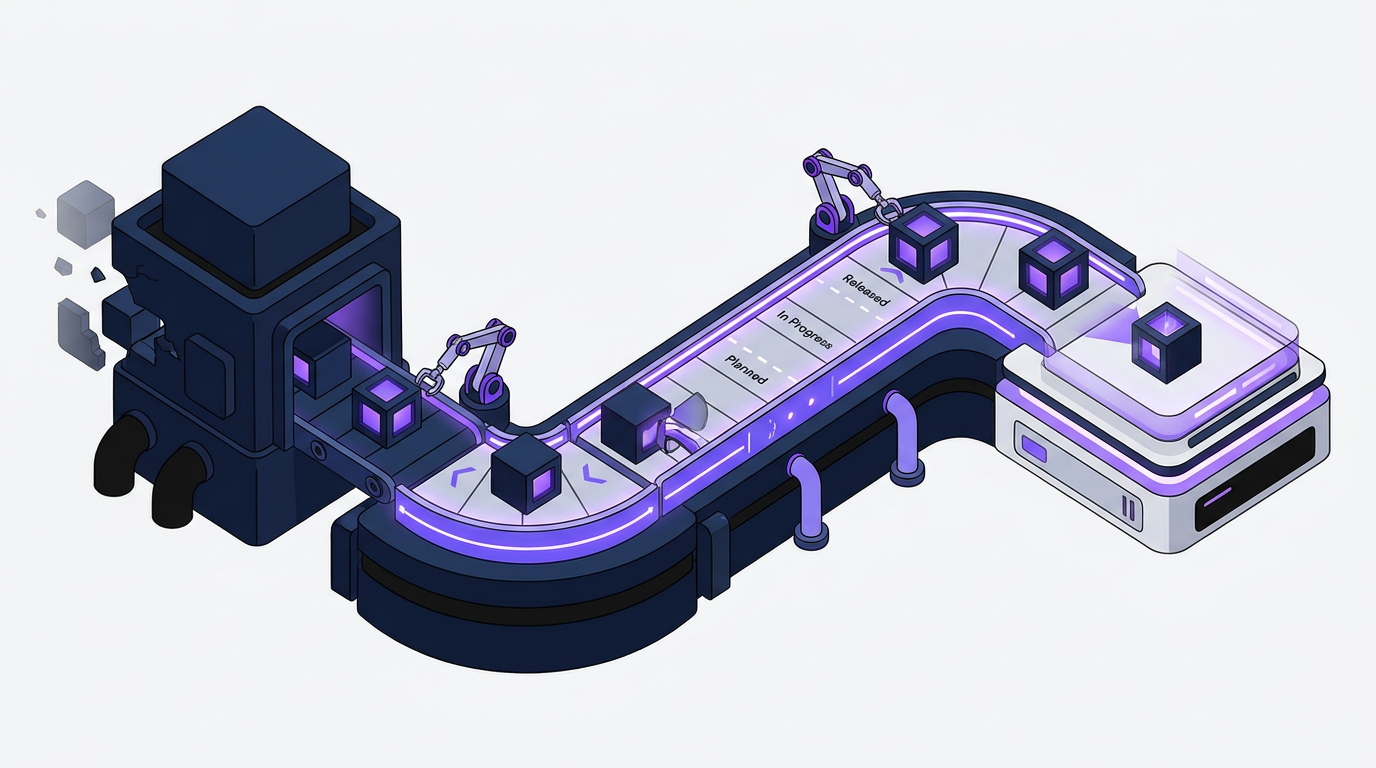
A customer-facing roadmap should answer a few practical questions: Is the team considering the request? Is it planned? Is it being built? Has it shipped?
Keep internal delivery details in your project management system. Publish only the level of certainty customers need. For example, move scheduled PDF reports from “Under consideration” to “Planned” after scope and ownership are confirmed. Move it to “In progress” when implementation has genuinely started, not when someone creates an internal ticket.
Avoid exact dates unless the organization is prepared to support them publicly. Dependencies change. Status columns often communicate enough without creating a promise that support and sales teams must later explain.
Upvoty provides a dedicated public roadmap connected to feedback items. For a deeper treatment of status wording, scope, and customer expectations, see how to build a public product roadmap customers can trust.
This screenshot shows how roadmap items can be organized for customers without exposing the internal delivery backlog.
!public product roadmap showing what is planned, in progress, and completed
How Upvoty works as a UserVoice alternative
The migration becomes useful when the replacement removes handoffs from the ongoing process. Here is what the scheduled PDF report request looks like inside Upvoty.
First, the team creates a branded feedback board for reporting features. Customers submit requests through the portal or widget, view existing ideas, and vote instead of creating another copy.
Next, administrators review submissions in the dashboard. Duplicate requests can be consolidated with Merge AI, while tags, internal notes, assignees, and priorities preserve the product team's working context. The team keeps account-specific or sensitive details out of the public description.
The screenshot below shows the management view used to organize feedback and feature requests.
!dashboard for managing customer feedback and feature requests
When scheduled reports pass product review, the team adds the item to the roadmap and selects a customer-readable status. Customers can follow progress from the same feedback environment rather than asking support for updates.
After release, the team publishes an update through the changelog. Voters can be informed through automatic voter notifications, closing the request without exporting an email list or composing individual replies.
This connected flow matters because feedback, roadmap communication, and release announcements refer to the same customer request. Review the available Upvoty pricing plans against your required boards, users, and operating model before making a final selection.
Upvoty compared with other UserVoice alternatives
Canny, Featurebase, and Nolt also appear in evaluations of feedback board software. Each product emphasizes a different balance of intake, administration, roadmap communication, integrations, and price. Check each vendor's current product and pricing pages directly because packaging can change.
Run the same scheduled-report scenario in every tool. Give each vendor the same source files and ask how duplicates, voter identity, private comments, statuses, redirects, and release notifications will be handled. Record any step that requires a spreadsheet, support ticket, manual email, or separate product.
Do not choose based on the cleanest sample board. Select the system your team will keep current after the migration project ends. If Canny is also on your shortlist, the Upvoty versus Canny comparison covers the practical differences in more detail.
Common mistakes when choosing a UserVoice alternative
The first mistake is copying the old configuration exactly. If the existing boards, categories, and statuses confuse customers, migration is the right point to simplify them.
The second is treating votes as a product plan. Voting identifies interest. Prioritization still requires customer context, product strategy, effort, and risk.
The third is launching without redirects or customer communication. Update links in the product, help center, onboarding emails, support macros, and account-management templates. Keep the old portal read-only during a defined transition period if your agreement and technical setup allow it.
Finally, assign an owner. An unmoderated board fills with duplicates and unanswered requests quickly. Set a recurring review cadence for new posts, status changes, stale roadmap items, and completed releases.
UserVoice alternative FAQ
Can I migrate votes and comments from UserVoice?
That depends on the export format, available source data, and import process. Export requests, voters, comments, users, statuses, and timestamps separately where possible. Test a sample before committing to the full migration, and confirm how identities will be matched.
Should our feedback board be public or private?
Use a public board when customers benefit from discovering and voting on shared requests. Use private access for enterprise discussions, early product concepts, security concerns, or account-specific feedback. Some teams operate both, with a public product board and restricted boards for selected groups.
Does Upvoty support feedback inside a SaaS product?
Upvoty offers an in-app feedback widget so users can submit or review feedback without starting from a separate portal. Test it in the authenticated product experience and decide which user details should be passed into the feedback workflow.
How long should a UserVoice migration take?
The tool configuration is often faster than data cleanup and approval. Migration time depends on request volume, duplicates, privacy review, custom domains, SSO, integrations, and the number of historical links that need redirects. Start with one board and a representative data sample.
Do we need a public roadmap with our feedback board?
Not every team needs one, but a roadmap reduces repeated status questions and shows that feedback is being reviewed. Publish broad stages instead of exposing internal sprint plans or uncertain release dates.
If you want feedback boards, roadmap updates, and release communication in one customer-facing workflow, review Upvoty as your UserVoice alternative. Start with one real request and test the full path from submission to shipped update. Read next: Public Feedback Boards: What to Share, Moderate, and Keep Private. Read next: Productboard Alternative for Customer Feedback and Roadmaps. Read next: Upvoty as a Nolt Alternative: Feedback Boards, Roadmaps, and Changelogs Compared. Read next: Frill Alternative for Feedback, Roadmaps, and Changelogs.