A release announcement sent to every customer can bury the value for the people who need it most. Administrators may need setup guidance, while daily users need a faster workflow and inactive accounts need a reason to return.
Segmented product updates give each group a clear reason to care. Upvoty helps SaaS teams connect feedback, roadmap progress, and changelog posts so release communication starts with known customer demand.
Quick answer: communicating product updates to the right users
Use this workflow to segment every product update announcement:
- Define the release event, affected workflow, and action you want recipients to take.
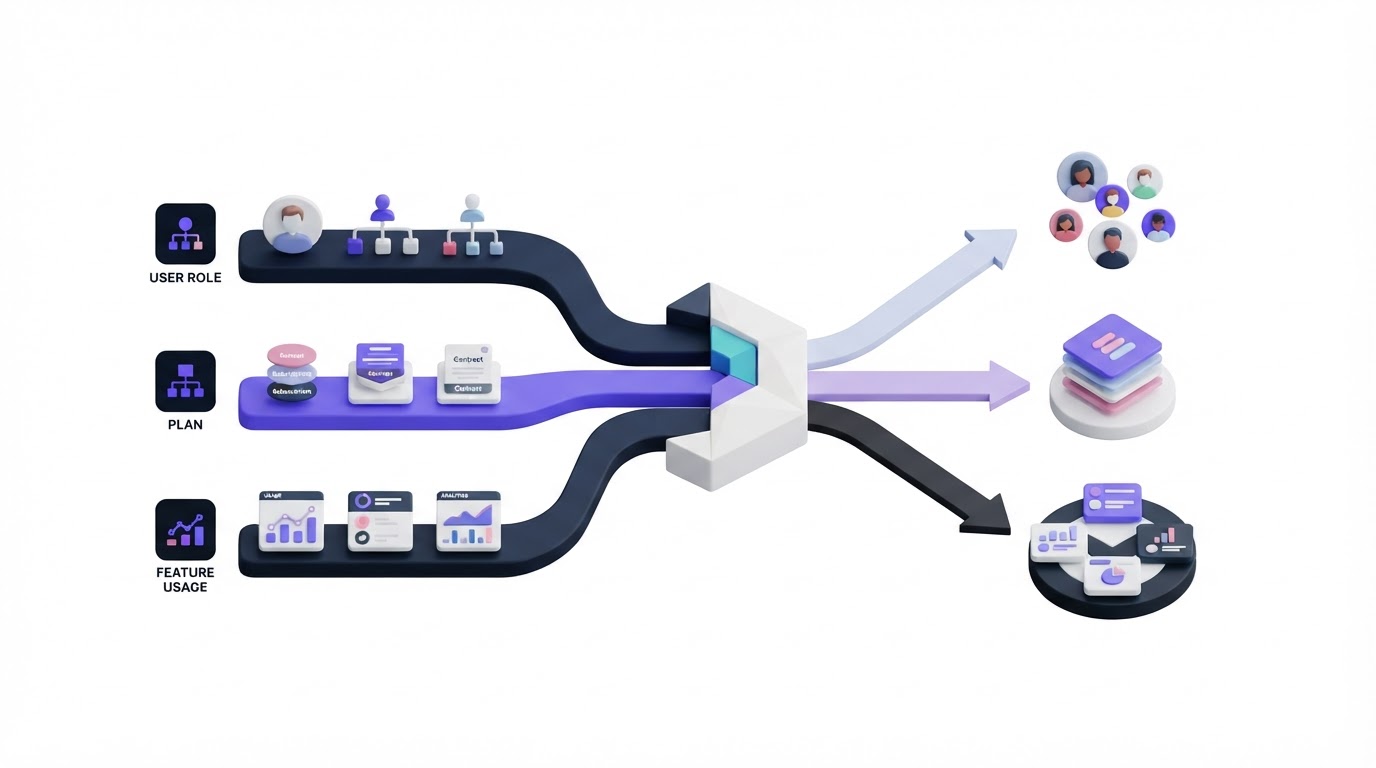
- Create an audience using user role, subscription plan, feature usage, and feedback history.
- Write a message variant that explains the specific outcome for that audience.
- Send through the channel where that group will see the update in time to act.
- Track engagement, adoption, and follow-up feedback, then refine the next segment.
How to plan product update announcements before segmenting
Start with the change itself. Document who can use it, which account settings affect access, and what behavior should follow the announcement. A useful release brief is usually one page: release name, audience, value, access requirements, launch date, owner, and success measure.
Consider a hypothetical SaaS platform called RelayDesk. Its team launches approval rules for support ticket routing. The feature helps operations managers route high-priority tickets automatically, yet individual agents receive little value from the setup announcement. RelayDesk also limits approval rules to Growth and Enterprise plans.
The team sets two desired actions: operations managers should configure their first rule, and account owners on lower plans should understand why the capability may matter during renewal conversations. Those actions need separate messages.
Keep your changelog as the shared record of the release. The team can then adapt the introduction, call to action, and delivery without maintaining conflicting explanations across email, in-app notices, and support replies. See how to close the customer feedback loop with a changelog for the operating model behind that handoff.
How to segment product updates by role, plan, and feature usage
Use attributes that change the recipient's next step. Role, plan, and product behavior work well because each reveals a different form of relevance.
| Segment signal | What it tells you | Best message angle | RelayDesk example |
|---|---|---|---|
| User role | Who owns the workflow | Responsibility and setup steps | Operations managers get the rule-builder guide |
| Subscription plan | Access and commercial fit | Availability and account impact | Growth customers receive launch access details |
| Feature usage | Current workflow and maturity | Efficiency, migration, or activation | Teams using manual routing see time-saving examples |
| Feedback history | Stated demand and context | Resolution of a known problem | Voters receive a direct update on the request |
Build the segment in layers. RelayDesk first selects Growth and Enterprise accounts, then identifies users with an operations manager role, then narrows the group to accounts that used manual routing in the past 30 days. That creates a focused activation audience.
A second audience contains account owners on Starter plans who have high ticket volume. Their message covers the business outcome and offers a conversation with the account team. The message avoids a setup tutorial because those recipients lack access.
Feature usage needs careful interpretation. A person who never used a feature may lack a relevant workflow, may have missed activation, or may rely on another process. Combine behavior with role and plan before deciding what they should receive.
Feedback records add valuable context. Customers who voted for a request have already explained their interest through their action. Grouping those people by account value and demand is also useful before a release. This guide to prioritizing customer feedback by revenue, segment, and demand shows how to structure those decisions earlier in the product process.
How to write product update messages for each segment
Write one source description of the release, then create message variants around the recipient's job. Lead with the outcome, explain the change in plain language, give access details, and finish with one action.
For RelayDesk, the operations manager email opens with: “Set routing rules once, then send priority tickets to the right queue automatically.” It includes a two-minute setup path and links to the relevant screen.
The account-owner version begins with the operational benefit: “Approval rules help teams reduce manual routing during busy support periods.” It explains that the capability is available on Growth and Enterprise plans, then invites the owner to discuss fit.
The voter update can be even more direct: “You asked for more control over ticket routing. Approval rules are now available.” Include the requested use case where possible. This language signals that customer input reached the product team.
Use the same product name and release date across every variant. Different framing is helpful; conflicting claims create support work and reduce trust.
How to choose channels for communicating product updates
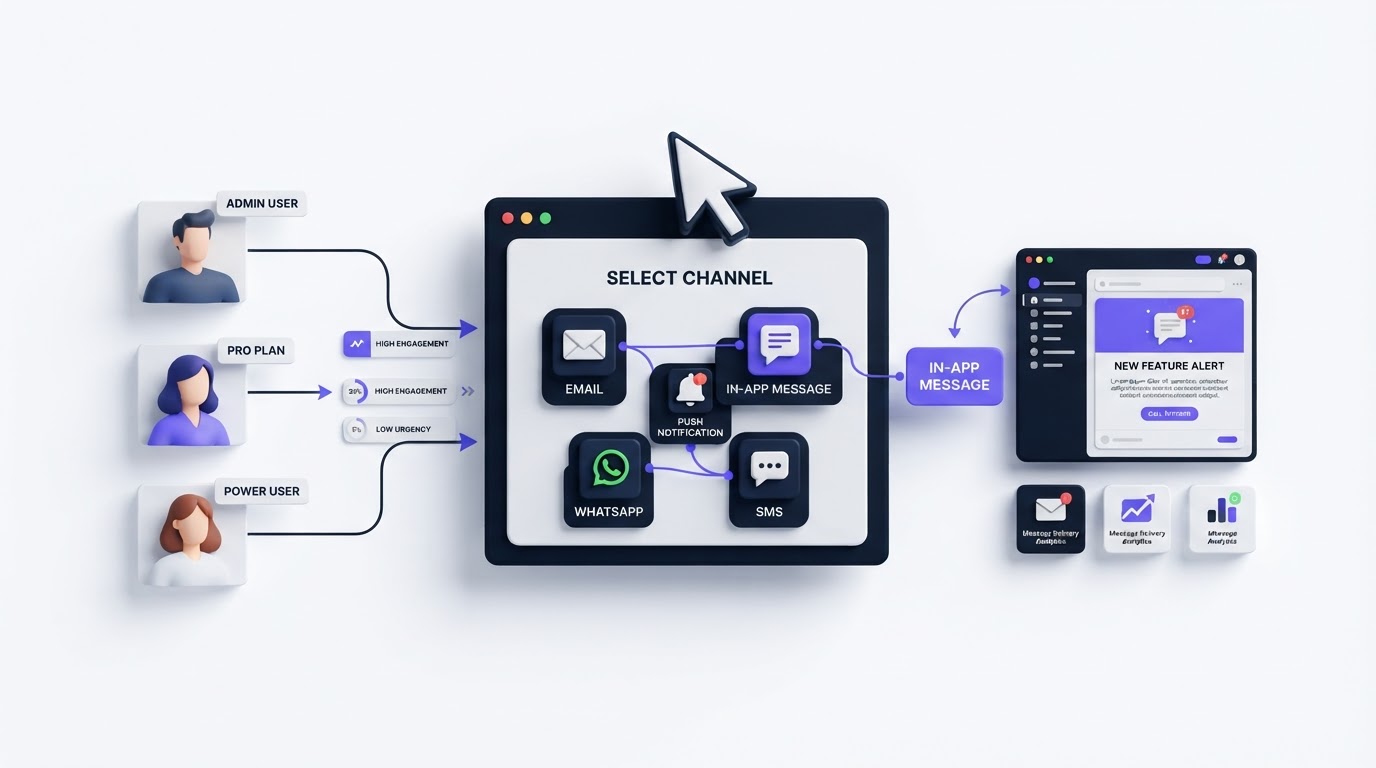
Match the channel to urgency, complexity, and the recipient's location in the product. An in-app prompt fits a feature that needs immediate setup. Email works well for account owners and infrequent users. A public changelog provides a durable destination that support, sales, and customers can reference later.
RelayDesk publishes a changelog post for everyone, sends a targeted email to relevant operations managers, and presents an in-app notice when those managers visit ticket settings. The team gives the public post a short overview while the in-app notice goes directly to setup.
Get the consent and privacy foundation right before building campaign lists. The FTC's CAN-SPAM compliance guide covers requirements for commercial email in the United States, while the European Commission's GDPR overview explains the EU framework for personal-data processing. Review your legal basis, unsubscribe handling, and data retention policy with the appropriate internal or legal owner.
For the broader channel strategy, read these practical ways to communicate product updates to customers. Use that strategy as the foundation, then apply segmentation to make each announcement more useful.
How to measure whether segmented product updates work
Measure the action tied to each segment rather than relying only on opens. For the RelayDesk manager audience, track the percentage of recipients who create an approval rule within seven days. For the Starter plan audience, track qualified conversations or plan-interest signals. For voters, watch feature adoption and follow-up feedback.
Compare each segment against a relevant baseline, such as the prior 30 days of feature activation among similar accounts. Export the recipient list and delivery date with the results. This makes it possible to see whether a low adoption rate came from the message, the audience definition, onboarding friction, or release timing.
One common failure occurs when a team sends a message to every user at an account because the account matches the plan filter. Individual contributors then receive administrative instructions, while the true owner misses the message in a crowded inbox. Add a role condition and test the audience with a small internal review before sending.
How Upvoty supports segmented product update communication
Upvoty keeps the communication trail close to the feedback that shaped the release. Start by organizing related requests on feedback boards, where duplicate requests can be brought together around a clear product problem.
Next, use segments to view feedback through the lens that matters to your team, such as account type, customer tier, or a defined group of users. The release owner can see whose requests are affected instead of working from an anonymous total.
Move the item through a customer-facing roadmap when you are ready to share planned work. Once released, publish the explanation in the changelog, with screenshots, implementation notes, or links to setup resources where needed. Customers who voted can receive an update through Upvoty's automatic voter notifications, giving the most invested audience a direct signal that their input was addressed.
This is the useful advantage of feedback-led release communication: the first audience is already visible. Add role, plan, and usage data from your customer systems when shaping broader campaigns, then keep the changelog as the reliable public record.
Here is what a customer-facing release page can provide after the targeted messages go out.
!Public changelog showing new product releases and updates
FAQ about communicating product updates by segment
Should every product update be segmented?
Segment updates when the release changes access, responsibility, workflow, or expected value across customer groups. A minor visual fix may only need a changelog entry. A new permission model, billing capability, or workflow tool benefits from a focused audience and tailored instructions.
Which segment should SaaS teams start with?
Start with people who requested the capability or already use the adjacent workflow. They have the clearest context, and their response will reveal whether the release solves the intended problem. Expand to role and plan segments after that first group receives the update.
How many message variants should a release have?
Create enough variants to give each audience a different next step. Three versions often cover a meaningful release: active users who need setup guidance, decision-makers who need commercial context, and requesters who need closure. Maintain a single approved release brief to keep details aligned.
Can a public roadmap replace targeted announcements?
A public roadmap helps customers follow progress, yet it rarely delivers setup guidance at the moment a relevant user needs it. Use the roadmap for visibility and targeted messages for activation. Learn more about how to build a public product roadmap customers can trust.
Create segments around the people affected by each release, then give them a message that fits their role and next action. Upvoty gives your team one place to collect demand, share progress, and notify the customers waiting for the update. Read next: How to Segment Product Updates So Every Customer Sees What Matters.