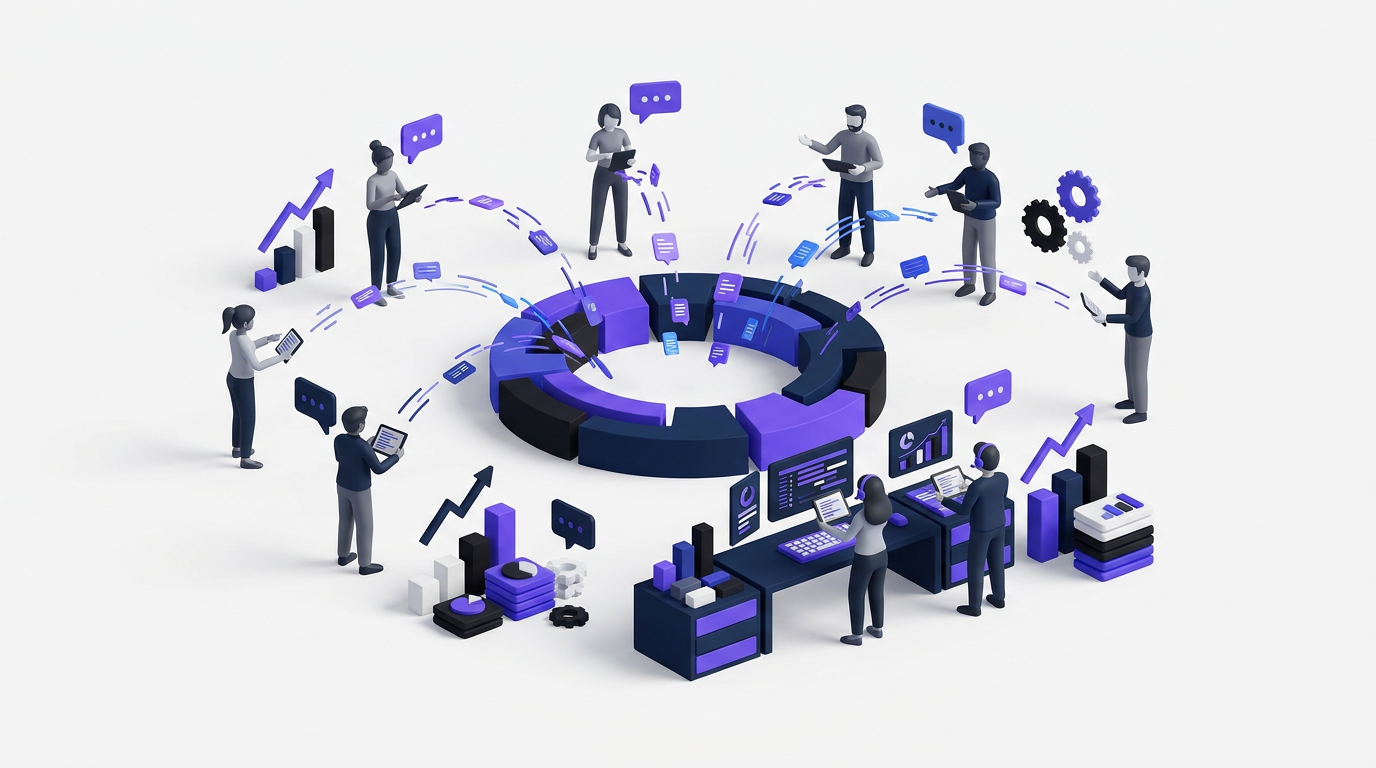
Feature requests arrive through support tickets, sales calls, Slack messages, and spreadsheets. Soon, nobody can tell which requests are duplicates, who asked for what, or whether customers were ever given an answer.
Upvoty provides a product feedback portal that keeps collection, voting, prioritization, roadmaps, and release communication connected.
Quick answer: how to set up a product feedback portal
Use this workflow to create a portal customers will actually use:
- Define what feedback you want and who can access the portal.
- Create focused feedback boards and submission forms.
- Add the portal and feedback widget to customer touchpoints.
- Moderate submissions, merge duplicates, and collect context.
- Prioritize requests using votes, customer segments, and business value.
- Publish approved work on a customer-facing roadmap.
- Announce shipped features and notify the people who requested them.
Define the purpose of your product feedback portal
Start with one decision: what should customers submit here?
A broad board called “Ideas” often becomes a mixture of bug reports, billing questions, integration requests, and vague suggestions. That creates more sorting work and makes voting less meaningful. Create boundaries before inviting customers.
For example, consider a hypothetical workforce scheduling SaaS using feedback.example.com. Its team wants to collect product improvements, not urgent support issues. The portal explains that account problems still belong in support, while requests such as recurring shift templates, payroll exports, and schedule approval rules belong on the feedback board.
Decide whether the portal should be public, private, or split between different audiences. A public portal helps customers discover existing requests before posting another. A private portal may suit enterprise products where feature discussions could expose internal processes or client names. Upvoty supports public and private feedback setups so access can match the product and audience.
Do not ask users to include confidential information in public posts. If you operate in regulated markets or serve European customers, review data collection against the principles in Article 5 of the GDPR, including purpose limitation and data minimization.
Structure product feedback boards around clear decisions
Create boards based on product areas or distinct workflows, not internal department names. Customers understand “Reporting,” “Mobile App,” and “Integrations.” They may not know which engineering squad owns a feature.
The scheduling SaaS could create boards for Scheduling, Reporting, Integrations, and Mobile. A request for recurring shift templates belongs in Scheduling. A payroll CSV export belongs in Integrations or Reporting, depending on how the product is organized. Pick one home and apply it consistently.
Keep the submission form short enough to finish. Ask for the problem, the desired outcome, and any relevant workflow details. Avoid requiring customers to write a business case. You can collect deeper context during review.
A well-designed portal should also work for keyboard and assistive technology users. The Web Content Accessibility Guidelines from W3C provide the reference criteria for accessible forms, navigation, labels, and contrast.
This Upvoty feedback board shows how customers can browse existing ideas and submit feature requests in one place.
!Public voting boards for feedback and feature requests
Add your product feedback portal where customers need it
A portal cannot replace every feedback channel. Sales representatives will still hear objections, and support teams will still receive requests. The goal is to give those conversations a shared destination.
Link the portal from your application menu, help center, onboarding emails, and support replies. Add an in-app feedback widget when customers need to submit ideas without leaving the product. Keep the trigger visible but unobtrusive.
For the scheduling example, place the widget beside the schedule editor. A manager trying to copy a weekly rota can submit a recurring-template request while the missing workflow is fresh. The product team receives more useful context than it would from a generic survey sent weeks later.
Tell internal teams how to use the same process. When sales hears a request, it should attach the relevant account to an existing post or create a clear new submission. Copying every conversation into an unstructured notes field only moves the problem.
Moderate and merge product feedback before prioritizing it
Raw feedback is not a roadmap. Review new submissions regularly, remove sensitive information, clarify unclear titles, and combine requests that describe the same underlying need.
Suppose the scheduling portal receives “repeat last week,” “recurring rota,” and “save schedule as template.” These may be separate interface suggestions for one problem: managers rebuild predictable schedules manually. Merge them under a customer-centered title while preserving the original comments and voters.
Moderation also requires judgment. Two requests can sound similar while serving different jobs. “Export payroll hours” and “sync approved hours to payroll” should not be merged automatically because one is a file export and the other is an ongoing integration.
Document the rules customers can see, including what belongs on the board, how duplicates are handled, and which content will be removed. This guide to public feedback board governance explains what to share, moderate, and keep private.
Prioritize product feedback beyond the vote count
Votes show demand, but they do not measure revenue impact, strategic fit, effort, urgency, or the severity of the underlying problem. They are one input.
The scheduling SaaS might find that a cosmetic dark-mode request attracts broad interest while recurring shift templates are requested by accounts approaching renewal. Building only the most popular item would ignore commercial context and repeated workflow friction.
Review each serious request against customer segment, frequency of need, account importance, product direction, implementation cost, and supporting evidence. Customer feedback prioritization becomes more reliable when demand is connected to segments rather than treated as one undifferentiated score.
Beware of popularity bias. Older posts have had more time to collect votes, visible vote totals can influence later visitors, and one highly active community may outweigh quieter customers. Read the practical guide to interpreting feature voting without popularity bias before turning rankings into commitments.
| Feedback source | What it captures well | Main limitation | Best role in prioritization |
|---|---|---|---|
| Portal votes | Visible demand for known requests | Can favor older or highly visible posts | Compare interest and identify discussion candidates |
| Comments | Workflow details and customer language | Quality varies between contributors | Understand why the request matters |
| Customer segments | Demand from relevant account groups | Depends on accurate customer context | Test strategic and commercial relevance |
| Support conversations | Immediate pain and recurring friction | Often scattered across tickets | Validate severity and frequency |
| Product strategy | Direction and differentiation | May not reflect current customer demand | Filter requests that do not fit the product |
Turn prioritized feedback into a public product roadmap
Move a request to the roadmap only after the team has made a real planning decision. A public roadmap is not a list of everything customers want.
Use a small set of statuses such as Under Consideration, Planned, In Progress, and Shipped. Avoid precise delivery dates unless the team can support them. Dependencies, technical findings, and security reviews can change timing.
For the scheduling example, the team moves recurring shift templates to Planned after validating the workflow and assigning capacity. The payroll export remains Under Consideration while the team determines whether customers need a file, a direct integration, or both. That status communicates attention without promising the wrong solution.
Customers should be able to understand roadmap items without knowing internal project names. Explain the problem being addressed and who benefits. The guide to building a public product roadmap customers trust covers status wording, time horizons, and expectation management.
This dashboard illustrates how planned work can be organized before it appears on a public roadmap.
!Dashboard for creating and managing a public product roadmap
Close the product feedback loop after release
Shipping the feature is not the final step. Return to the original request, change its status, publish a plain-language release note, and notify the people who voted or commented.
For recurring shift templates, the update should explain what users can now do, where the control appears, and any limitations. “Recurring schedules shipped” is less helpful than a short note explaining that managers can save a weekly schedule as a reusable template and apply it to a future date range.
Closing the loop proves that the portal is active. Customers are more likely to contribute useful feedback when they can see previous requests move from discussion to delivery. Use a product changelog for the release announcement and follow this process for closing the customer feedback loop without relying on manual follow-up lists.
How the product feedback portal workflow runs in Upvoty
Doing this manually means maintaining forms, spreadsheets, voter lists, duplicate records, roadmap pages, and release emails. Upvoty keeps those stages in one workflow.
First, create dedicated feedback boards and choose whether each should be public or private. Configure custom submission forms where a board needs more context, then place the portal link or widget inside the product.
Next, review incoming posts from the management dashboard. Moderation tools help keep submissions usable, while Merge AI helps identify and combine overlapping requests. Add smart tags, internal notes, assignees, and priorities as the team reviews each item. Customer segments and analytics provide more context than a raw vote total.
When a request is approved, place it on the public roadmap with an appropriate status. Customers can follow progress without asking support for updates. Once the feature ships, publish a changelog entry and use automatic voter notifications to contact the people already connected to the request.
This connected workflow is the central advantage of a dedicated portal. The original customer signal remains attached to the prioritization decision, roadmap item, and final release communication.
How to choose product feedback portal software
Test software against your actual workflow rather than counting feature names. Create a trial board, submit overlapping requests, moderate them, move one item to a roadmap, and publish a release update. Invite a support representative and a product manager to perform the test together.
Check access controls, customization, custom domains, export options, integrations, moderation, user identification, and multilingual requirements. Confirm that you can export your data before committing. Also inspect the customer experience on mobile and test how easily a user can find an existing request before creating another.
Canny, Featurebase, and Nolt are among the products teams may evaluate. Compare current capabilities and check each vendor’s own pricing page before making a decision. For a closer workflow comparison, see this Upvoty feature and use-case breakdown or review the broader guide to choosing feedback software for a growing SaaS team.
Product feedback portal FAQ
What is a product feedback portal?
A product feedback portal is a central place where customers submit ideas, find existing requests, vote, comment, and track product decisions. Product teams use it to organize demand, collect context, publish roadmap updates, and communicate shipped improvements.
Should a product feedback portal be public or private?
Use a public portal when shared visibility helps customers discover duplicates and understand product direction. Choose a private portal when feedback includes confidential workflows, restricted product plans, or account-specific information. Some teams use separate public and private boards for different customer groups.
Can feature voting decide what we build next?
No. Voting identifies interest, but prioritization should also consider customer segments, urgency, strategy, effort, account impact, and evidence from support or research. Treat votes as a signal rather than a binding commitment.
Does a feedback portal replace customer interviews?
No. A portal captures continuous demand and gives requests a visible home. Interviews remain useful when the team needs to understand behavior, motivations, constraints, and the real problem behind a proposed feature.
How often should we update the portal?
Moderate new submissions on a consistent schedule and update statuses whenever a decision changes. An outdated roadmap damages trust faster than having no public roadmap. If an item is delayed or removed, explain the change directly.
Can Upvoty collect feedback inside an app?
Yes. Upvoty provides feedback widgets that can be placed inside the product, allowing customers to submit or view feedback closer to the point where they experience a problem.
Turn scattered requests into a visible process customers can follow from submission to release. Create your product feedback portal with Upvoty and keep voting, prioritization, roadmap updates, and changelog communication connected. Read next: Product Update Email Templates for SaaS Teams. Read next: How to Collect Feedback Inside Your SaaS Product With an In-App Feedback Widget.