
Feature requests often arrive through support tickets, sales calls, product chats, and scattered spreadsheets. That leaves product teams with duplicate requests, unclear demand, and customers who never hear what happened next. Upvoty brings requests into a structured workflow from submission through release communication.
Quick answer
Use feature request tracking software to:
- Capture requests through a feedback board, embedded widget, or custom form.
- Merge duplicate requests into one clear problem statement.
- Add customer context, segments, internal notes, owners, and priorities.
- Use demand and business context to decide what reaches the roadmap.
- Publish status updates and notify voters when work ships.
How feature request tracking software works
A useful system records more than a vote count. It connects each request to the customer problem, the audience affected, the delivery decision, and the update customers receive later.
Consider an illustrative reporting SaaS. Customers submit “scheduled CSV exports” through feedback.yourapp.com/boards/reporting, while support logs “email a report every Monday” from tickets. The product team initially treats them as separate ideas. After reviewing the requests, they merge both into a single post: “Schedule recurring report delivery.” That merged post gives customers one place to vote, comment, and follow progress.
Start by defining a small set of request categories that reflect real product areas, such as reporting, billing, permissions, and integrations. Give each submission a clear title and ask one focused question in the form: what outcome is the customer trying to achieve? This produces stronger evidence than a vague “feature idea” field.
A public board works well for broadly useful requests. Private boards suit enterprise feedback, beta programs, or internal teams. Upvoty supports public and private feedback spaces, so teams can use different visibility rules without splitting their process across separate tools.
Set up feature request tracking software for clean input
Place collection points where customers already have product context. An in-app widget captures feedback while a user is working. A portal gives customers a destination for browsing, voting, and commenting. Support and success teams can also add requests on a customer’s behalf.
For the reporting SaaS example, place a widget on the analytics page and use a form field that asks whether the request relates to exporting, scheduling, or sharing. A customer asking for a Monday email report can then select “scheduling” and explain the reporting cadence their team needs.
Use moderation before a submission appears on a public board. This gives the team time to remove sensitive details, improve titles, and merge near-identical posts. The governance choices behind this process are covered in Public Feedback Boards: What to Share, Moderate, and Keep Private.
Customer data also needs deliberate handling. Collect only the information needed to interpret a request, especially where feedback includes account details or support context. The GDPR data minimization principle provides a practical standard for keeping personal data relevant and limited to the purpose.
Prioritize feature requests with context beyond votes
Votes show visible interest. Product decisions need additional evidence: which segment is asking, whether the request addresses a recurring workflow, how it aligns with product strategy, and the delivery effort involved.
In the reporting example, “Schedule recurring report delivery” receives requests from both individual analysts and account administrators. The team sees that administrators need scheduled reports for executive reviews, while analysts mainly need ad hoc exports. They prioritize recurring delivery because it solves a repeated workflow for the administrative segment and can reduce manual report preparation.
Use a consistent review cadence. Assign an owner, set a status, and record the reason behind a decision in an internal note. That history helps support and sales teams answer customer questions accurately.
| Decision input | What to review | How it affects priority |
|---|---|---|
| Demand | Votes, comments, and duplicate submissions | Shows the breadth of the underlying problem |
| Customer segment | Role, plan, use case, and strategic account context | Reveals who benefits and why |
| Product fit | Roadmap theme, existing capabilities, and dependencies | Keeps work tied to a clear direction |
| Delivery effort | Engineering scope, risk, and operational impact | Helps sequence feasible work |
| Revenue or retention signal | Sales blockers, renewal feedback, and expansion opportunities | Adds commercial context to demand |
Avoid treating the most visible request as an automatic winner. A focused request from a key segment can carry more weight than a broadly worded idea with shallow support. Read how to interpret feature voting without popularity bias before using vote totals in planning meetings.
Turn feature requests into a customer-facing roadmap
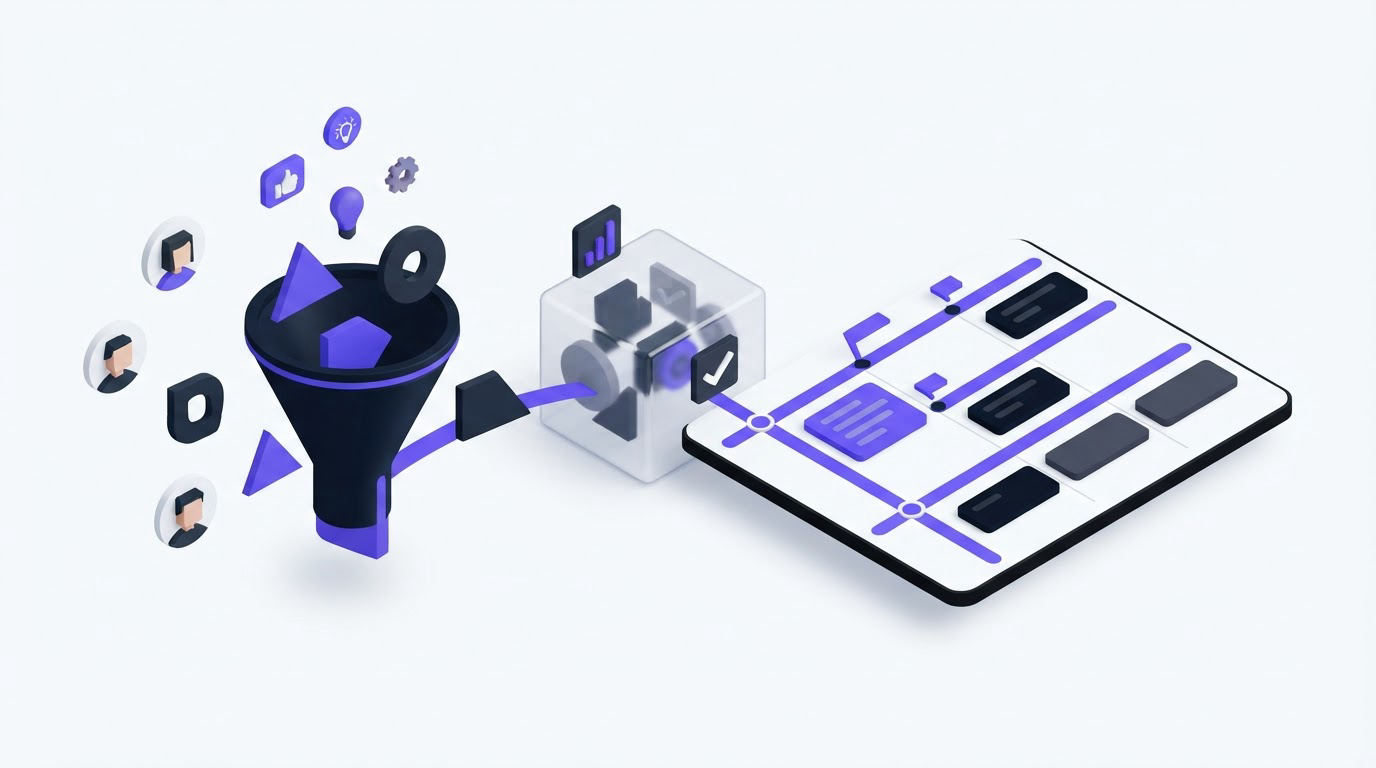
A roadmap gives customers a clear view of progress while keeping the team in control of scope and timing. Use simple statuses such as under consideration, planned, in progress, and complete. Reserve detailed internal delivery plans for the team.
For the reporting SaaS, the merged recurring-delivery request moves to “planned” after product validation. The public roadmap shows the outcome, while internal notes retain the dependency on report scheduling infrastructure. Customers see progress without receiving speculative dates or implementation details.
!Public roadmap showing planned, in-progress, and completed product updates
A trustworthy roadmap uses language the product team can stand behind. For guidance on the right level of detail, read how to build a public product roadmap customers trust.
Use Upvoty as your feature request tracking software
Upvoty removes the manual handoffs that usually break a feature request process. Start with feedback boards to collect, discuss, and vote on requests. Use moderation, smart tags, segments, internal notes, assignees, and priorities to turn incoming posts into usable product evidence.
When similar submissions appear, merge them with Merge AI so one request reflects the full demand behind the same customer problem. In the reporting example, “scheduled CSV exports” and “Monday email reports” become one request rather than two competing vote totals.
Next, move selected requests onto the product roadmap. The team controls which work becomes visible and which details remain internal. When recurring report delivery launches, publish the release through the changelog and notify the people who voted for it. This closes the loop while the request is still meaningful to the customer.
!Upvoty dashboard for managing feature requests, feedback, and priorities
For development handoffs, connect feedback to delivery work through the Jira integration. Jira’s own automation documentation is useful when teams want to define follow-up actions around issue changes and release states.
Choose feature request tracking software that fits your workflow
Evaluate software against the full feedback loop rather than the submission form alone. Your team needs a practical path from request capture to prioritization, communication, and release follow-up.
Look for these capabilities:
- Public and private boards with moderation controls
- Duplicate merging and organized feedback views
- Segments, tags, internal notes, and ownership fields
- A customer-facing roadmap with controlled status updates
- Changelog publishing and automatic voter notifications
- Integrations that connect product feedback with delivery work
A separate feedback board and roadmap can create extra administration. A connected workflow keeps the context with the request from the first vote through the final release update. See the complete feature request management workflow for a deeper operational view.
Feature request tracking software FAQ
What is feature request tracking software?
Feature request tracking software collects product ideas from customers and teams, organizes them into clear requests, supports prioritization, and communicates progress. It replaces fragmented spreadsheets, inbox labels, and disconnected voting pages with one workflow.
Should feature requests be public or private?
Use public boards for requests that benefit from shared discussion and transparent voting. Use private boards for customer-specific needs, sensitive workflows, internal planning, or beta feedback. Many SaaS companies use both models for different audiences.
How do you prevent duplicate feature requests?
Search existing requests before approving a new submission, then merge related posts under a single outcome-focused title. Preserve the original voters and comments so the merged request reflects the full demand signal.
How do you keep customers updated after they vote?
Update the request status as it moves through review, planning, and delivery. Publish completed work in a changelog and send an update to voters. Closing the customer feedback loop with a changelog explains how to make those announcements useful instead of generic.
Can feature request tracking software work with Jira?
Yes. A Jira connection lets teams keep customer context in the feedback system while engineering delivery remains in Jira. Link the feedback request to the relevant issue and keep public status updates aligned with actual progress.
Bring feature requests, prioritization, roadmap updates, and release communication into one place with Upvoty. Give customers a clear way to contribute and give your product team a process they can run every week.