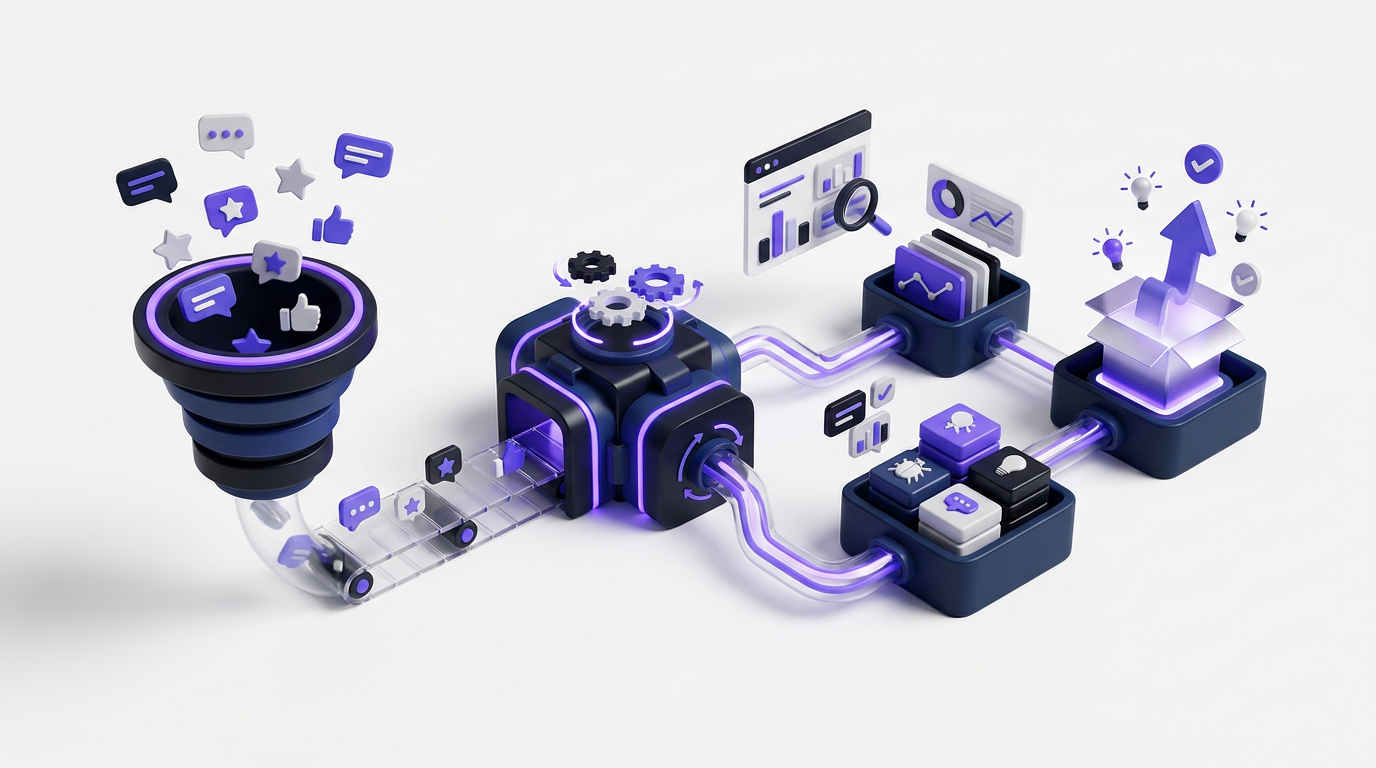
Feature requests arrive through support tickets, calls, chat, sales notes, and scattered documents. Without one workflow, duplicates hide real demand, roadmap decisions lose context, and customers hear nothing after submitting an idea. Upvoty brings those stages into one product feedback management system built around feedback boards, a roadmap, and a changelog.
Product feedback management: the quick answer
Use this seven-step workflow to manage product feedback from submission to release:
- Define separate feedback boards for clear products, audiences, or use cases.
- Collect requests through a portal, in-app widget, and existing customer channels.
- Merge duplicates, add tags, and preserve the context behind each request.
- Analyze demand by customer segment, business relevance, and implementation cost.
- Decide what to reject, review, plan, or build, then record the reason.
- Move accepted requests onto a customer-facing product roadmap.
- Publish completed work in a changelog and notify the customers who asked for it.
The workflow matters more than raw submission volume. A voting board alone captures demand, but the connected board-roadmap-changelog cycle turns that demand into product decisions customers can follow.
How to structure product feedback boards
Start by deciding where each request belongs. Do not create one board for every internal team. Customers rarely know whether a request belongs to engineering, design, billing, or operations.
Create boards around customer-recognizable boundaries instead. A B2B scheduling product might use feedback.example.com/calendar, feedback.example.com/integrations, and a private enterprise board. Each board has a clear purpose, while internal ownership can be handled with tags and assignees.
Public boards let customers search existing requests and vote instead of creating another copy. Private boards work better for beta programs, internal research, security-sensitive requests, or feedback from a specific account group. Upvoty supports public and private feedback boards, so teams can use both models without maintaining separate systems.
Define access rules before launch. If submissions contain names, account details, or usage information, document why that data is collected and how long it is retained. The data minimization principles in the official General Data Protection Regulation provide a useful baseline, even when your business is not based in Europe.
How to collect product feedback in one system
Offer a direct submission route where customers already use the product. A portal works for users who actively want to browse ideas, while an in-app feedback widget captures a request at the moment a customer encounters friction.
Keep the form short. Ask for the problem, desired outcome, and relevant product area. Avoid asking customers to write a technical specification. Their proposed feature can be useful, but the underlying job and constraint give the product team more options.
In the scheduling-product example, a customer submits: “Allow different reminder times for each appointment type.” The useful context is that sales calls need a 15-minute reminder while paid consultations require a 24-hour reminder. Store both details. A title such as “custom reminders” alone is too vague for prioritization.
Support and sales teams still receive requests through conversations. Give those teams a consistent way to add feedback on a customer's behalf rather than leaving it in a CRM note. For a more detailed operational setup, use this feature request management workflow to define ownership and status changes.
This is what a public voting board can show customers before they submit another request:
!Public voting boards for feedback and feature requests
How to organize and merge product feedback
Review incoming submissions on a fixed cadence. Daily review is useful for active boards, while smaller products may only need two sessions each week. Assign one owner. Shared responsibility often turns into no responsibility.
Normalize titles so customers can understand them in search results. Merge “different reminders per booking,” “appointment-level alerts,” and “custom notification timing” into the scheduling example's main request. Preserve the original submissions as supporting context rather than deleting them.
Apply a small, controlled tag set. Product area, customer type, and problem category are usually enough to begin. A board with dozens of overlapping tags creates another cleanup project.
Duplicate merging has a failure mode: two requests can use similar language while describing different problems. “Custom reminders” might refer to reminder timing, message content, or delivery channels. Read the supporting text before merging. Upvoty includes AI-assisted feedback merging, but the product owner should still verify that the customer intent matches.
How to prioritize customer feedback
Votes indicate how many people recognize a request. They do not measure account value, urgency, strategic fit, implementation risk, or the severity of the problem.
For the reminder request, examine which customer segments voted, how often the need appears in interviews, whether customers have a workaround, and whether the change supports the product's intended market. Ten votes from teams running paid appointments may carry more decision value than a larger group of casual users if paid-service businesses are the target segment.
Use a consistent decision record. Capture the target segment, problem frequency, expected user outcome, technical dependencies, estimated effort, and decision owner. Then compare requests using the same evidence. The guide to prioritizing feedback by revenue, segment, and demand explains how to avoid treating every vote as equal.
Reject requests when they conflict with product direction, create disproportionate maintenance, or serve an audience the product does not intend to support. Leave a concise explanation. A clear “not planned” status is more useful than keeping every request under review indefinitely.
Turn selected product feedback into a public roadmap
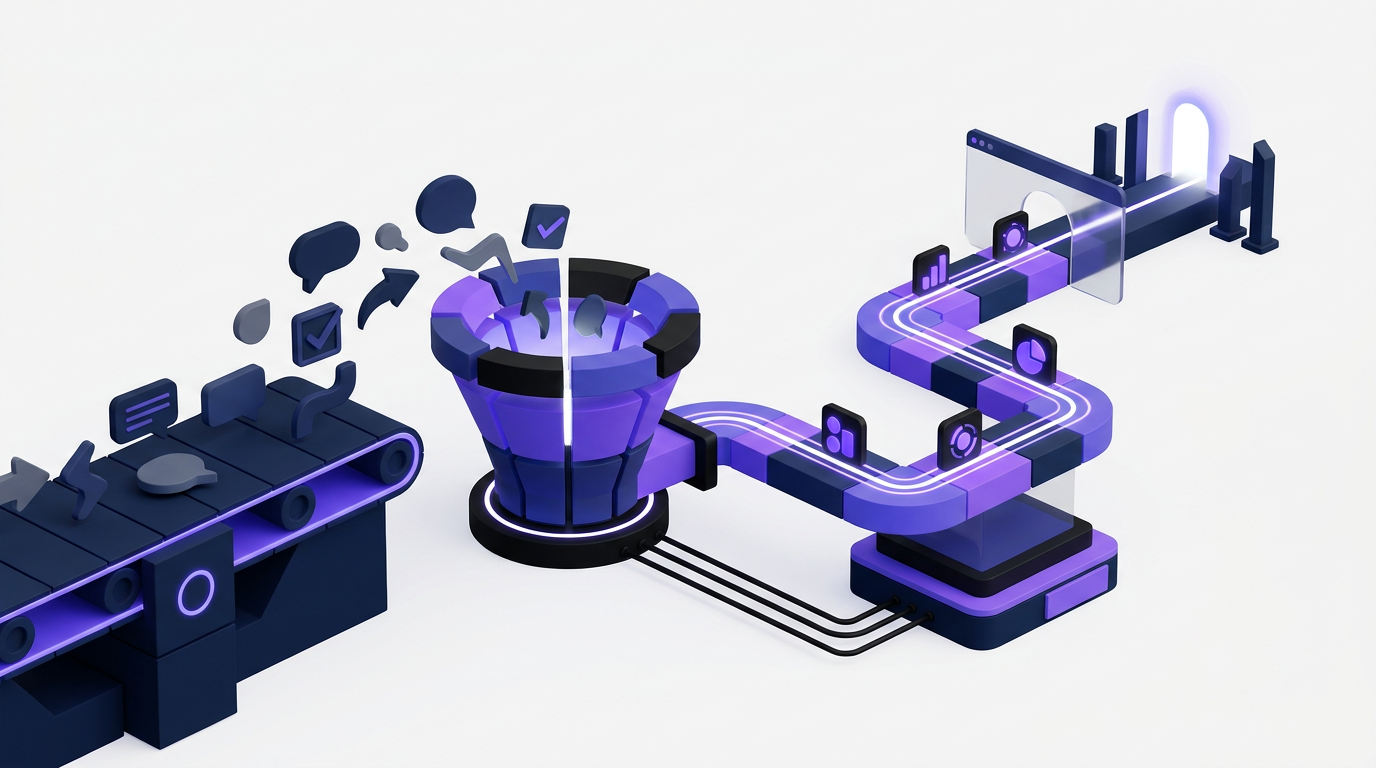
Move accepted work to the roadmap only when the team has made a real commitment. Publishing every popular idea creates false expectations and makes later changes look arbitrary.
Use broad statuses such as planned, in progress, and completed unless a date is genuinely dependable. If the custom-reminder request depends on a notification service update, state the dependency without promising a release day. Roadmaps communicate direction. They should not imitate a sprint board.
A customer-facing roadmap also needs regular maintenance. Remove stale items, explain meaningful changes, and keep internal engineering detail out of public cards. Follow the practical guidance on building a public product roadmap customers can trust before publishing your first set of planned features.
The roadmap view gives customers a direct view of what is being considered, built, and completed:
!Public product roadmap showing planned and completed work
Close the product feedback loop after release
When custom reminders ship, update the original request rather than creating an unrelated release note. Publish a changelog entry explaining what changed, who benefits, and where customers can configure it. Notify the voters and subscribers attached to the request.
Closing the loop confirms that submitting feedback was worthwhile. It also gives support and success teams one accurate release explanation to share. Upvoty's automatic voter notifications connect the status change to the people who expressed demand.
Do not mark a request complete if only part of the requested outcome is available. Specify what shipped and keep unresolved needs open when appropriate. The guide to closing the customer feedback loop with a changelog covers the handoff from completed roadmap item to customer communication.
How Upvoty handles product feedback management
Upvoty removes the manual handoffs between collection, prioritization, roadmap communication, and release updates.
A customer first reaches a branded feedback board or opens a feedback widget inside the product. They search existing ideas, vote for the relevant request, or submit a new one. The product team reviews that submission in the management dashboard, adjusts the title, merges duplicates, adds tags, and records internal context.
Next, the team uses feedback analytics and customer segments to inspect demand instead of reading votes in isolation. Owners can assign priorities and keep internal notes attached to the request. Once the decision is firm, they update its status and place accepted work on the public roadmap.
When development finishes, the team marks the request complete and publishes a changelog update. Customers who voted can receive an automatic notification. The original idea, roadmap item, and release communication remain part of one traceable process.
Teams that want to analyze feedback outside the dashboard can also use the Upvoty MCP feature with supported AI tools. The practical walkthrough for analyzing customer feedback in ChatGPT, Claude, and Cursor explains how to query that information while retaining the board as the source of record.
How to choose product feedback management software
Choose based on the workflow gaps you need to remove. A spreadsheet can support early research, but it does not give customers a searchable submission experience or notify them when work ships. A support inbox captures conversations but makes duplicate detection and public communication difficult.
| Capability | Spreadsheet | Support inbox | Product feedback management platform |
|---|---|---|---|
| Customer voting | Manual tally | Usually unavailable | Attached to requests |
| Duplicate handling | Manual search | Split across conversations | Merge related submissions |
| Customer segmentation | Manual columns | Depends on support data | Segment demand in the workflow |
| Public roadmap | Separate document | Not supported | Connected to accepted requests |
| Release notifications | Manual outreach | Individual or bulk replies | Notify voters after status changes |
| Decision history | Easily overwritten | Buried in threads | Stored with the feedback item |
Check whether the platform supports private boards, custom domains, moderation, data exports, team roles, and integrations with the tools your team already uses. Public pages should also meet your accessibility requirements. The W3C Web Content Accessibility Guidelines provide the recognized criteria for making web content more accessible.
Canny, Featurebase, and Nolt are common alternatives with different feature sets and packaging. Compare current capabilities against your required workflow, and check each vendor's own pricing page for current numbers. Upvoty's product feedback tool selection guide provides a structured evaluation process, while the Upvoty pricing page shows current plan details.
Common product feedback management mistakes
Collecting feedback without assigning a review owner is the first problem. Submissions accumulate, statuses become unreliable, and customers stop checking the board.
The second is prioritizing entirely by vote count. Public voting can favor visible, easy-to-understand ideas while underrepresenting technical blockers or needs from smaller strategic segments.
Another mistake is exposing internal delivery detail. A public roadmap should communicate customer outcomes and meaningful progress, not ticket numbers, developer assignments, or speculative deadlines.
Finally, avoid collecting more personal data than the workflow needs. Define access, retention, exports, and deletion procedures. The NIST Privacy Framework offers a neutral structure for identifying and managing privacy risk across a product process.
Product feedback management FAQ
What is product feedback management?
Product feedback management is the operating process used to collect customer requests, combine related ideas, analyze demand, make product decisions, communicate planned work, and report what shipped. Software supports the process, but ownership and decision rules still need to be defined by the team.
Should our feedback board be public or private?
Use a public board when customers benefit from searching, voting, and following updates. Use a private board for internal feedback, beta groups, enterprise accounts, or discussions that may expose confidential information. Many teams need both.
How often should product teams review feedback?
Review active boards daily or several times each week so spam, duplicates, and urgent issues do not remain visible. Run deeper prioritization on a scheduled product cadence, such as before roadmap planning, rather than changing priorities whenever a request gains a new vote.
Can AI prioritize customer feedback automatically?
AI can group similar submissions, summarize themes, and help inspect large feedback sets. It should not make the final roadmap decision without business context. Strategic fit, customer value, contractual commitments, risk, and engineering cost require accountable human judgment.
Is feature voting enough to decide what to build?
No. Voting shows visible demand among participating users. Combine it with customer segments, problem severity, interviews, product strategy, implementation effort, and evidence from support or usage data.
Build a feedback process customers can follow from request to release. Use Upvoty for product feedback management and connect voting boards, prioritization, your public roadmap, and changelog updates in one place. Read next: How to Measure the Business Impact of a Feedback Management Platform.