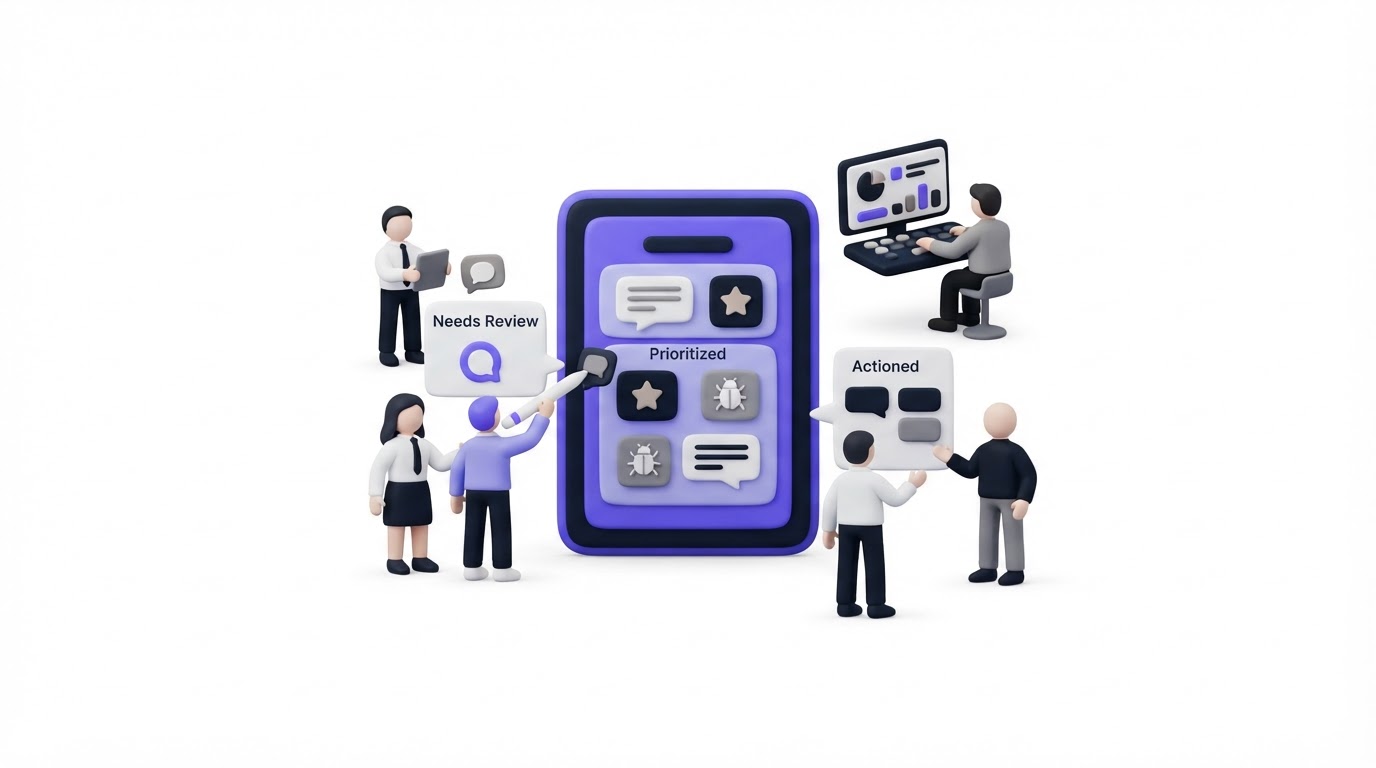
Feature requests often arrive through support tickets, sales calls, Slack messages, and vague emails. By the time a product manager reviews them, duplicate requests hide demand and the context behind each request has disappeared.
Feedback triage software gives your team one working queue for reviewing feedback, grouping similar requests, adding business context, and communicating decisions. Upvoty combines public or private feedback boards with prioritization tools, a roadmap, and a changelog so feedback can move from request to visible outcome.
Quick answer: how to triage customer feedback
Use this workflow to turn incoming requests into product decisions:
- Capture every request in one feedback inbox or board.
- Review new posts on a set cadence and remove spam or incomplete submissions.
- Merge duplicate requests into one canonical post.
- Add tags, customer segment, revenue context, and internal notes.
- Assign a status, owner, and priority for requests that need a decision.
- Publish confirmed work to a roadmap and notify voters when it ships.
How feedback triage software creates a usable product queue
A triage queue needs enough structure to preserve the customer signal while staying fast to maintain. Start by deciding where feedback enters. A public board suits broad product ideas, while a private board works well for enterprise accounts, beta groups, and internal teams. An embedded widget captures feedback while customers are using the product.
Then make every new item reviewable. A useful submission includes the problem, desired outcome, product area, and customer identity or segment where appropriate. Skip long required forms. They reduce submissions and often produce generic answers. Use a short custom form to collect the detail your team actually uses during review.
Consider a fictional SaaS company, BillingFlow. Its support team receives three requests over two days:
- “Add a NetSuite export” from an enterprise finance lead
- “Need accounting exports” from a mid-market customer
- “Sync invoices to our ERP” from an agency owner
A weak process creates three backlog cards. A better triage process creates one canonical post, “Export invoices to accounting and ERP systems,” then links the three original requests to it. The product manager keeps the wording broad enough to represent the shared job while recording the specific NetSuite need in an internal note.
Use feedback boards to give customers a searchable place to add their voice to the canonical request. Customers can see that the topic already exists, vote on it, and add useful comments instead of creating another copy.
How to merge duplicates during feedback triage
Duplicate merging is where feedback triage software earns its place. Vote counts become meaningful only when related requests sit together. The task requires judgment, because similar wording can mask separate needs.
For BillingFlow, “NetSuite export” and “Xero sync” belong under a broader accounting integration theme only if the near-term decision concerns the same underlying workflow. If the product team expects separate technical work, keep them as related posts and use a shared tag such as accounting-integrations.
Use this test before merging: would one shipped solution reasonably satisfy the people behind both requests? If yes, merge them. If each group requires a distinct outcome, retain separate posts and connect them through tags or internal notes.
Merge early, then leave an audit trail. Preserve the original wording, customer identity, and source channel in the merged record. That detail helps product, sales, and support explain why a request gained attention.
AI-assisted duplicate suggestions can speed up the first pass, especially when request volume is high. A human reviewer should approve the result. “Export data” can describe a CSV download, a scheduled report, or an ERP integration. Those lead to different product decisions.
How to prioritize feedback after triage
Votes show visible demand. Product decisions also need customer fit, strategic value, effort, timing, and evidence from conversations. Capture those inputs beside the request instead of scattering them across a spreadsheet and issue tracker.
For BillingFlow, the canonical export request has 18 voters. Four belong to enterprise accounts, and the sales team has a live procurement conversation where accounting export is a stated requirement. The team tags the post enterprise, adds the sales context as an internal note, and assigns the product lead to assess scope. A separate request with 30 votes may remain lower priority if it serves a segment outside the company’s current focus.
This table gives each feedback signal a place in the review process.
| Signal in the request | What it tells the team | Triage action | BillingFlow example |
|---|---|---|---|
| Vote count | Breadth of visible demand | Merge duplicates before reading the total | 18 voters on the canonical export post |
| Customer segment | Who experiences the problem | Tag the post by plan, market, or account type | enterprise and agency |
| Revenue context | Commercial urgency | Add private context for account teams | Procurement depends on an export path |
| Comments | The job and constraints behind the request | Pull out recurring details in internal notes | NetSuite appears in several comments |
| Effort and dependencies | Delivery feasibility | Ask engineering for an early scope view | API limits shape the proposed approach |
Read our guide to prioritizing customer feedback by revenue, segment, and demand for a deeper decision framework. Keep sensitive account information restricted to staff. If submissions contain personal data, apply the data-minimization principle described in the EU General Data Protection Regulation and collect only the fields needed for the triage decision.
Feedback triage software for public and private feedback
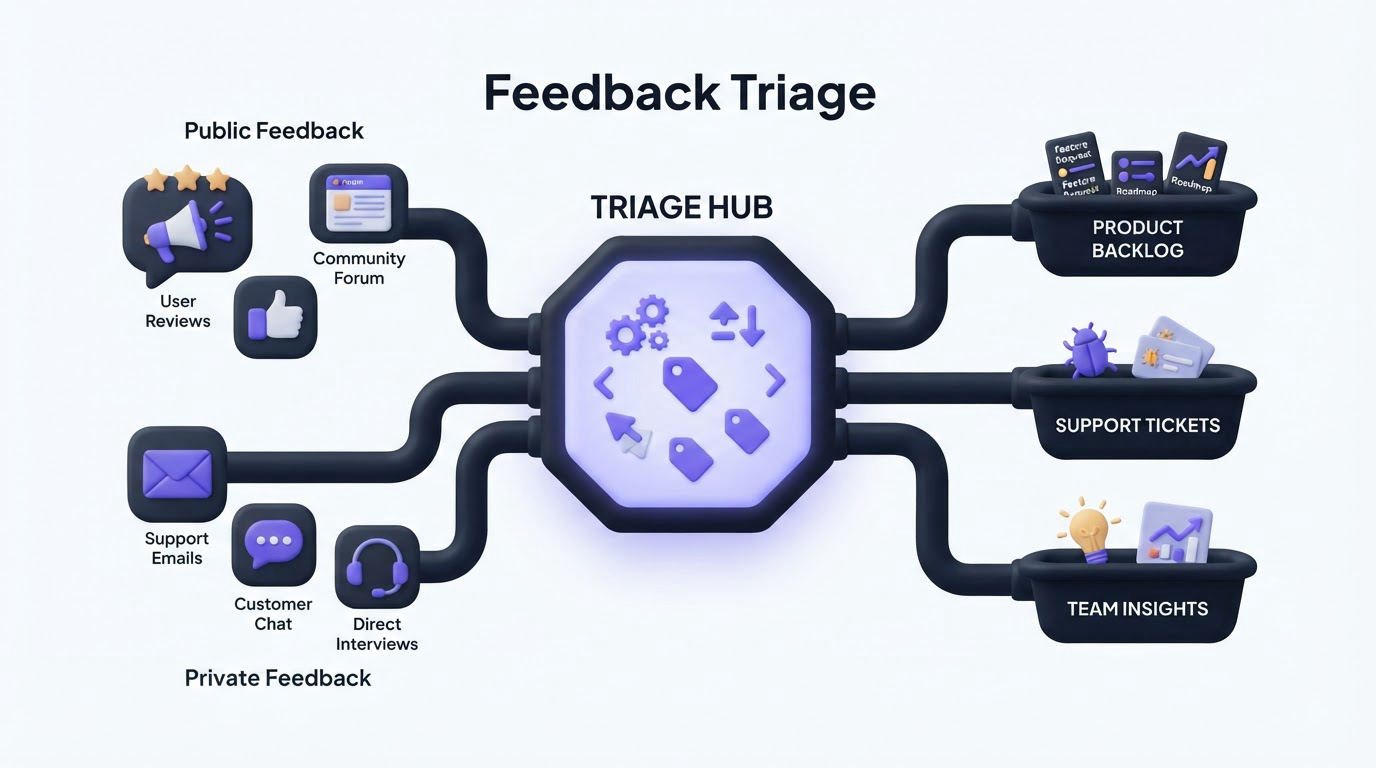
Choose visibility based on the audience and the type of conversation. A public board helps customers discover existing requests, vote, and understand where product attention is going. A private board gives account teams and internal stakeholders a controlled place to submit sensitive requests.
BillingFlow could publish its broad integration ideas publicly while keeping account-specific implementation needs private. The product team still applies the same tags and statuses across both sources. This keeps the decision process consistent while respecting customer context.
Set simple status definitions before publishing them. For example, “Under Review” means the team is gathering evidence, “Planned” means the work has entered a committed planning cycle, and “In Progress” means delivery work has started. Avoid using “Planned” as a holding area for every popular request. Customers read statuses as commitments.
When feedback comes from several channels, standardize the intake path first. The feature request management workflow explains how to turn scattered requests into a repeatable operating process. For in-product collection, use a feedback widget where customers can submit ideas in the moment they encounter the issue.
How Upvoty handles the feedback triage workflow
Upvoty is built around the path a product team follows after a request arrives. Create a public or private board, add categories for major product areas, and share the board or widget with the right audience. New requests arrive in a central dashboard where the team can moderate submissions and search for related posts.
Next, merge related feedback into the post that best represents the customer problem. Use Merge AI to help identify likely duplicates, then review the suggestion before combining requests. Smart tags and segments add the account and audience context that raw vote totals lack.
The screenshot below shows the kind of centralized dashboard that keeps triage work out of disconnected spreadsheets.
!Upvoty dashboard for managing product feedback, requests, and prioritization
Assign priorities and owners as a request reaches a decision point. Internal notes let product, support, and sales add context without exposing it to customers. When a request moves forward, connect it to the product roadmap so customers can see progress. After release, publish the update through the changelog and notify voters automatically.
This sequence gives BillingFlow a traceable record: the original requests, the merged theme, the enterprise context, the planning decision, and the release announcement all remain connected.
Common feedback triage mistakes
The most damaging mistake is treating every request as a backlog item. That fills the roadmap with phrasing from individual messages and makes strategic themes difficult to spot. Keep requests as evidence, then create product work only after the team has enough context to make a decision.
Another failure mode is leaving submissions in “Under Review” for months. Review on a predictable cadence. Close, merge, or update stale requests so customers and teammates can trust the board.
Avoid ranking solely by vote count. A small number of high-fit customers, a contractual need, or a serious workflow blocker can deserve prompt attention. Use voting as one input alongside qualitative evidence and product strategy.
Finally, close the loop. A shipped feature that never reaches the voters produces fewer useful future submissions. See how to close the customer feedback loop with a changelog and create a reliable post-release communication habit. When you publish a public roadmap, follow the practices in this guide to building a product roadmap customers can trust.
Feedback triage software FAQ
What is feedback triage software?
Feedback triage software collects product requests, organizes related submissions, adds internal context, and supports prioritization decisions. It gives teams a structured queue for deciding what needs research, what belongs in planning, and what has already been addressed.
How often should a product team triage feedback?
Review new feedback at least weekly for most SaaS teams. High-volume support environments may need a daily moderation pass for spam, urgent issues, and duplicates, followed by a weekly product review for prioritization.
Should customers see feedback statuses?
Yes, when the team can maintain clear status definitions. Visible statuses reduce repeated questions and show that requests receive attention. Keep private operational details in internal notes, especially when they include account, security, or contractual information.
Can feedback triage software work with Jira or Linear?
Yes. Keep feedback and product delivery connected once a request becomes planned work. Upvoty offers a Jira integration and a Linear integration, helping teams carry the relevant request context into delivery planning.
Build a feedback queue your team can review, explain, and act on. Start with Upvoty to centralize requests, prioritize them with context, and keep voters informed through every status change.