
A product team can collect hundreds of requests and still have no reliable basis for deciding what to build. The usual problem is fragmented evidence: sales notes in a CRM, support conversations in Slack, ideas in email, and a voting board that nobody moderates.
Before you compare the best feedback management tools, agree on the workflow you need them to support. Upvoty is built around turning incoming feedback into a visible, manageable loop, from collection through prioritization and customer updates.
Quick answer: how to evaluate feedback management tools
Use this sequence before booking demos or reviewing vendor feature lists:
- Map every feedback source and identify where customer context is currently lost.
- Test how the tool captures, deduplicates, and routes requests into one owner-led workflow.
- Score prioritization using customer segment, problem severity, strategic fit, and delivery effort, not votes alone.
- Verify the integrations, permissions, reporting, and data export your team needs in daily work.
- Run a realistic trial with live feedback, then compare total cost and the customer communication loop.
Start with feedback collection channels
List the places a customer can currently make a request. For a SaaS team, that often includes an in-app widget, a public portal, support tickets, account calls, sales discovery notes, and email. Do not choose a platform based on the number of channels it advertises. Choose it based on whether those channels preserve useful context.
For example, consider a 20-person B2B SaaS team that receives requests for export controls. A customer submits “CSV export is missing” through /feedback; a support agent logs a similar issue after a chat; and an account executive adds a request from an enterprise prospect. If all three become separate records, the product manager sees three small signals instead of one recurring problem.
During a trial, submit the same request through two channels. Check whether the tool makes duplication obvious, lets a team member merge it, and retains the original submitter information. A public board can be useful for discovery, but it is not the only intake method. For guidance on deciding what is safe to expose, read how to govern public feedback boards.
Also test the submission experience in the product itself. A good widget asks at the moment users have context, without blocking their work. This guide to setting up an in-app feedback widget without disrupting users explains the practical placement decisions that matter more than adding another form field.
Check the feedback prioritization workflow, not just voting
Voting is evidence of demand. It is not a delivery plan.
Ask each vendor to show what happens after a request arrives. A workable process should let the team assign an owner, add internal notes, group duplicates, apply tags, and place an item in a clear status. It should also separate information customers can see from decision notes that should remain private.
Return to the export-controls example. The team merges 14 similar posts into one request and finds that four voters belong to its highest-value customer segment. The request is not automatically the top priority. The product manager still checks whether the work supports the quarter's security objective, whether a workaround exists, and whether engineering estimates it at two weeks or two months.
Use the same scoring prompt in every demo: “Show us how we would distinguish 14 low-impact votes from four requests tied to a critical account segment.” If the answer is only “sort by votes,” the tool will encourage popularity bias. Learn how to interpret voting signals in Feature Voting Without Popularity Bias.
Compare the best feedback management tools with a consistent scorecard
A scorecard prevents a polished demo from outweighing a missing operational requirement. Give each criterion a weight that reflects your team, then rate every shortlisted tool using the same live scenario.
| Evaluation area | What to test in a trial | Evidence of a good fit | Common warning sign |
|---|---|---|---|
| Collection | Submit via widget, portal, and manual entry | Customer identity and source are retained | Requests arrive as anonymous, disconnected notes |
| Consolidation | Create deliberate duplicates | Staff can merge records without losing voters or context | Similar ideas remain scattered across the board |
| Prioritization | Filter the export-controls request by customer segment and status | Owners, priorities, notes, tags, and statuses are visible | Vote count is the only meaningful ranking signal |
| Integrations | Send a chosen item to the delivery workflow | The linked record remains traceable in both systems | Copying text by hand is the only handoff |
| Reporting | Answer which segment requested a theme and how its status changed | Filters and export make the answer reproducible | Dashboard totals cannot be investigated |
| Customer updates | Move a request from planned to released | Voters can be notified and the change is visible | Customers must ask support whether anything happened |
| Governance | Test a private request and team roles | Visibility and access match the sensitivity of the data | Every contributor sees every internal note |
Keep comparison notes factual. “Could not filter by plan type” is useful. “Felt less intuitive” is not enough to defend a purchasing decision later.
Evaluate integrations and data ownership before you commit
Feedback software has to fit the systems where your team already works. For many product teams, the key handoff is into Jira or Linear after a request has been validated. Test the handoff with a real item, then change its status and inspect what remains visible to the product manager and the customer-facing team.
Ask whether the tool supports the integrations you actually use, rather than building a large wish list. Upvoty provides Jira integration options and Slack integration options, which are useful when product decisions and delivery work happen in separate places.
Data ownership deserves the same attention. Confirm who can export feedback, what fields are included, and how deletion requests are handled. If you serve people in the European Economic Area, your review should include processor terms and retention practices alongside the requirements set out in the EU General Data Protection Regulation. Do not leave that question for procurement after the product team has completed its evaluation.
One failure mode is automating every handoff. Sending every raw suggestion to an engineering backlog creates noise and makes estimates less trustworthy. Route only reviewed, consolidated requests to delivery.
Test reporting and the customer feedback loop
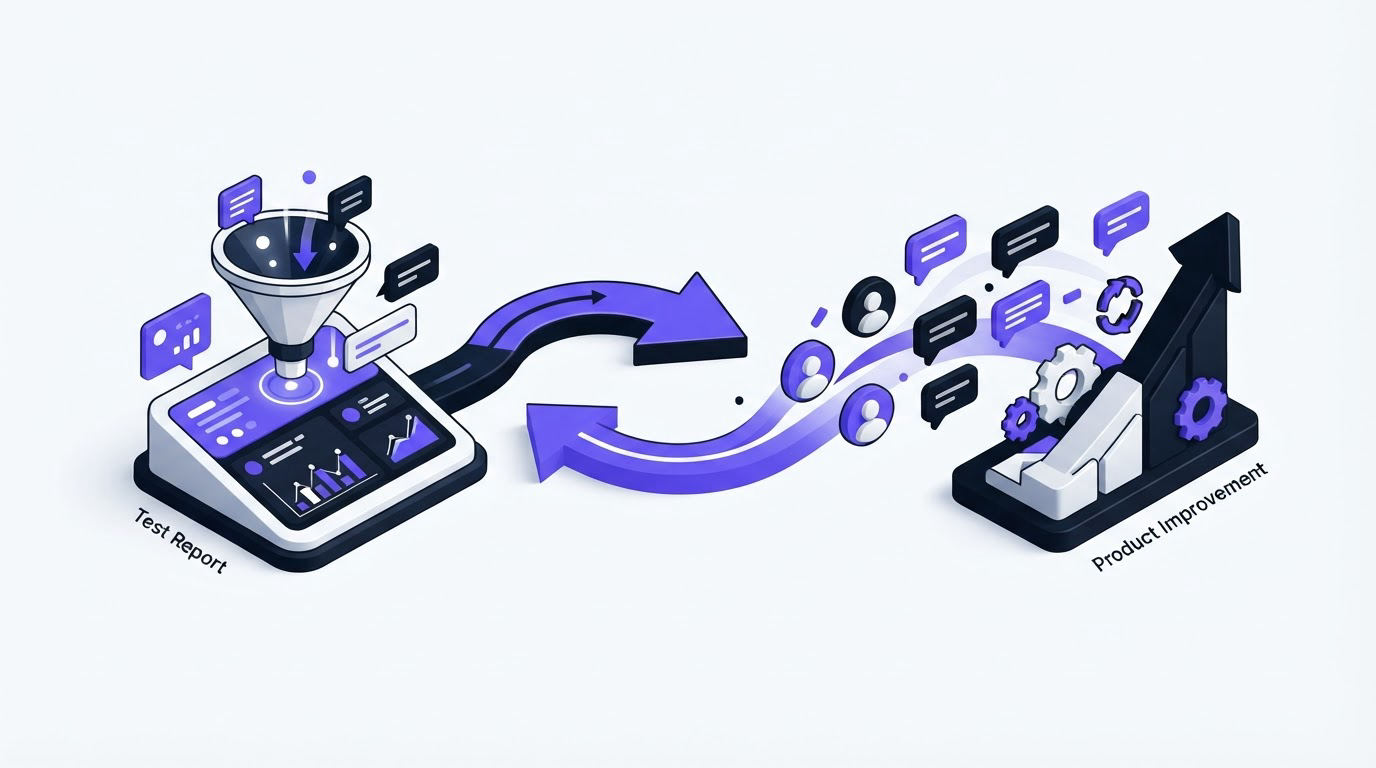
Reporting should answer decisions, not just display activity. At a minimum, test whether you can see request volume by category, segment, source, status, and owner. Export the last 90 days first if you are replacing an existing process. Then ask whether the new system can reproduce the questions your team already struggles to answer.
For the running example, the team should be able to show that export controls were requested by a particular segment, merged into one item, marked planned, and later released. That history makes conversations with sales and support much easier.
A complete workflow also closes the loop. Once the release ships, update the item, publish a concise changelog entry, and notify people who supported it. This walkthrough of closing the customer feedback loop with a changelog covers the communication discipline behind that step. If you plan to show future work publicly, use a separate roadmap status from a committed delivery date. Customers trust clear uncertainty more than vague promises.
How Upvoty handles this evaluation workflow
A useful demo should follow the route your feedback takes, not jump between isolated features. In Upvoty, start by collecting a request on a feedback board or through a widget. The team can then review incoming posts, merge overlapping ideas, add internal context, apply tags, assign ownership, and set priorities before deciding what customers should see.
The screenshot below shows the kind of working view to assess during a trial: one place for incoming feedback, ownership, prioritization, and review.
!Upvoty dashboard showing feedback items managed with status and analytics
Next, publish only the appropriate direction on a public roadmap. When work is released, use the changelog to explain what changed and notify the people who voted. This sequence gives customers a visible path from suggestion to decision without exposing internal planning details.
For the export-controls request, the team would merge the 14 posts, keep account-specific notes internal, move the consolidated item to planned when it clears review, then announce the finished capability through the changelog. The important benefit is traceability. Every update relates to the same original customer signal.
A practical use case: turn chatbot conversations into structured feedback
Teams that sell to construction, installation, or trade businesses often receive a different kind of early signal: prospects ask the same pre-sales questions before they ever become users. A website chatbot can capture questions about quote turnaround, job scheduling, material specifications, or approvals. Those conversations should not automatically become product requests, but they are valuable evidence when a pattern appears.
For example, a product team might notice that prospects repeatedly ask whether they can request a quote from a mobile site. The marketing or sales team can review those conversations weekly, log the recurring problem as one feedback item, and label it “prospect insight” rather than treating each chat as a vote. If existing customers later raise the same need in the product, the team has a stronger case to investigate it.
For companies that need a chatbot voor offerteaanvragen and lead generation for a website, DoeBot provides a relevant starting point for capturing those initial enquiries. Set a clear handoff rule: lead-specific questions remain with sales, while repeated product problems are summarized into the feedback workflow with source, segment, and supporting examples. This prevents a noisy chat transcript from distorting prioritization while preserving a valuable source of market evidence.
Compare cost as total operating effort, not a plan price
Ask each vendor for current pricing based on the people who will administer the workspace, the number of boards, and any required permissions or integrations. Record the monthly and annual amount in your scorecard, but add the work that the tool creates or removes.
A lower subscription cost can become expensive if support staff spend hours every week copying requests, chasing owners, and sending manual updates. A broader platform can also be poor value if your team only needs a clear collection, prioritization, roadmap, and changelog workflow. Check Upvoty pricing only after you have written the requirements, so plan details do not define the requirements for you.
FAQ about feedback management tools
What features should feedback management software have?
Look for structured collection, duplicate handling, voting or demand signals, moderation, internal notes, ownership, prioritization fields, integrations, reporting, and a way to tell customers what happened. The right feature set depends on your workflow. A team with sensitive enterprise requests may value private boards and permissions more than public voting.
Should product teams use a public feedback board?
Use one when public discussion helps customers discover existing requests and reduces duplicate submissions. Keep security issues, account-specific commitments, and unreviewed commercial requests private. Public visibility is a governance decision, not a default setting.
How long should we trial a feedback tool?
Run the trial long enough to process real incoming feedback and complete one status change, usually at least one normal team cycle. A five-minute demo cannot show whether consolidation, reporting, and customer notifications work under normal operating conditions.
Can a feedback tool replace a product roadmap?
It can support a roadmap, but it should not replace product judgment. Feedback shows demand and context. A roadmap also reflects strategy, technical dependencies, capacity, and commitments. Keep the relationship clear: requests inform decisions, while the roadmap communicates selected direction.
If your team needs to evaluate feedback software against a real workflow, start with a small board and live requests rather than a feature checklist alone. See how Upvoty organizes feedback, roadmaps, and updates and use the results to choose a process your team can maintain. Read next: Upvoty as a Featurebase Alternative: Which Teams Is It Best For?. Read next: Best Feedback Management Tools: Evaluation Checklist for Product Teams. Read next: Best Product Feedback Tools for Product Teams. Read next: Best Feedback Management Tools: Route Customer Feedback Into One Workflow.


