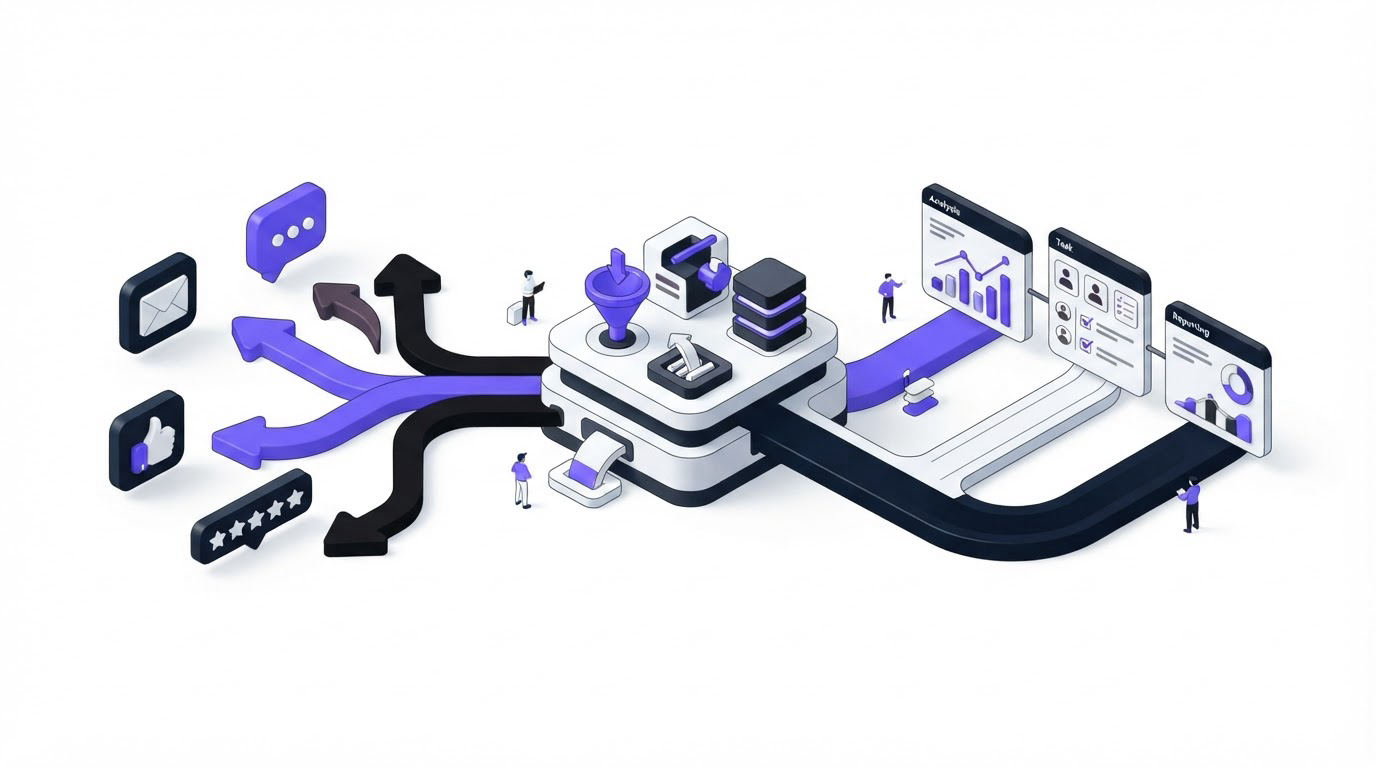
A support agent logs a feature request in a ticket. A sales rep hears the same request on a renewal call. Product receives it again in an interview, each time with slightly different wording. Without one workflow, the evidence stays scattered and teams build from the loudest conversation.
Upvoty gives SaaS teams a shared place to collect, merge, assign, prioritize, and communicate feedback. The best feedback management tools support that operating rhythm from intake through release.
Quick answer: how to manage customer feedback in one workflow
Use this workflow to route feedback from support, sales, and product into one decision-ready record:
- Define the feedback types and channels that belong in your central system.
- Send each new item to a single feedback board, with customer context attached.
- Merge duplicate requests into one canonical post and preserve every voter.
- Assign an owner, a status, and a review date for each qualified request.
- Review grouped demand on a fixed cadence using segment, revenue, and evidence.
- Move committed work to the roadmap, then notify customers through the changelog.
1. Centralize feedback from support, sales, and product
Start with a channel inventory. Most SaaS teams receive useful feedback through support conversations, sales calls, customer success reviews, product interviews, in-app prompts, email, and social posts. Each channel captures a different kind of signal.
Support often reveals friction and recurring defects. Sales hears buying objections and deal blockers. Product interviews explain the underlying job a customer is trying to complete. Keep the original source because it affects how the team interprets the request.
Create one central record for every actionable item. A record should include the customer’s wording, source channel, account or segment, date, and a link back to the original conversation. Sales can add contract context. Support can add ticket frequency. Product can add interview notes and observed behavior.
For example, consider an illustrative SaaS company called RelayDesk, which sells shared inbox software. In one week, its team receives three messages about "scheduled replies":
- Support logs a request from a seven-seat account that handles weekend coverage.
- Sales records the request from a prospect evaluating RelayDesk against an incumbent tool.
- A product researcher hears that an existing customer wants messages drafted on Friday and sent on Monday morning.
The phrasing differs, yet the product problem belongs in one request. RelayDesk creates a canonical post called “Schedule outgoing replies,” then attaches each source and account context to that post.
Use an in-app feedback widget for feedback generated while customers are actively using the product. Use integrations for conversations that begin elsewhere. Upvoty’s Slack integration can bring a team’s internal discussion closer to the feedback record, while Slack’s official webhook documentation explains how incoming messages can be delivered to a channel.
2. Turn repeated requests into one source of truth
Duplicates are valuable evidence. They show that several people describe a similar need, often from different roles or customer segments. The operational task is to consolidate that evidence without losing who asked, what they said, or why it mattered.
Give every confirmed theme one clear title written in customer language. Then connect related submissions to it. For RelayDesk, “Send emails later,” “queue replies,” and “weekend scheduling” all join the “Schedule outgoing replies” post. The product manager retains the exact source text in internal notes, where the distinctions can later inform scope.
This is where teams commonly lose signal. A support team may close a ticket after responding to the customer, while sales keeps a separate CRM note and product tracks a broad feature idea in a planning document. The result is three partial counts and no reliable view of demand.
Set a merge rule: merge items when customers describe the same desired outcome, then keep separate posts when the requested outcome or core workflow differs. “Schedule outgoing replies” and “Automatically route incoming messages by schedule” may share a theme, yet they need separate product decisions.
The workflow in this guide to managing and documenting feedback shows how a consistent record prevents useful context from disappearing after the original conversation ends.
3. Assign ownership before feedback goes stale
A central inbox still needs clear responsibility. Assigning ownership means a named person decides the next action and records it. That person may ask for more context, merge the request, mark it for the next review, or send it to discovery.
Use a small set of statuses that communicate the current stage. For example, RelayDesk uses New, Needs context, Under review, Planned, In progress, Released, and Declined. Each status needs an owner and a reason that anyone on the team can understand.
| Workflow stage | Owner | Required action | Output |
|---|---|---|---|
| New | Support or sales intake owner | Capture source, customer, and request | Complete feedback record |
| Needs context | Product manager | Ask a focused follow-up question | Clear problem statement |
| Under review | Product triage owner | Merge duplicates and assess evidence | Ranked candidate |
| Planned | Product manager | Set scope and roadmap position | Customer-facing expectation |
| In progress | Delivery team lead | Link work to the request | Delivery visibility |
| Released | Product marketing or support | Publish update and notify requesters | Closed feedback loop |
RelayDesk assigns the product manager to “Schedule outgoing replies” and gives the item a review date at the next weekly triage. Sales remains attached as a contributor because the open prospect has a stated deadline. This prevents an urgent deal from becoming an invisible line in a CRM record.
Ownership also limits a common failure mode: a feedback board that collects requests for months while nobody evaluates them. Every new post needs a next review date, even when the current answer is “needs more evidence.”
4. Review customer feedback on a repeatable cadence
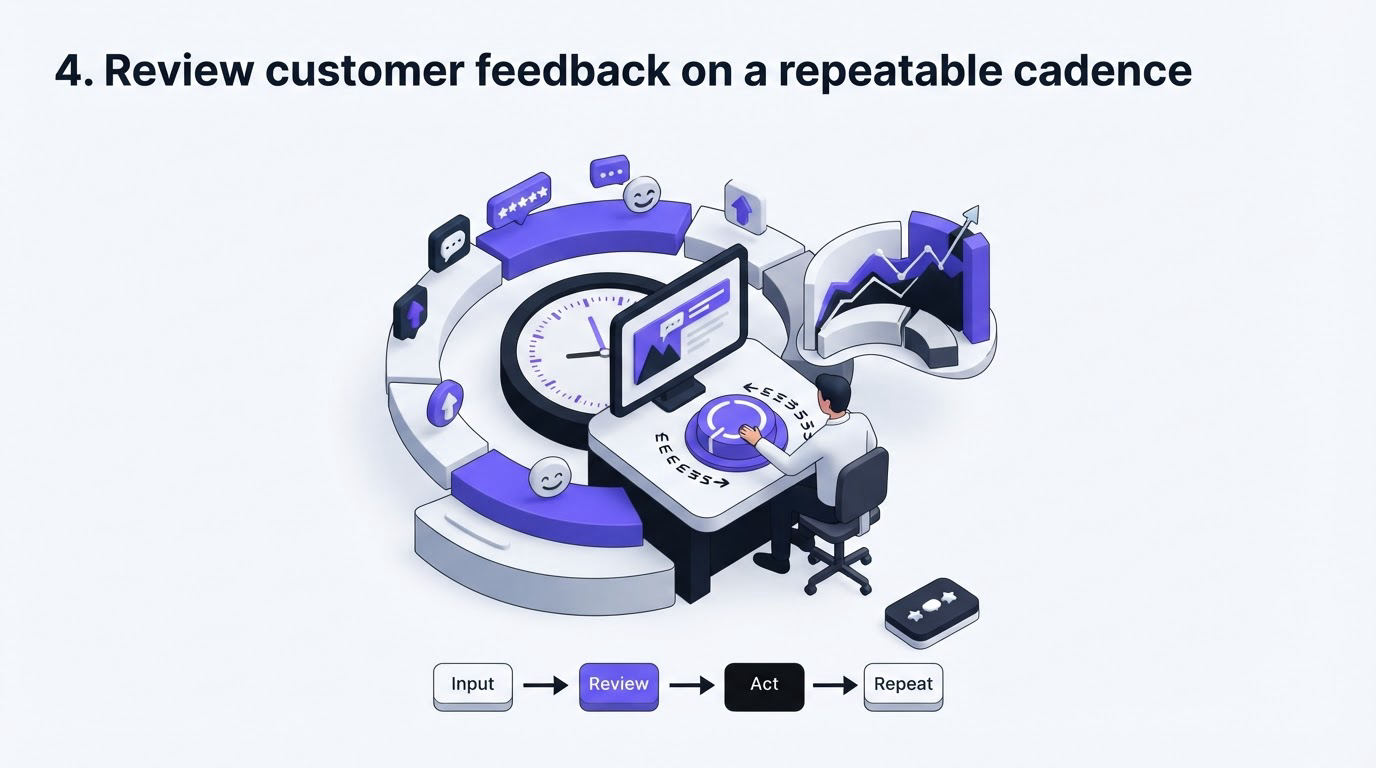
A review meeting works when the team arrives with grouped evidence instead of a list of isolated ideas. Hold a weekly operational triage for new items and a monthly prioritization review for themes that have accumulated meaningful demand.
At RelayDesk’s weekly triage, the product manager checks new requests, resolves duplicates, and asks follow-up questions. During the monthly review, leadership compares the larger themes against strategy, engineering effort, affected segments, and commercial context. “Schedule outgoing replies” has 18 votes, two enterprise accounts, one active prospect, and three support references. The team decides to run discovery rather than commit immediately, because the desired scheduling behavior still needs definition.
Votes are one input. A request with five votes from a high-value segment may deserve more attention than 30 votes from customers outside the company’s target market. Conversely, a large cluster can expose widespread friction even when accounts are small.
Use a consistent scoring conversation:
- Who experiences the problem, and which segment do they represent?
- How often does the problem appear across channels?
- What outcome do customers expect?
- Which company objective would the work support?
- What evidence remains missing before a commitment?
For a deeper framework, see how to prioritize customer feedback by revenue, segment, and demand. Export the last 90 days first if the team is rebuilding an inconsistent process. Group by theme before discussing priorities.
5. Choose among the best feedback management tools for this workflow
Tool selection should follow the workflow. A team that only needs a simple public voting page has different requirements from a SaaS company that must connect support evidence, account segments, internal owners, a roadmap, and release communication.
Evaluate each platform against the work your team performs every week. Confirm how feedback enters the system, whether records can be merged, how internal context is protected, and how customers receive updates. Review the vendor’s current pricing page directly when budget approval is part of the decision.
Upvoty supports this sequence through feedback boards, private or public collection, internal notes, assignees and priorities, segmentation, roadmaps, and changelogs. The board gives customers a place to add requests and vote. The team dashboard gives product, support, and sales a shared record for the discussion behind each request.
Here is what RelayDesk’s workflow looks like inside the product:
- A support agent creates or adds context to the “Schedule outgoing replies” post after a customer conversation.
- The agent finds the existing request and attaches the new customer instead of creating another version.
- The product manager uses the post’s assignee, priority, segment, and internal notes to prepare the weekly triage decision.
- Once discovery confirms the scope, the manager moves the item to a public roadmap status that matches the team’s commitment.
- After release, the team publishes a changelog entry and notifies the customers connected to the request.
The dashboard view below shows the kind of centralized workspace required to keep feedback, ownership, and status visible across teams.
!Upvoty dashboard for managing customer feedback, assignees, and request status
For a broader platform comparison, read the practical guide to selecting product feedback tools and the feedback management tools guide. Teams comparing Upvoty with Canny can also use the Upvoty versus Canny guide to examine relevant use cases.
6. Close the feedback loop after product decisions
Customers need an update when a request changes state. This includes releases, planned work, requests that need more discovery, and ideas the team has chosen to decline. A short, specific explanation lowers repeat tickets and gives customer-facing teams a consistent answer.
When RelayDesk releases scheduled replies, the product manager links the feedback post to a changelog entry that explains the supported workflow: choose a send date and time, edit the draft before sending, and view scheduled messages in the conversation. Every attached requester receives an update. Sales can also tell the open prospect that the capability is now available.
Keep the public roadmap narrow. Publish items that represent a real commitment or a clear discovery stage, then use language that matches the certainty level. Avoid dates until engineering scope is stable. This approach protects credibility while still giving customers visibility. Build a public product roadmap customers can trust offers practical guidance for making those commitments clear.
A release announcement finishes the loop for the team as well. Support gains a reusable response, sales gains a current product update, and product gains evidence about adoption after launch. Follow the process in this guide to closing the feedback loop with a changelog to make release communication part of the routine.
Common mistakes when routing customer feedback
The first mistake is treating each channel as its own backlog. Centralize the decision record even when the original conversation remains in a support desk, CRM, or research repository.
The second is counting raw submissions without reviewing who submitted them. Segment and account context help the team distinguish broad demand from concentrated demand.
The third is publishing roadmap items too early. A request can be under review for weeks while the team gathers evidence. Share that stage plainly and reserve stronger language for committed work.
The fourth is leaving customers without a response after a decision. Add an update path at intake, so every feedback record has a way to reach the people who raised it.
FAQ
How often should a SaaS team review customer feedback?
Run a weekly triage for incoming items and a monthly prioritization review for larger themes. Teams with high support volume may need shorter, more frequent intake sessions. Keep the monthly review focused on grouped requests and strategic decisions.
Should sales and support be able to create feedback requests?
Yes. Give both teams a simple intake path and a shared template. Product should own taxonomy, merging, and prioritization, while sales and support contribute the customer context that makes feedback actionable.
How do you handle a customer request that does not fit the roadmap?
Record the request, attach the source, and set a clear status with a short explanation. If the request relates to a different use case, link the customer to an existing capability or a more relevant post. A documented response helps support and sales stay aligned.
Can a public feedback board work for enterprise customers?
Yes, provided the team offers private collection for confidential needs and controls what becomes visible publicly. Use private posts or separate boards for security-sensitive, account-specific, or commercially sensitive conversations.
A shared workflow turns scattered customer conversations into evidence the product team can use. See how Upvoty brings feedback, roadmap updates, and changelog communication into one place and give every request a visible owner and next step. Read next: AI Customer Feedback Automation: Route Feedback to the Right Product Team.


