
A feedback inbox becomes unreliable when requests sit in support tickets, Slack threads, sales notes, and spreadsheets with no shared owner. Product teams then compare tools based on attractive boards or voting counts while missing the workflow that turns a request into a customer update.
Upvoty is built around that full path: capture feedback, make decisions with context, publish progress, and follow up with the people who asked. Use this checklist before narrowing a shortlist of the best feedback management tools.
Quick answer: how to evaluate feedback management tools
Score each candidate by running one real request through its workflow:
- Submit the request through the channels your customers already use.
- Find, merge, tag, and assign the request in the central workspace.
- Prioritize it using voter, customer, and business context.
- Send the selected work to your delivery system and track its status.
- Review reports that explain demand and product decisions.
- Publish progress and notify every relevant customer when work ships.
Use the same test case for every vendor. For example, RelayDesk, a B2B scheduling SaaS with a four-person product team, receives repeated requests for SAML single sign-on from account administrators. The request arrives in an Intercom conversation, an email from a sales prospect, and three posts on its feedback board. A strong tool gives RelayDesk one place to connect that evidence, assess who needs it, choose a status, and close the loop later.
Evaluate feedback collection across every customer touchpoint
Start with where feedback enters the business. A tool that relies on customers remembering a separate portal can miss the most useful context: what the person was trying to do, which plan they use, and where they encountered friction.
Ask each vendor to demonstrate these collection paths using RelayDesk's SAML request:
- A public portal where customers can search existing ideas before posting.
- An embedded or in-app form for feedback at the moment of use.
- Manual capture by support, sales, and customer success teams.
- Imports or integrations that bring conversations from existing systems into the review process.
- Custom fields that collect decision-relevant details, such as company size, workspace ID, or use case.
Search-before-submit deserves close attention. It reduces duplicate posts and directs customers toward an existing request that they can support with a vote or a comment. For an in-product route, review the placement, fields, branding, and targeting controls. A feedback prompt inside a busy workflow needs restraint. Our guide to setting up an in-app feedback widget without disrupting users covers the practical placement decisions.
For RelayDesk, the product manager should submit the SAML request from the widget, then confirm that the record retains the customer identity and the source. Test the same request from an anonymous public board if your business accepts public submissions. This reveals whether the tool preserves useful context across channels.
Check how each tool organizes feedback and duplicates
Raw volume creates work. The central workspace should let a team turn several versions of the same request into a manageable decision record without erasing the original customer voices.
During a trial, create three RelayDesk requests: “SAML login,” “Okta access,” and “Enterprise SSO.” Merge them into one parent item. Check whether the tool keeps voters, comments, source links, and the original wording accessible after the merge. Those details can explain whether demand comes from a few large accounts, a wider set of smaller customers, or a specific user role.
Then test the daily management controls. Product managers need categories or boards for broad themes, tags for precise grouping, internal notes for sensitive context, owners, and clear statuses. Support staff need a quick way to attach a conversation to an existing request rather than creating another copy.
A public portal requires moderation rules as well. Decide which ideas belong in public view, which require an internal board, and who can edit or approve posts. Public feedback boards need clear sharing and moderation rules, especially when requests mention security, contractual commitments, or a customer-specific workflow.
For a deeper process design, use this guide on how to manage and document feedback to define owners, statuses, and review rhythms before configuration begins.
Assess prioritization features beyond vote totals
Voting gives teams a visible signal of demand. A useful evaluation looks at the context around each vote and the way the tool supports a deliberate product decision.
RelayDesk's SAML request could have 18 votes. Eight may come from administrators at high-value accounts, while the remaining votes come from trial users. The product manager also has a sales note showing that SAML is part of procurement for two active opportunities. A simple vote rank leaves that information scattered. The team needs segments, internal notes, and fields that bring it together.
Test whether each tool can answer these questions from the request itself:
- Which customer segments and roles support this request?
- Which accounts face a renewal, expansion, procurement, or churn risk?
- Which comments describe a shared underlying problem?
- Who owns the next decision, and what priority did they set?
- Which linked delivery item shows the implementation stage?
| Evaluation area | What to test in a live trial | Evidence of a useful result |
|---|---|---|
| Demand | Add votes from different customer types | Voter identity, role, and segment remain visible |
| Business context | Add an internal sales or success note | The note stays private and connects to the request |
| Duplicate handling | Merge three similar submissions | Voters and comments consolidate under one decision record |
| Decision ownership | Assign an owner and priority | A teammate can see the next action without asking for context |
| Delivery connection | Link the request to a work item | Status changes can be traced from request through release |
Build a lightweight scoring method around your actual strategy. RelayDesk might weigh enterprise account demand, security requirements, engineering effort, and fit with its annual roadmap. Keep the score visible as an aid to discussion. Customer evidence still needs qualitative reading. Learn how to apply segment and revenue context in customer feedback prioritization, and use feature voting results without popularity bias when vote counts start to dominate planning conversations.
Test feedback management integrations with a real handoff
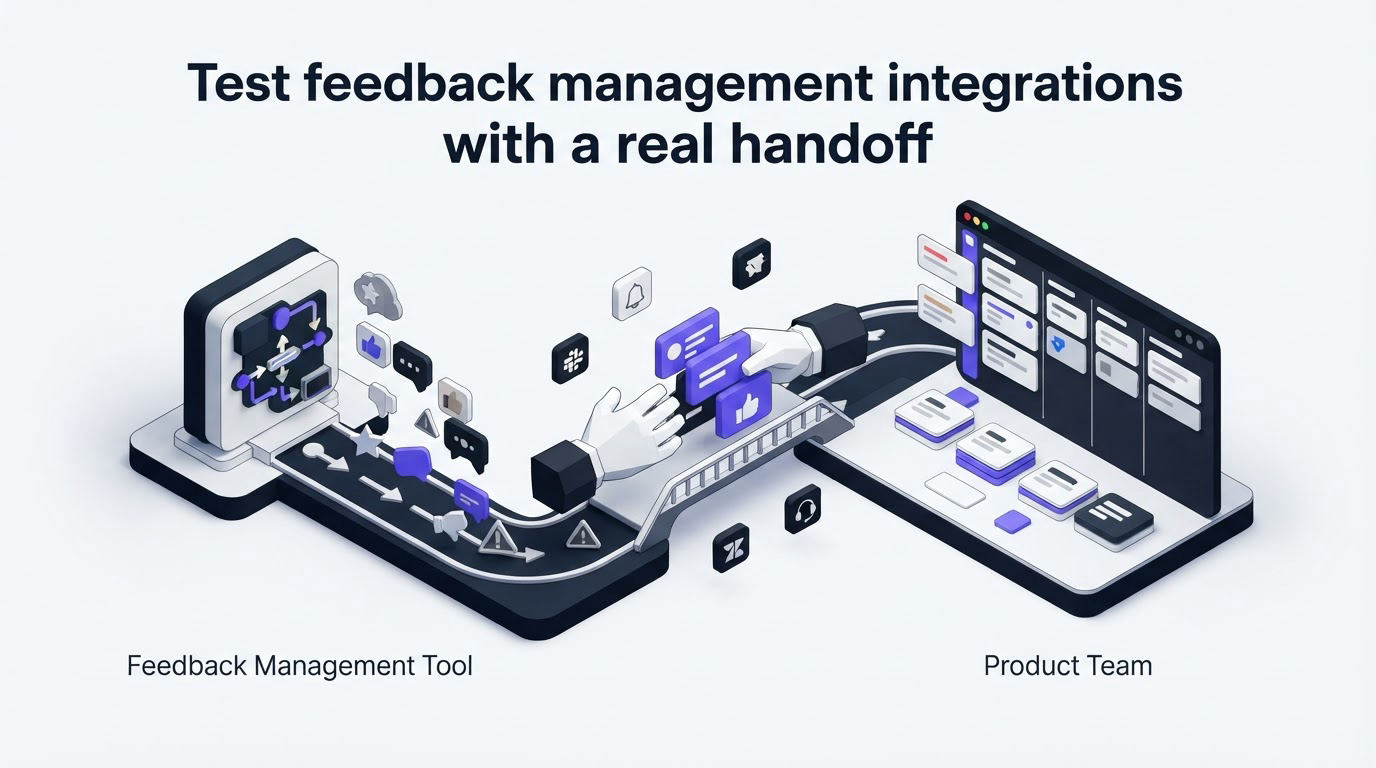
Integrations determine whether the tool becomes part of the product operating rhythm or becomes another tab to check. Ask vendors to show the exact handoff from a validated request to engineering work.
For RelayDesk, create a linked Jira issue for the SAML work. Add the issue key to the feedback record, move the issue through development stages, and check whether the feedback team can see enough status to update customers. Review the vendor's setup alongside the official Jira Cloud REST API documentation, which explains the types of issue data and workflow connections an integration may use.
Also test the notification path your team already monitors. A Slack alert for new enterprise feedback may help the product manager review urgent evidence quickly, while a daily digest may suit lower-priority requests. Slack's official API documentation is useful for technical stakeholders reviewing permissions and notification behavior.
Focus on four operational questions during each demo:
- Can teams create or link work without copying request details by hand?
- Do status changes stay understandable for product, support, and customers?
- Can each team control alerts to avoid channel noise?
- Can administrators export data or use an API if the process changes later?
An integration can add complexity through duplicate notifications, mismatched statuses, and permissions that expose internal planning. Test these failure modes with a small group before rolling the workflow out company-wide. Upvoty provides Jira and other feedback integrations for this handoff, while its API options support teams with more specific data requirements.
Run the checklist in Upvoty from request to customer update
The most useful product demonstration follows one request all the way through. In Upvoty, RelayDesk would begin by collecting the SAML request through a branded feedback board or embedded widget. The product team can then locate related suggestions, merge duplicates, use tags and segments to add context, and keep sales details in internal notes.
This view shows the kind of central workspace needed for that review.
!Upvoty feedback management dashboard with requests and analytics
Next, the team assigns an owner and priority, then connects the selected work to its delivery process. The request can move through visible statuses on a product roadmap, giving customers a clear signal about where it stands. A public roadmap works well for broad commitments and outcomes. Keep technical estimates, security reviews, and account-specific discussions in internal workspace fields.
When SAML ships, RelayDesk can publish a release note through the changelog feature and notify the people who supported the request. That final message proves the feedback was heard and gives the product team a durable record of the outcome. The workflow is explained further in this article on how to close the customer feedback loop with a changelog.
Review reporting and customer follow-up before you buy
Reporting should help product leaders answer a decision question. “Which themes gained support this month?” is useful. “Which active customer segments repeatedly hit the same workflow barrier?” is far more actionable.
Ask to see reports filtered by date range, board, status, tag, and segment. Export a sample dataset during the trial. Check that field values, source data, and historical status changes remain useful outside the application. This protects your ability to analyze trends in a BI tool or maintain a backup of decision evidence.
Customer follow-up needs equal scrutiny. Test automated notifications for a status change, a reply to a comment, and a shipped feature. RelayDesk should be able to notify the three board voters, the support contact who logged the Intercom conversation, and the sales teammate who attached prospect context. Confirm the recipient rules before enabling automation, since an internal status or draft roadmap change can create confusion if sent too early.
Choose visible statuses with plain language, such as Under Review, Planned, In Progress, and Shipped. Set an owner for every status change. A feedback system earns trust through timely, specific updates over time.
FAQ about choosing the best feedback management tools
How long should a feedback management software trial take?
Run the trial for one or two normal product review cycles. Include at least one triage meeting, one delivery handoff, and one customer update. A five-minute demo cannot show duplicate handling, ownership, integration behavior, or notification quality.
Should early-stage SaaS teams use a public feedback board?
A public board can help an early-stage team gather ideas and show progress with limited administrative work. Start with clear moderation rules, a narrow set of categories, and a review owner. Private boards suit internal stakeholders, design partners, and sensitive roadmap discussions.
What data should product teams export from a feedback tool?
Export request text, source, timestamps, customer identifiers where permitted, tags, status history, votes, comments, linked delivery records, and internal decision fields. Review privacy requirements before moving customer data between systems. Upvoty's GDPR information can support that vendor review.
Can AI help organize product feedback?
AI can assist with grouping similar requests and suggesting themes, particularly when volume grows. Keep a human review step for merges, sensitive customer context, and priority decisions. A mistaken merge can hide an important difference between two superficially similar requests.
Use this checklist to score your shortlist against the workflow your team already runs. When you want one place to collect evidence, prioritize it, share progress, and follow up, explore Upvoty with a real request from your backlog. Read next: Best Product Feedback Tools for Product Teams. Read next: Best Feedback Management Tools: Route Customer Feedback Into One Workflow.


