A merchant requests bulk order editing, then hears nothing for months. Meanwhile, your team ships faster order tagging and a new reporting view, yet support keeps answering, “Has this been released?” That communication gap creates duplicate requests, avoidable tickets, and uncertainty around your app’s direction.
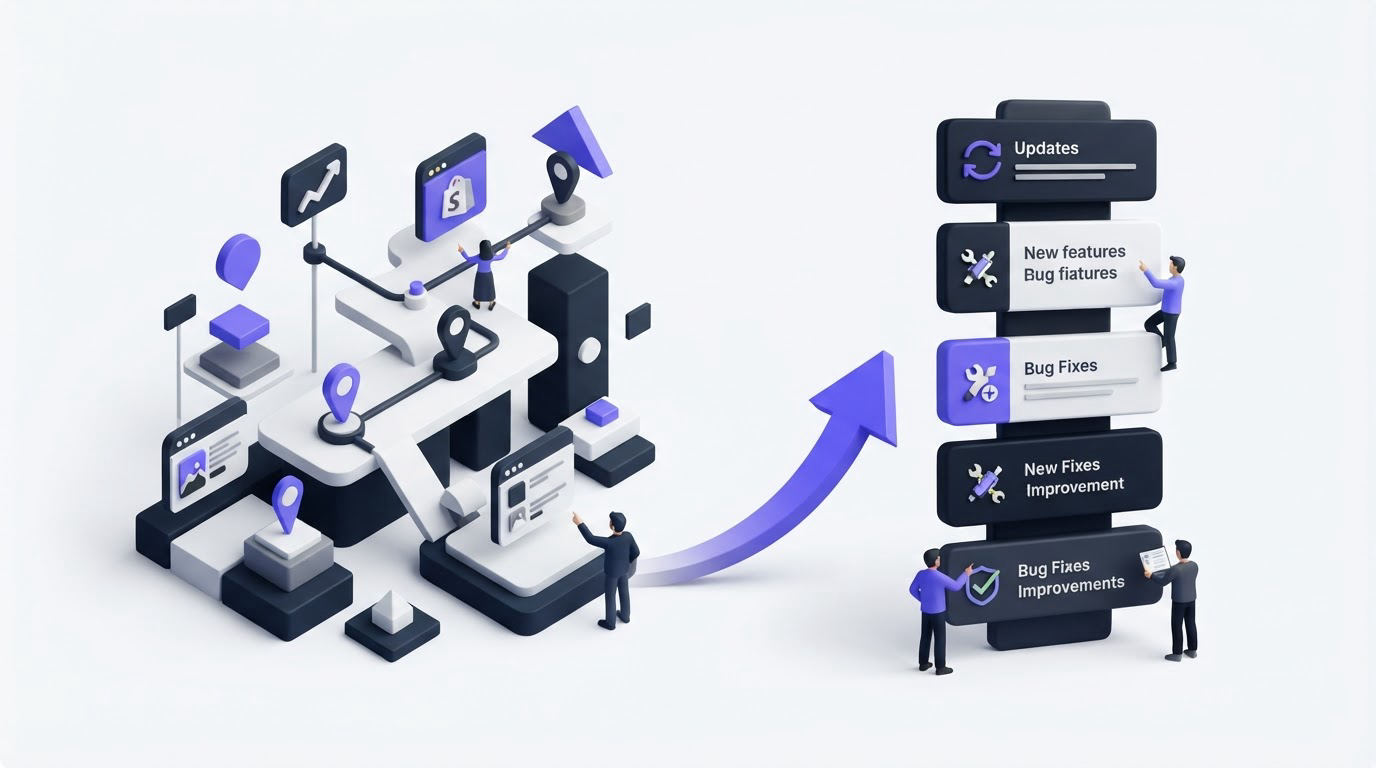
Roadmap and changelog software gives Shopify app developers one visible path from merchant request to planned work to released update. Upvoty supports that path through feedback boards, a public roadmap, and a product changelog that merchants can follow.
Quick answer: how to share product updates with Shopify merchants
Use this workflow to communicate planned improvements, shipped features, and request outcomes:
- Capture merchant requests in one feedback board and group duplicate posts around the same problem.
- Review demand alongside merchant segment, urgency, effort, and strategic fit.
- Move approved work into a roadmap status such as Planned or In Progress, with plain-language scope.
- Publish a changelog entry when the release reaches merchants, including what changed and how to use it.
- Notify the people who requested or voted for the improvement, then link the release back to the original request.
Start with merchant requests before building your Shopify app roadmap
A roadmap earns trust when merchants can see where its items came from. Start by giving requests a single home instead of collecting them across support tickets, app-store reviews, sales calls, and emails.
Create categories around merchant jobs, such as Orders, Inventory, Reporting, Billing, and Storefront. Ask for the store’s use case in the submission form. A request for “bulk editing” becomes much easier to prioritize when the merchant explains that staff update 300 seasonal products each Monday.
Here is a worked example. Consider ParcelPilot, an illustrative Shopify app that lets merchants manage return rules and shipping labels. Its team repeatedly receives requests for automatic return exchanges. Three merchants submit separate posts: one wants exchanges by variant, another needs exchanges when an item is out of stock, and a third asks for store-credit fallback.
The product manager merges those posts into one parent request: “Flexible exchange rules.” Each original post remains connected to the parent topic, so demand stays visible. The team tags it Returns and Enterprise, then adds an internal note: the work depends on an inventory availability check.
Count votes as evidence, then add context. A request from a merchant with a complex workflow may reveal a serious operational problem even with modest vote totals. The approach in customer feedback prioritization by revenue segment and demand helps teams combine demand with account context instead of letting the largest visible vote total choose every release.
Build a merchant-facing roadmap with clear delivery states
After the team approves an initiative, show its current state on a roadmap. Keep the number of states small and define them in language merchants can interpret consistently.
| Status | What merchants should understand | What the team should publish |
|---|---|---|
| Under review | The request is being assessed and has no delivery commitment yet. | The problem being evaluated and any clarifying question. |
| Planned | The team has approved the outcome and is sequencing the work. | The intended merchant benefit and a broad timing window when appropriate. |
| In progress | Active design, development, or testing is underway. | The current scope and any important dependency. |
| Released | Merchants can access the change. | A changelog entry with setup steps, availability, and limits. |
For ParcelPilot, “Flexible exchange rules” moves to Planned after the team confirms that inventory data can support the core flow. The public item says: “Create exchange rules by product variant and send shoppers to store credit when an exchange item has no available stock.” That wording tells merchants what outcome to expect without promising a release date before testing begins.
Leave out internal sprint names, engineering estimates, and speculative features. Share outcomes, boundaries, and status changes. A reliable roadmap page becomes a reference that support, success, and partnership teams can send in a few seconds.
For deeper guidance on scope and timing language, read how to build a public product roadmap customers trust. Shopify app teams should also review the Shopify App Store requirements before changes that affect merchant billing, permissions, or other app-store obligations.
Use changelog software to explain shipped Shopify app updates
A roadmap describes intent. A changelog records the release merchants can use today. Publish an entry as part of the release process, ideally when the feature becomes available to the intended merchant group.
For ParcelPilot, the resulting entry could be titled “Set exchange rules by variant.” The first paragraph explains the merchant result: return exchanges can now follow variant-level rules, with store credit offered when the selected replacement is unavailable. The entry then gives three short instructions: open Return Rules, choose Exchange Rules, and set the fallback behavior.
Include availability details whenever they affect adoption. A release may apply to merchants on a particular plan, stores using a specific fulfillment provider, or shops where a setting must be enabled. Clear conditions prevent support conversations that begin with a merchant seeing a headline but failing to find the feature.
This is the kind of release record merchants expect to find when they ask what changed.
!Public changelog showing product updates and release posts
Use a specific title, a dated post, and screenshots where the interface changed. Shopify’s developer changelog offers a useful example of concise, dated release communication. For your own app, write for the merchant doing the task, then add technical detail only where an admin needs it.
When a release changes personal-data handling or data access, involve the owner of your privacy policy before publication. The official GDPR regulation text provides the governing source for organizations subject to those requirements.
Connect the roadmap and changelog to the original request

The highest-value part of roadmap and changelog software is the connection between a request and its outcome. A merchant who asked for a capability should see progress without repeatedly contacting support.
When ParcelPilot marks “Flexible exchange rules” as Released, the team publishes the related changelog post and notifies subscribers to the original request. The message links directly to the update and states what portion of the request shipped. In this case, variant rules and store-credit fallback are available; multi-location exchange routing remains under review as a separate request.
That level of precision protects trust. A broad request often contains several jobs, and each job can move at a different pace. Split work when the delivery paths diverge. Keep related posts linked so merchants can follow the right outcome.
Read how to close the customer feedback loop with a changelog for a fuller operating process, including who should own release communication and when to send notifications.
How Upvoty handles a Shopify app roadmap and changelog workflow
Upvoty fits this workflow because the same system can collect merchant input, show selected work on a roadmap, and publish completed work in a changelog.
First, set up a feedback board for merchants and create categories that reflect your app’s main areas. ParcelPilot would use Returns, Labels, Store Settings, and Reporting. Moderators review new posts, merge overlap, and attach tags or internal context before a request reaches planning.
Next, move approved ideas to the roadmap. Create statuses that match your delivery process, then write each roadmap card around a merchant outcome. The team can keep early research in a review state and reserve Planned for work that has passed product review.
This screen shows how a public roadmap can present planned, active, and completed work in one place.
!Public product roadmap with planned and completed feature cards
After launch, create a changelog post that explains the release in merchant language. Tie the update back to the feedback topic, then use automatic voter notifications to reach the people who showed interest. That sequence removes the manual task of searching old tickets and composing individual follow-ups after every launch.
Common mistakes with Shopify app product updates
The most common failure mode is treating the roadmap as a calendar. Dates shift when Shopify platform changes, merchant edge cases, and release testing add work. Use dates only after your team can support them, and otherwise communicate stage and scope.
Another issue comes from publishing vague changelog titles such as “Improvements.” A merchant searching for a requested feature will miss that entry, even if the release contains exactly what they need. Name the job completed, describe where to find it, and state any conditions.
Teams also lose credibility when every suggestion is visible before moderation. Review submissions, merge duplicates, and move sensitive topics to an appropriate private workflow. The governance practices in public feedback boards: what to share, moderate, and keep private help establish those boundaries.
Finally, avoid marking a broad request Released after only a small component ships. Create a completed item for the delivered portion and keep remaining work visible under its own scope. ParcelPilot’s multi-location routing stays separate from its released variant rules, which gives merchants an accurate view of both outcomes.
FAQ about roadmap and changelog software for Shopify apps
Should Shopify app developers make their roadmap public?
A public roadmap works well for broadly useful improvements that merchants benefit from discussing, such as reporting, workflow controls, and integrations. Keep security work, partner-specific commitments, and early commercial discussions in a restricted process. Choose visibility based on the information and audience for each item.
How often should a Shopify app changelog be updated?
Publish an entry whenever a merchant-facing change reaches its intended users. Smaller fixes can be grouped into a short maintenance post when they share a release window and audience. Consistency helps merchants learn where to check before contacting support.
What should a changelog post include for merchants?
Lead with the task that became easier or possible. Follow with access instructions, plan or eligibility details, and any action an admin must take. Add a screenshot when a new setting or screen could be hard to locate.
Can feature votes decide what a Shopify app team builds?
Votes reveal visible demand and help identify recurring needs. Product teams still need to assess merchant impact, technical dependencies, support burden, and product strategy. Use voting as one input within a documented prioritization process.
Give merchants a place to request improvements, see what your team has planned, and learn when their request ships. Set up your feedback-to-release flow with Upvoty and make every product update easier to find and understand. Read next: How to Connect Customer Feedback With Roadmap and Changelog Software.


