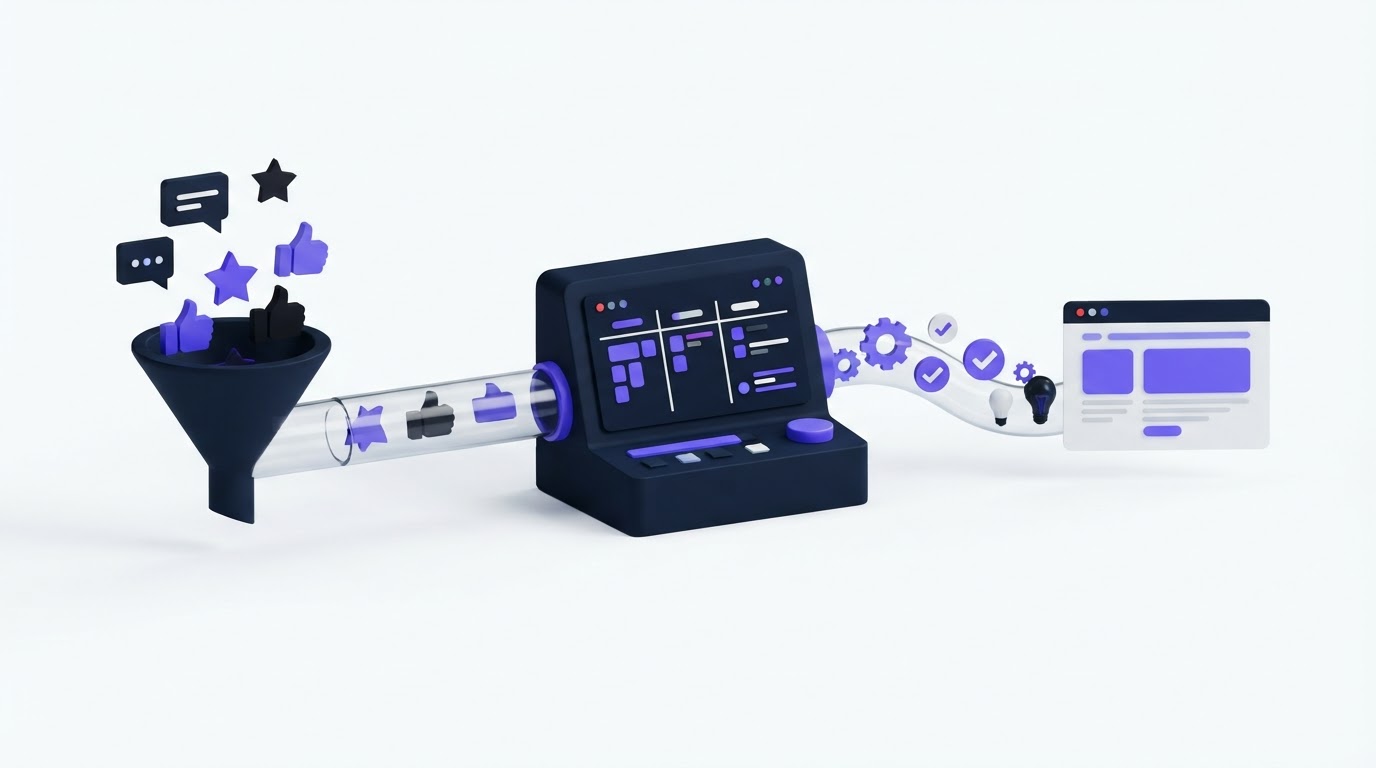
Customers submit a feature request, see it collect votes, then hear nothing for months. Meanwhile, product teams manage a separate backlog, roadmap, release tracker, and announcement process. The result is a trail that breaks at every handoff.
Roadmap and changelog software gives teams one visible path from request to release. Upvoty supports that path through feedback boards, roadmap statuses, changelog posts, and notifications to the people who asked for an improvement.
Quick answer: how to connect requests, roadmap items, and changelog updates
Use this workflow to make product decisions visible from start to finish:
- Collect requests on one moderated feedback board and merge duplicates into a single source post.
- Add context that helps prioritization, including customer segment, revenue relevance, effort, and strategic fit.
- Move approved themes into a roadmap status with clear, appropriately broad language.
- Keep each roadmap item connected to the original request and its voters while work moves through delivery.
- Publish a changelog entry when the release is available, explain the customer outcome, and notify voters.
- Review the full chain after release to improve request intake, planning, and release communication.
Why roadmap and changelog software needs a connected workflow
A public request board answers, “What are customers asking for?” A roadmap answers, “What are we currently considering or building?” A changelog answers, “What changed?” Each artifact has a different job, yet customers experience them as one journey.
When those artifacts live in disconnected tools, support teams search for answers, product managers rebuild context, and customers repeat requests. A connected workflow preserves the original problem statement, the demand behind it, the decision made by the team, and the release that resolved it.
Consider a B2B scheduling platform that receives repeated requests for CSV exports of booking data. One customer asks for “export appointments,” another asks for “download staffing history,” and a third wants finance-ready CSV files. The product team merges these into one request called Export booking and staffing data to CSV.
That request gathers 37 votes. During review, the team finds that several customers need it for monthly reconciliation, while others need a basic operational download. The roadmap item becomes Reporting exports, with the initial release scoped to appointment and staffing CSVs. After shipping, the changelog explains the first release, identifies the available data sets, and links to setup instructions. Every voter sees a direct outcome instead of a vague status change.
That continuity is what customers remember.
Set up feature requests before they reach your roadmap
The quality of the roadmap depends on the quality of the request record. Create a single place where users can search existing ideas, vote, comment, and add detail. A well-structured feedback board reduces duplicate submissions and gives product managers a cleaner demand signal.
Use a request title that describes the customer outcome. “CSV export for scheduling reports” gives more direction than “Exports.” Ask for the surrounding job in the submission form: what the customer is trying to achieve, who needs the capability, and where the current workflow fails.
Moderate the board weekly. Merge posts that describe the same underlying need, retain useful comments, and choose a title that covers the shared problem. In the scheduling example, keeping “appointment exports” and “staffing exports” separate would split demand and hide the broader reporting theme.
A request record should include four types of information:
- The customer problem in their own words
- The consolidated demand, including votes and comments
- Internal context such as account segment, support frequency, or implementation constraints
- A visible status that reflects the current product decision
For a deeper intake process, follow this feature request management workflow. It covers the operational work that happens before a request is ready for a roadmap decision.
Prioritize requests before creating a roadmap item
Vote totals are useful, though they rarely provide enough information for a planning decision. A request with 37 votes could affect trial users, active administrators, or a small group of high-value customers. Those situations call for different responses.
Review demand alongside reach, urgency, strategic alignment, engineering effort, and dependency risk. In the export example, the team learns that finance teams need stable column names and date filters, while operations teams mainly need a quick download. That finding shapes a smaller first release and prevents a broad reporting project from entering the roadmap without a defined scope.
Use a simple decision record beside the request. Capture the decision, the owner, the rationale, and the next review date. This gives support and sales teams a reliable answer when a customer asks for an update.
The following table shows how each stage should change the information you share.
| Workflow stage | What the team manages | What customers should see | Practical action |
|---|---|---|---|
| Submitted request | Original wording, duplicates, comments, account context | Request title, voting, discussion, current status | Merge related posts and clarify the problem |
| Under review | Demand quality, strategic fit, effort, dependencies | A review status and a realistic review window | Add internal notes and assign an owner |
| Planned roadmap item | Scope, sequencing, delivery confidence | Broad outcome and planning status | Describe the outcome, avoid release-date promises |
| In progress | Delivery work, QA, release readiness | Active development status where appropriate | Update status when delivery begins |
| Shipped changelog entry | Release details, enablement, known limitations | What changed, who benefits, how to use it | Notify request voters and link help content |
Segmenting demand makes this review far more useful. Read how to prioritize customer feedback by revenue, segment, and demand for a practical method that avoids treating every vote as equal.
Create roadmap updates customers can understand
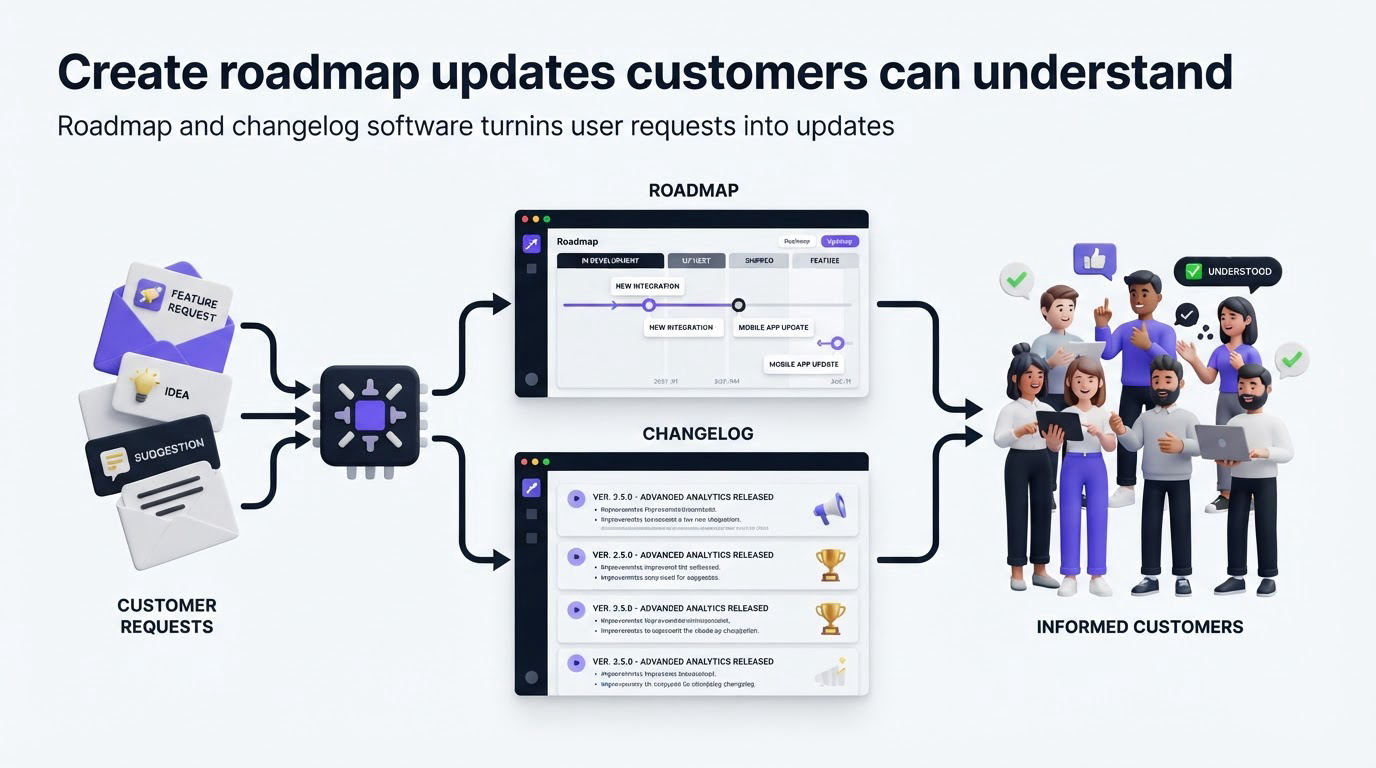
A public roadmap should communicate direction and current confidence. It should avoid exposing every internal task, technical dependency, and planning debate. Customers need a credible view of what is being explored, planned, or built.
Create roadmap items around outcomes. In the example, Reporting exports is a customer-facing outcome. “Build export service v2” belongs in an internal delivery tracker because it provides little useful context to customers.
Set a status policy before publishing. Many teams use labels such as Under Consideration, Planned, In Progress, and Shipped. Define what each label requires. For example, Planned may require an approved problem and an assigned planning window, while In Progress may require active engineering work.
Keep timing broad unless release confidence is high. A quarter, release window, or priority order often communicates enough. Specific dates create expectations that can become expensive to manage when dependencies move.
A public product roadmap works best when it contains a manageable number of active themes. Archive completed work into the changelog, and move deferred ideas back to a transparent review status with a clear internal follow-up date. For more guidance on choosing the right level of detail, see how to build a public product roadmap customers can trust.
Use changelog updates to close the loop after release
A shipped status provides closure. A changelog post provides understanding.
Write each release update for the customer who requested the capability, plus the customer who discovers it later through search or the product portal. Start with the outcome, then explain where to find it and any setup required. For the CSV export release, the entry could explain that administrators can export appointment and staffing data from the Reports page, choose a date range, and open the file in their spreadsheet tool.
Avoid release notes built from internal ticket titles. “Implemented reporting export endpoint” leaves customers with unanswered questions. “Export appointment and staffing data to CSV” tells them what they can now accomplish.
Give changelog entries a stable home. Your support team can link to them, sales teams can use them during renewal conversations, and customers can scan previous releases without opening a support ticket. A customer-facing changelog also gives product teams a consistent finish line for each public roadmap item.
Make release communication accessible as well. The W3C guidance on status messages explains why meaningful announcements and status updates help people using assistive technologies. Use descriptive headings, plain language, and clear links in each changelog entry.
How Upvoty connects roadmap and changelog software in one customer journey
Teams can run this process with spreadsheets, project trackers, and manual emails. The workload grows quickly as request volume increases. Upvoty brings the customer-facing stages together in one portal, keeping the feedback record visible as it becomes a product decision and then a release update.
Start by publishing a board where customers can submit and vote on ideas. The team moderates posts, merges overlapping requests, assigns internal ownership, and uses segments and internal context to evaluate demand.
This view shows the operational side of that process: a team dashboard for reviewing, organizing, and acting on feedback.
!Upvoty dashboard for managing customer feedback and feature requests
When a theme earns a roadmap decision, create a roadmap item with a clear public status. Customers can follow the item, while the team retains the request context that informed the decision. The Upvoty roadmap feature gives customers a visible view of what is being considered and built.
Once the release is live, publish a changelog post and use automatic voter notifications to tell the people who supported the request. In the scheduling example, voters receive an update tied to the feature they followed instead of a generic product newsletter that may never reach the right audience.
This is the useful operational advantage of connected roadmap and changelog software: the product team manages one thread, while customers see appropriate information at each stage.
Prevent the common breaks between requests and releases
Three failures show up repeatedly in public product communication. The first is status drift, where a request remains marked Planned long after its scope or priority changes. Run a monthly review of every public roadmap item and update its status, wording, or review date.
The second is false precision. Publishing an exact delivery date before the work has passed dependency and QA risk creates an unnecessary promise. Use broad timing until delivery confidence supports a tighter commitment.
The third is a release with no connection to the original demand. Product teams publish a changelog entry, yet voters receive no targeted update and support teams lack the request history. Add “notify affected voters” to the release checklist and confirm it before marking a roadmap item shipped.
Privacy needs attention too. Keep account-level context, commercial details, and implementation discussion in internal notes. Share only material that helps customers understand the product direction. The NIST Privacy Framework provides a useful reference for building consistent practices around data processing and communication.
FAQ about roadmap and changelog software
Should every feature request appear on a public roadmap?
Publish requests that have reached a meaningful product decision and can be described safely at a customer level. Keep early exploration, security-sensitive work, contractual commitments, and unvalidated concepts within the internal process until the team has a clear public message.
How often should we update a public roadmap?
Review active items monthly and update them whenever a major planning decision changes. A roadmap with fewer accurate updates creates more trust than frequent activity that lacks a clear decision.
What should a changelog entry include?
Include the customer outcome, who can use the release, where to find it, key setup steps, and relevant documentation. Add screenshots when the interface changed in a way that benefits from visual guidance. Link the entry to the roadmap item or original feedback theme where that context helps.
Can product teams use Jira or Linear alongside Upvoty?
Yes. Keep engineering delivery work in the system the development team already uses, then use Upvoty for the customer-facing feedback, roadmap, and changelog journey. Review the available Upvoty integrations when designing the handoff between product communication and delivery operations.
How do we handle requests that never make the roadmap?
Use a clear review or declined status, explain the decision where a short public explanation is appropriate, and retain the request for future evidence. Product direction changes over time, and a well-maintained request history makes future reassessment faster.
A connected workflow turns each request into a visible customer conversation, from first vote through delivery. Build that journey in Upvoty to keep your feedback board, roadmap, and changelog working from the same product decisions. Read next: Why Product Teams Should Keep Their Roadmap and Changelog Connected.


