
A support agent receives a feature request in a chat, sales logs the same request in the CRM, and product hears it again in an interview. Without a shared route for that signal, the request becomes three disconnected records and nobody owns the follow-up. Upvoty gives teams a central place to collect, prioritize, and communicate feedback, while keeping the surrounding support stack useful.
Quick answer: how to choose a feedback tool for your stack
Use this workflow when comparing the best feedback management tools:
- Map every place feedback enters your business, then name the owner and data attached to each source.
- Define the customer fields product needs for prioritization, such as plan, revenue band, segment, and account owner.
- Test each platform with one real request from support through review, delivery, and customer notification.
- Check whether integrations create actionable records, preserve context, and prevent duplicate work.
- Score security, permissions, reporting, and the effort required to maintain the workflow after launch.
Map your support stack before comparing feedback management tools
Start with the route a request takes today. Most teams have four systems in play: a help desk or live chat inbox, a CRM, a feedback portal, and an issue tracker. Analytics and team chat often join the route when product needs usage context or engineering needs a delivery decision.
Write down the fields that must travel with a request. Useful examples include the requester email, company, CRM account ID, plan, segment, ticket URL, product area, and the support agent's explanation. A vote total alone gives a partial view of demand. Account context turns a request into something a product team can evaluate.
Use one concrete test case throughout your evaluation. Consider a B2B SaaS team where a support agent receives a chat asking for SAML single sign-on. The agent finds an existing request at /feedback/saml-sso, adds the customer as a voter, and includes the support conversation URL. The CRM identifies the requester as an enterprise prospect. Product later groups this request with related identity-management demand, sends it to engineering, and updates interested customers when work ships.
That route exposes the integration requirements quickly. If the agent has to copy five fields manually, adoption will fade. If product cannot see account context, priority decisions lose commercial context. For a fuller operating model, see this guide on how to actually manage and document feedback.
Check help desk and live chat integrations first
Support is usually the highest-volume feedback source. Evaluate whether agents can find or create a feedback post without leaving the conversation for long, add a customer as a voter, and preserve the original ticket or chat link.
For the SAML request, the agent should search for the existing post before creating a new one. A duplicate post splits votes, discussion, and status updates. A strong workflow gives agents a clear duplicate path and leaves a short internal note explaining why the customer was attached to the existing request.
Ask vendors to show these actions in a live test:
- Search for an existing request from a ticket or conversation
- Create a new request with the customer identity attached
- Add internal notes that customers cannot see
- Send status changes back to the support team
- Track the request source for reporting
Check the actual integration depth rather than relying on an app-directory badge. For example, Slack workflows often rely on events and message actions, whose behavior is described in Slack's Events API documentation. Your test should show where an event lands, who responds, and how the response becomes a durable product record.
Upvoty provides dedicated Intercom integration options and Slack feedback workflows, which helps keep frontline feedback close to the conversations where it originated.
Assess CRM data for feedback prioritization
A CRM integration needs a clear job. Product teams typically need CRM data to judge reach, account value, lifecycle stage, and ownership. Sales and success teams need visibility into whether important requests have movement.
For the SAML example, importing an account segment such as "enterprise" gives product a useful signal. Automatically treating the request as committed work creates a risky shortcut. Product still needs to assess technical scope, strategic fit, and the breadth of the underlying problem.
Ask each provider whether CRM properties can be displayed, filtered, or used to segment feedback. Also ask whether the sync is one-way or two-way, which fields create new records, and how deleted contacts are handled. Customer identity matching deserves special attention. Email matching may work for self-serve customers, while account-level IDs are usually safer for teams with multiple stakeholders.
Use a small, deliberate field set. Pulling every CRM property into a portal makes reviews slower and raises privacy exposure. The team in this example chose account ID, segment, account owner, and lifecycle stage. The first test failed because support used personal emails while the CRM held corporate contacts. They added an account lookup step before creating the request and stopped losing account context.
For a deeper scoring method, read how to prioritize customer feedback by revenue, segment, and demand.
Compare analytics and issue-tracker connections
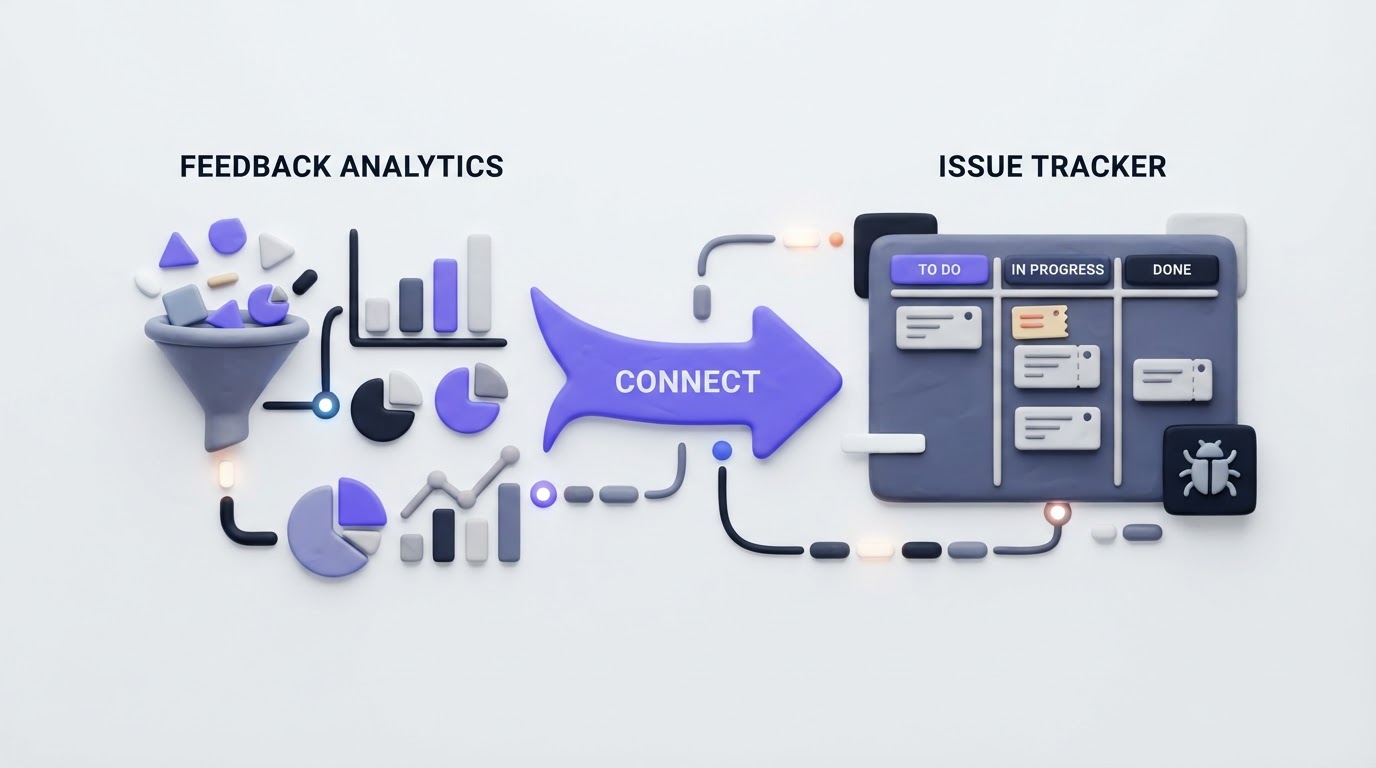
Analytics gives feedback a behavioral layer. An integration or API can help product answer practical questions: How many active accounts use the affected area? Do voters share a plan or workflow? Did adoption change after a release? Keep analytics as evidence alongside direct feedback, rather than trying to convert every product event into a request.
Issue trackers need an equally clear boundary. A feedback post represents a customer problem or desired outcome. An engineering issue represents implementation work. One post can lead to several Jira or Linear issues, especially when a request crosses services, web clients, and mobile apps.
| Integration area | Test during a trial | Useful result | Failure mode to catch |
|---|---|---|---|
| Help desk or live chat | Attach a real requester to an existing post | Support preserves the conversation link and avoids duplicate posts | Agents create a fresh request for every ticket |
| CRM | Display account segment and owner on a request | Product can filter demand by customer context | Personal and corporate emails fail to match |
| Analytics | Add usage context to one high-demand request | Reviewers can assess demand and affected behavior together | Event volume overwhelms qualitative feedback |
| Jira or Linear | Link one approved request to delivery work | Status remains visible without exposing internal implementation detail | Closing an issue prematurely marks customer work as shipped |
| Slack or Teams | Route a new request to the responsible channel | A team can acknowledge and triage quickly | Channel alerts become background noise |
For Jira, verify status mapping, link direction, permissions, and how multiple issues connect to one request. Atlassian's Jira Cloud REST API overview is useful background when your technical team needs to assess custom automation or API limits. Keep the customer-facing status simple: planned, in progress, released, or an equivalent vocabulary your team can sustain.
How Upvoty connects feedback to delivery and customer updates
The best feedback management tools support a complete loop: capture the request, organize the signal, make a decision, and show customers what happened. Upvoty is designed around that sequence.
First, create a board for the product area and choose whether it is public or private. A customer can submit or vote on a request, while the team uses moderation and duplicate management to keep the board readable. The feedback boards feature gives the SAML request a single home rather than leaving it in chat transcripts and CRM notes.
Next, use segments, tags, internal notes, assignees, and priorities to prepare the request for review. In the example, the product manager tags the post "identity," marks the enterprise segment, adds the support conversation as an internal note, and assigns it to the identity product owner. Upvoty's HubSpot integration and Jira integration are relevant where those systems form part of the route.
This dashboard view shows the type of workspace a team uses to organize feedback before a roadmap decision.
!Upvoty dashboard for managing product feedback and request analytics
Then publish only the customer-safe outcome. Move approved work to a public product roadmap when customers benefit from visibility, and announce the release through a changelog. This approach avoids exposing internal estimates, technical dependencies, or tentative ideas. The practical follow-through is covered in how to close the customer feedback loop with a changelog.
Use live chat to capture higher-quality feedback
Live chat can produce unusually rich feedback because the customer describes the problem while trying to complete a task. The support agent can ask one focused follow-up, capture the workflow, and connect the conversation to an existing request. That makes live chat a valuable input to a feedback platform when the team has a disciplined handoff.
Imagine the SAML request arrives during onboarding. The agent asks which identity provider the customer uses, how many employees need access, and when onboarding is blocked. Those details belong in the support conversation and an internal note, while the feedback post should state the broader product need: enterprise single sign-on with common identity providers.
A team evaluating website live chat widget and customer support platform options can use this same handoff test. Send a sample conversation through the live chat software, locate the matching feedback request, attach the customer, and confirm that product can see the account context without copying sensitive chat content into a public board. This test reveals whether the support workflow produces clear product evidence or a stream of unstructured requests.
Common integration mistakes when choosing feedback management tools
The most expensive errors often appear after rollout, when agents and product managers return to old habits. Avoid requiring every team to use a new tool in exactly the same way. Support needs speed, product needs synthesis, and engineering needs traceability.
A common failure is alert-first design. Sending every new post into Slack or Teams produces a busy channel and very little triage. Route alerts by product area, assign an owner, and set a review cadence. Another failure is publishing delivery status directly from an issue tracker. Engineering status changes frequently, while customer updates need deliberate wording and timing.
Also test access controls early. Internal notes, account data, and revenue context should stay available only to people who need them. Confirm data retention, exports, user permissions, and single sign-on requirements with security before importing historical requests.
FAQ about the best feedback management tools
Which integrations should a feedback platform have first?
Start with the system where customers speak to you most often, then connect the CRM and issue tracker. For many SaaS teams, that means help desk or live chat, CRM account context, and Jira or Linear. Add analytics after the core route works reliably.
Should support agents create feature requests for every customer comment?
Create or attach a request when the comment describes a repeatable product need, a meaningful blocker, or a clear outcome customers want. Train agents to search first, then add the customer to an existing request whenever one fits.
How do public feedback boards work with private customer data?
Keep the public post focused on the problem and desired outcome. Store account details, ticket links, commercial context, and internal discussion in restricted fields or notes. A private board can suit sensitive products, while a public board can build useful visibility for broader product work.
Can a small product team run this workflow without complex automation?
Yes. Begin with a direct support-to-feedback handoff, a weekly product review, and a simple Jira or Linear link for approved work. Add CRM enrichment and automated alerts after the team has consistent habits. The feature request management workflow provides a practical structure for that rollout.
Choose a platform by running one real request through your existing stack, from customer conversation to release update. Upvoty gives product, support, and customers a shared place for that work, while integrations keep the context connected.


