Your team ships a requested feature, posts a release note in a help center, and support still receives tickets asking whether the feature exists. The release may be live, yet the people who asked for it never see the update or cannot connect it to their original request.
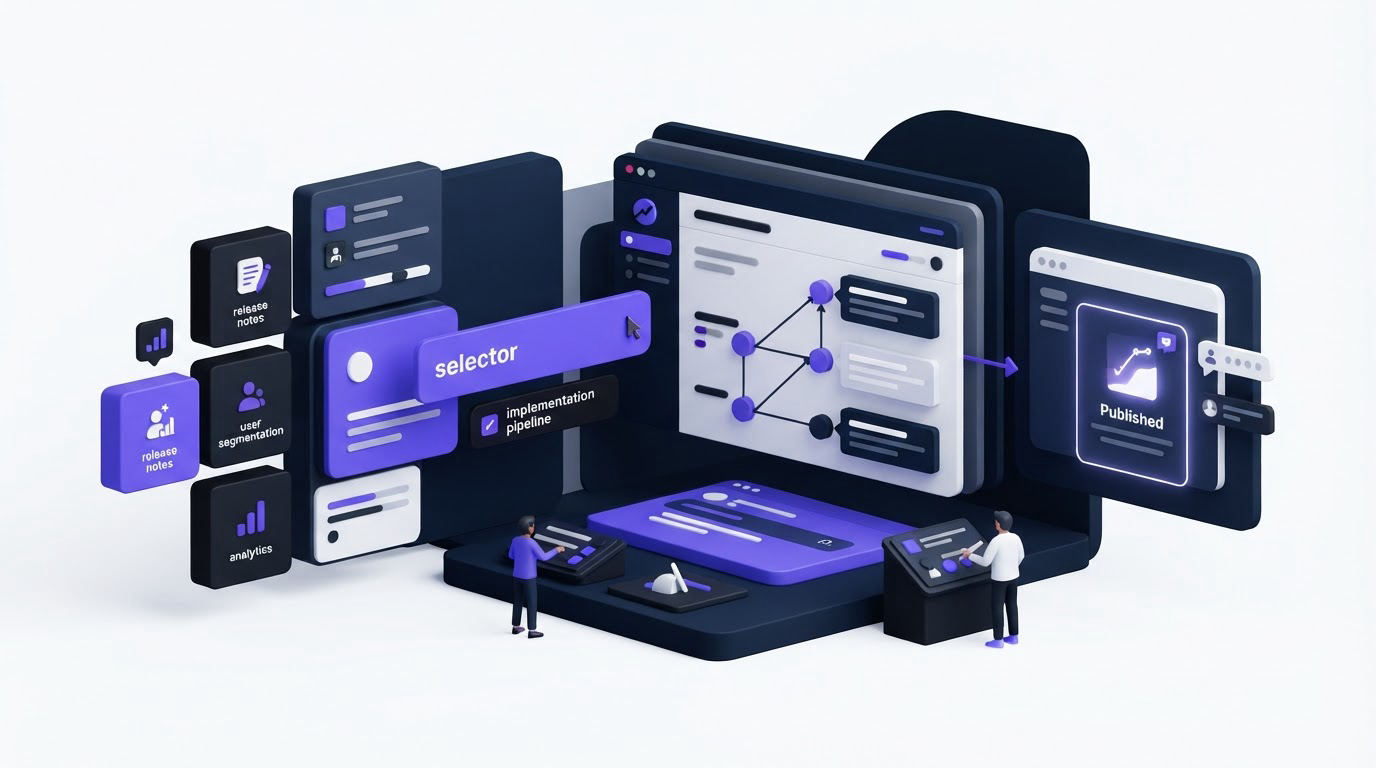
Product changelog software gives SaaS teams a repeatable way to publish updates, reach the relevant audience, and close the loop with customer feedback. Upvoty approaches the changelog as the final customer-facing stage of a connected feedback workflow, roadmap, and release workflow.
Quick answer: how to choose product changelog software
Evaluate each tool using a real upcoming release and follow this workflow:
- Create a draft post with a clear title, customer benefit, screenshots, and a call to action.
- Choose who should receive it, including customers, internal users, or a defined segment.
- Link the post to the related requests, feedback items, and roadmap status.
- Publish it on a branded, accessible changelog page and share it through the channels your users already watch.
- Review views, reactions, and follow-up feedback, then use the results to improve the next release announcement.
How to evaluate the publishing workflow in product changelog software
Start with the work that happens between code completion and publication. A changelog tool should let a product manager prepare posts before release day, collect approvals, schedule publication when needed, and keep a clear record of what was announced.
Run a hands-on test with one genuine release. Use a recent update that has a visible customer outcome, such as a new permission setting or a bulk-export option. Give the post a specific headline, explain who benefits, add an image or short video, and include the next action. Ask a teammate from support to review it before publishing.
Consider a hypothetical 12-person B2B invoicing SaaS. The team releases a new approval rule at app.example.com/settings/approvals. At first, its release note says, “Approval rules added.” Customers cannot tell whether the setting applies to their plan, where to find it, or which workflow changes. The revised post is titled “Set approval rules before invoices are sent,” includes a screenshot, links to setup instructions, and tells account owners where to enable it. The revised version gives support a URL they can share in conversations.
Look for rich content support, drafts, post previews, author visibility, and a stable public URL for every announcement. Stable URLs help support, sales, and success teams reuse an explanation instead of rewriting it in each reply. Add the changelog to your XML sitemap too. Google’s sitemap guidance explains how a sitemap helps search engines discover site URLs.
A tool focused only on publishing can create a separate release-notes destination. For many SaaS teams, that separation produces extra manual work because context lives elsewhere.
How product changelog software should target the right audience
A release announcement can create confusion when it reaches every account at once. Enterprise-only capabilities, beta features, region-specific changes, and internal operational releases each need a deliberate audience.
Check whether the software supports public posts, private posts, and audience segments. Then inspect how segments are built. Useful criteria often include plan, account type, role, language, beta enrollment, or a manually maintained group. Your team also needs a way to verify the audience before publication.
In the invoicing SaaS example, approval rules are available only to account owners on the Growth plan. The team publishes the feature to the public changelog because prospects can see product progress, then sends a targeted notice to eligible account owners. That decision prevents lower-plan users from looking for a setting they cannot access.
Ask vendors to demonstrate these situations during a trial:
- A beta release visible only to 30 invited users
- A post intended for internal teams before a broader launch
- A translated release announcement for a regional audience
- A major launch available publicly with a targeted email notification
Audience targeting requires care with personal data. Keep only the attributes required for communication and document why they are used. The European Commission’s GDPR overview provides a useful starting point for teams serving EU users.
For the underlying decision process, read how to prioritize customer feedback by revenue, segment, and demand. The same segments that guide prioritization can guide announcement delivery.
Connect feedback, roadmap status, and changelog posts
The best release announcement answers a customer’s implied question: “What happened to the thing I asked for?” That requires a relationship between incoming feedback and the changelog post.
During evaluation, submit a sample request, collect votes or comments, move it through planned and in-progress states, then publish the related release note. Check what a voter sees after publication. A clear workflow can notify interested users automatically and direct them to the post that explains the delivery.
In the example, several users asked for invoice approvals through different channels. A product manager merges those requests into one feedback item, assigns it to the appropriate owner, marks it as in progress, and adds it to the roadmap. When the feature reaches production, the changelog post links back to that item. Voters receive an update with the configuration URL and a short explanation of availability.
This connection also improves internal coordination. Support can see the final announcement, product can review the original demand, and customers get a visible outcome. See the full workflow in How to Close the Customer Feedback Loop with a Changelog.
Test the feedback loop before you buy
Ask each vendor to show the complete path from request to announcement. Screenshots of a changelog editor alone leave out the difficult part: maintaining context across feedback, prioritization, roadmap decisions, and delivery.
Canny, Featurebase, and Nolt may belong on a shortlist, depending on your team’s workflow and existing stack. Use the same release scenario for every trial. Vendor capabilities evolve, so verify each requirement in the account you are testing.
Compare product changelog software requirements in one trial
Use this scorecard with an actual release rather than a generic feature checklist. Give each item a pass only after your team completes the task without vendor assistance.
| Evaluation area | Evidence to request during a trial | Operational outcome |
|---|---|---|
| Draft and publishing controls | Create, review, edit, and publish a post with a permanent URL | Fewer last-minute edits and clearer ownership |
| Audience targeting | Send one post to a defined segment and preview recipients | Relevant users receive relevant updates |
| Feedback connection | Link a release post to a request and notify its voters | Customers can see that their input led somewhere |
| Brand customization | Apply your domain, logo, colors, navigation, and content style | The changelog feels like part of the product experience |
| Analytics and export | Inspect post engagement and export data for analysis | Teams can improve announcement quality over time |
| Access and governance | Test roles, private visibility, and moderation controls | Sensitive releases stay appropriately controlled |
How to evaluate changelog customization and accessibility
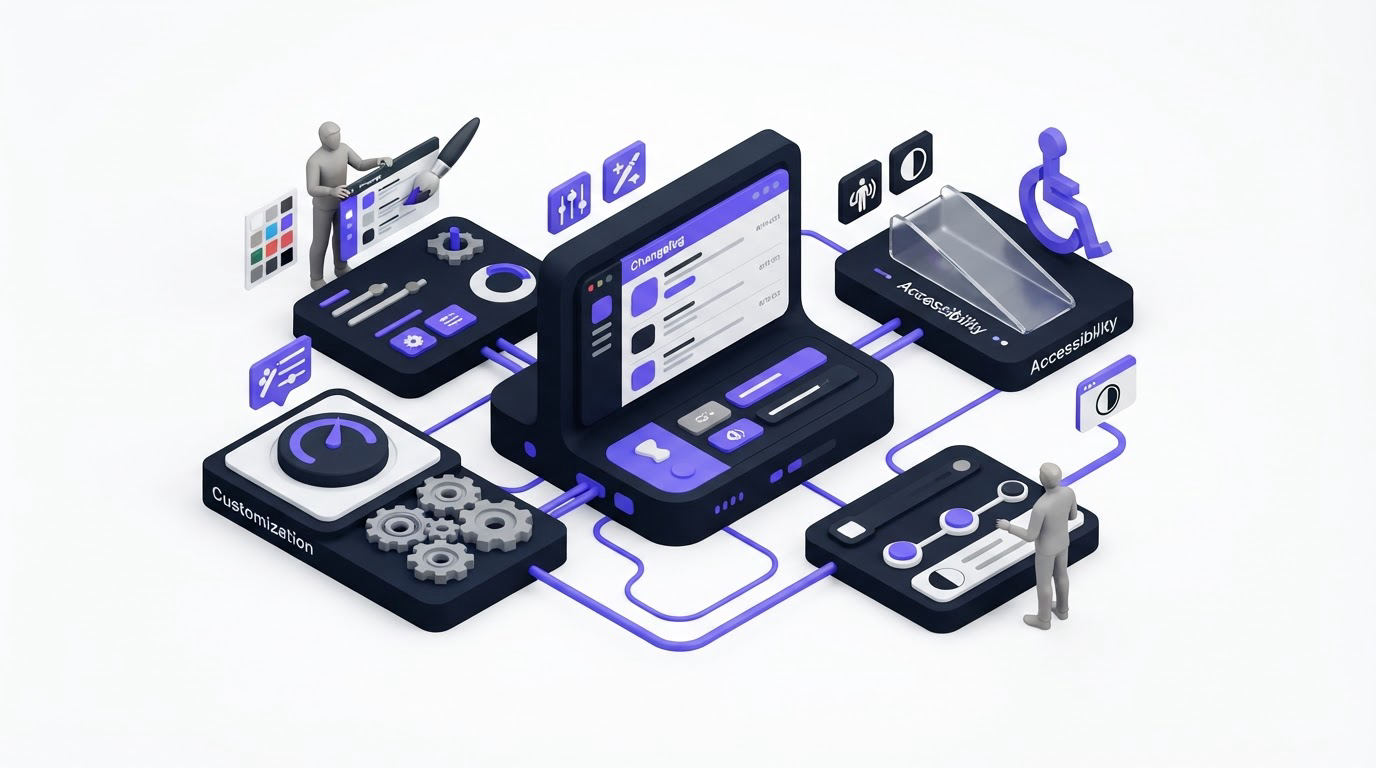
A changelog may be a prospect’s first look at how your product team communicates. Assess the public page as carefully as any customer-facing page: custom domain options, brand elements, navigation, language support, and whether the page works well on mobile.
Use the product’s actual brand colors during the trial. Confirm that body text, buttons, links, and status labels remain readable. The WCAG contrast criterion from W3C sets a minimum contrast ratio of 4.5:1 for normal text, which is a practical baseline for changelog themes.
Customization also affects trust. In the invoicing example, updates.example.com uses the same logo and visual language as app.example.com. The team keeps post titles concise, uses consistent labels for improvements and fixes, and places help links below the main explanation. Customers can quickly judge whether a post applies to them.
Avoid turning every entry into a technical deployment log. Publish infrastructure changes when they affect reliability, performance, security, or a customer action. Keep internal implementation detail in engineering documentation when it has little value for the intended audience.
How to measure product changelog performance
A changelog that receives little attention may have a distribution issue, unclear titles, irrelevant posts, or weak links between feedback and delivery. Analytics help distinguish among those possibilities.
Choose metrics that lead to a decision. Views indicate reach. Reactions and comments reveal immediate response. Clicks to setup documentation can show whether a post prompted action. Voter notifications and follow-up feedback reveal whether the loop reached people who requested the feature.
For the approval-rule release, compare views from account owners against the number of eligible users, then inspect support contacts about approvals during the next two weeks. If views are low, feature the post in the in-app area or customer email. If views are strong while setup questions remain high, revise the post and linked documentation with clearer steps.
Export the last 90 days of release data first. Group posts by release type, audience, and distribution channel. You will soon see whether customers respond more often to workflow improvements, new integrations, bug fixes, or larger launches.
How Upvoty supports a connected changelog workflow
Upvoty brings the feedback-to-release path into one workspace. The flow begins when customers submit and vote on ideas through feedback boards. Your team can organize requests, assign owners, set priorities, and use segments to understand which customer groups are asking for a change.
Next, move validated work onto the product roadmap so customers can see the progress you choose to share. When the release is ready, create the announcement in Upvoty’s changelog, publish it in your branded portal, and notify the people who supported the request.
This is what a connected release workspace looks like when feedback and changelog data sit together.
!Upvoty public changelog showing product updates and release announcements
Finally, use analytics to review participation and engagement. The result is a visible record of product progress tied to the demand that informed it. For a deeper look at making roadmap communication credible, see How to Build a Public Product Roadmap Customers Can Trust.
Common mistakes when choosing product changelog software
The most frequent selection error is buying based on the appearance of a single announcement page. A polished page helps, yet release communication depends on authoring, targeting, feedback context, and review after publication.
Another failure mode appears when teams treat every completed ticket as a customer announcement. This fills the feed with low-value updates and makes important launches easier to miss. Set editorial rules for what qualifies as a changelog entry, who owns the final copy, and when a targeted message is warranted.
Also check the migration path. Export a sample of your existing release notes and feedback records. Confirm that URLs, dates, images, categories, and author information can be retained or redirected. Historical records remain useful when customers search for a past capability.
FAQ
What should product changelog software include?
Look for a draft-to-publish editor, public and private visibility, audience targeting, branded presentation, links to feedback and roadmap items, voter notifications, and analytics. The priority changes by team, so test the requirements that support your actual release process.
Should SaaS changelogs be public?
A public changelog works well for product improvements that help prospects and customers understand product momentum. Private posts suit account-specific releases, internal changes, beta programs, or sensitive operational updates. Many teams need both options.
How often should a SaaS company publish a changelog?
Publish when there is a meaningful customer outcome to explain. Some teams publish weekly; others publish after each significant release. A regular cadence helps customers know where to look, while editorial judgment keeps the feed useful.
Can a changelog replace release emails?
A changelog acts as the durable source of record. Email, in-app messages, and support conversations distribute selected updates to the people most likely to benefit. Use the changelog URL as the central reference point across those channels.
Choose a product changelog workflow that lets your team trace a release from customer demand to a clear public update. See how Upvoty connects feedback, roadmaps, and changelogs when you want one workspace for that process. Read next: How to Choose Public Roadmap Statuses Customers Understand.


