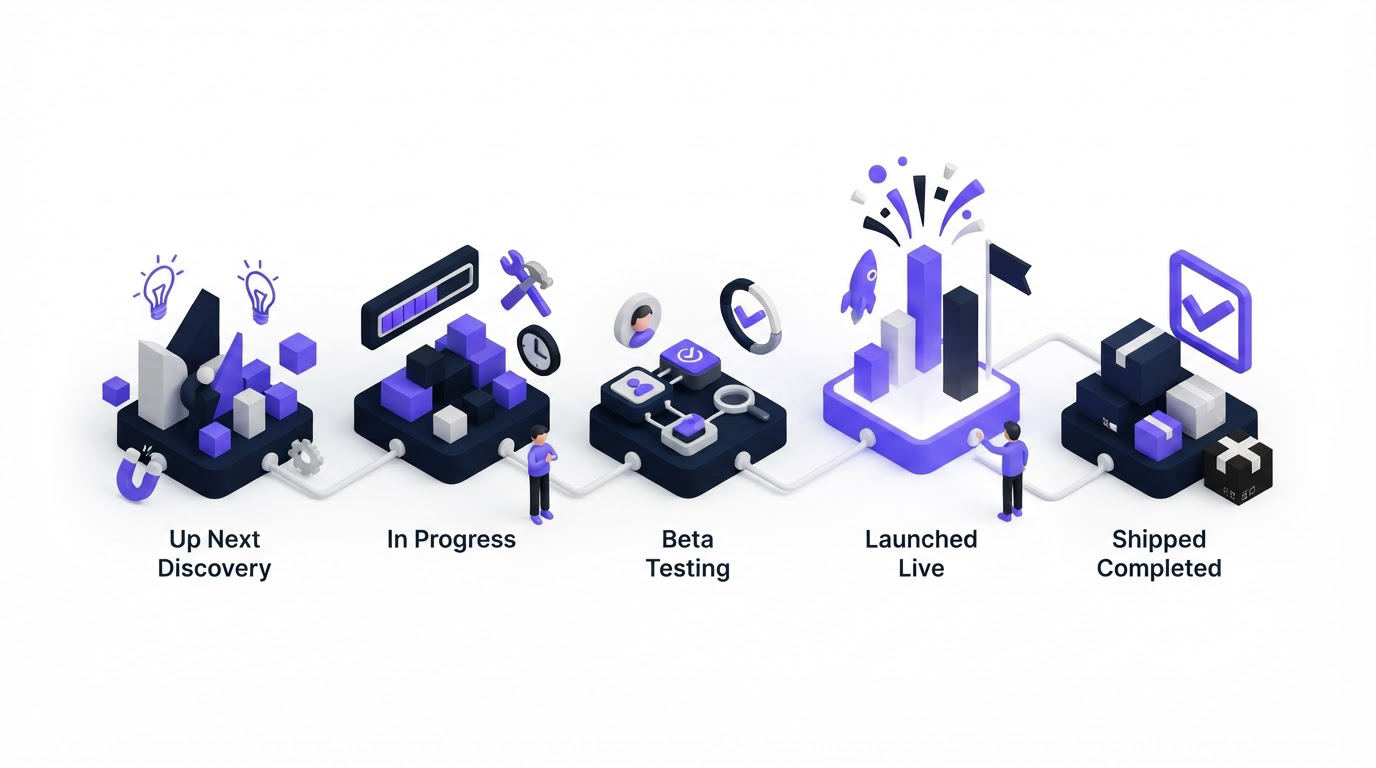
When every highly voted request lands under “Planned,” customers can read a research priority as a delivery commitment. The gap becomes painful when a feature stays there for months or disappears after a strategy change.
Clear public roadmap statuses give customers an honest view of progress while giving the product team room to validate scope, dependencies, and timing. Upvoty helps connect that status communication to the original feedback and the release update that follows.
Quick answer: choose public roadmap statuses in five steps
- Use four delivery stages: Exploring, Planned, In progress, and Released.
- Add a separate Closed status for requests your team has reviewed and decided to stop pursuing.
- Write one internal entry rule and one exit rule for every status.
- Reserve Planned for work with a genuine product commitment, even where delivery timing remains broad.
- Notify voters at major status changes, then publish the completed work in your changelog.
What public roadmap statuses should communicate
A customer should be able to answer three questions from a roadmap card in a few seconds: Has the team heard this request? How confident is the team that it will happen? What progress has occurred so far?
Each label needs a specific meaning. Vague words such as “Next” or “Soon” create a deadline in the reader’s mind, even when the product team intended a loose priority signal. Use status names that indicate both confidence and delivery progress.
The following structure works well for many SaaS products.
| Status | What it means internally | What customers should understand | Move the item when |
|---|---|---|---|
| Exploring | The problem has enough evidence for discovery | The team is assessing the need and possible approach | The problem, target users, and product value are validated |
| Planned | The team has committed the item to a future planning horizon | The feature is intended work, with scope and timing still subject to normal planning | Delivery ownership and a workable scope are agreed |
| In progress | Design, engineering, or implementation work has started | Active work is underway | The feature is available to its intended audience |
| Released | The feature is live | Customers can use it now | Release communication and support details are ready |
| Closed | The request received a deliberate product decision | The team has reviewed the request and is focusing elsewhere | A clear reason can be shared respectfully |
These public roadmap statuses work because each stage describes an observable state. “Exploring” covers discovery. “Planned” signals commitment. “In progress” reflects active delivery. “Released” directs customers to the finished capability.
Keep Closed visible on individual feedback posts where appropriate. A brief explanation protects trust better than leaving a popular request with no outcome. For more on turning completed work into an outcome customers can see, read How to Close the Customer Feedback Loop with a Changelog.
How to choose public roadmap statuses for your product
Start with the decision points your team already uses. A two-person startup may move directly from Exploring to In progress. A product with compliance reviews, external dependencies, or several engineering squads often needs Planned as a clear commitment stage.
Limit the public set to four or five labels. More statuses add internal precision, yet customers rarely gain useful clarity from distinctions such as “Ready for development,” “Engineering review,” and “QA.” Keep those workflow details inside your delivery tool.
Define the promise level of each status
Write a one-sentence customer interpretation before publishing a label. This exercise exposes risky language quickly.
For example, Planned can mean: “We have chosen this problem for a future planning horizon.” It should never be used for: “This has many votes and we may work on it.” Place the second case in Exploring until the team commits.
Avoid dates on cards during Exploring and Planned unless the delivery window has leadership approval and known dependencies. A quarter can be useful once the work is In progress, provided the team has a stable release plan. Specific dates carry a much stronger promise than a stage label.
Give every stage an owner and movement rule
Public updates stall when everyone assumes someone else will change the label. Assign product management ownership for Exploring and Planned, then assign a delivery owner for In progress and Released updates.
Set a recurring roadmap review. A 30-minute review every two weeks is enough for many teams. Open the roadmap alongside current delivery work, review every In progress item, and move stale cards back to Exploring or Closed when priorities change. Explain the change in plain language.
A worked example of public roadmap statuses
Consider a B2B scheduling SaaS with a public request at /feedback/calendar-sync. The post asks for a two-way Outlook calendar sync. It has 86 votes, including several administrators from larger accounts.
The product manager initially places it in Planned after seeing the demand. During technical discovery, the team finds that the required permission model would affect data handling, account connection flows, and support documentation. Engineering has no available owner until the next planning cycle.
The team moves the item to Exploring and adds this update: “We are assessing the permissions, account setup, and support requirements for two-way Outlook sync. We will share a delivery decision after the next planning cycle.” The wording tells voters what is happening without implying a release date.
At the next planning cycle, the team approves a narrower first release: one-way Outlook availability import for workspace admins. The card moves to Planned with a description of that scope. It moves to In progress after an engineer starts implementation. Once the capability is available, the team changes it to Released and links the changelog entry.
The original 86 voters receive a useful sequence of information: review, committed scope, active work, and availability. They also see why the first release covers availability import rather than the full two-way sync they requested.
Demand still plays a role in this decision. Segment and account context often reveal more than a raw vote total. Use a process like the one in How to Prioritize Customer Feedback by Revenue, Segment, and Demand before a request reaches Planned.
Set customer expectations with status descriptions and updates
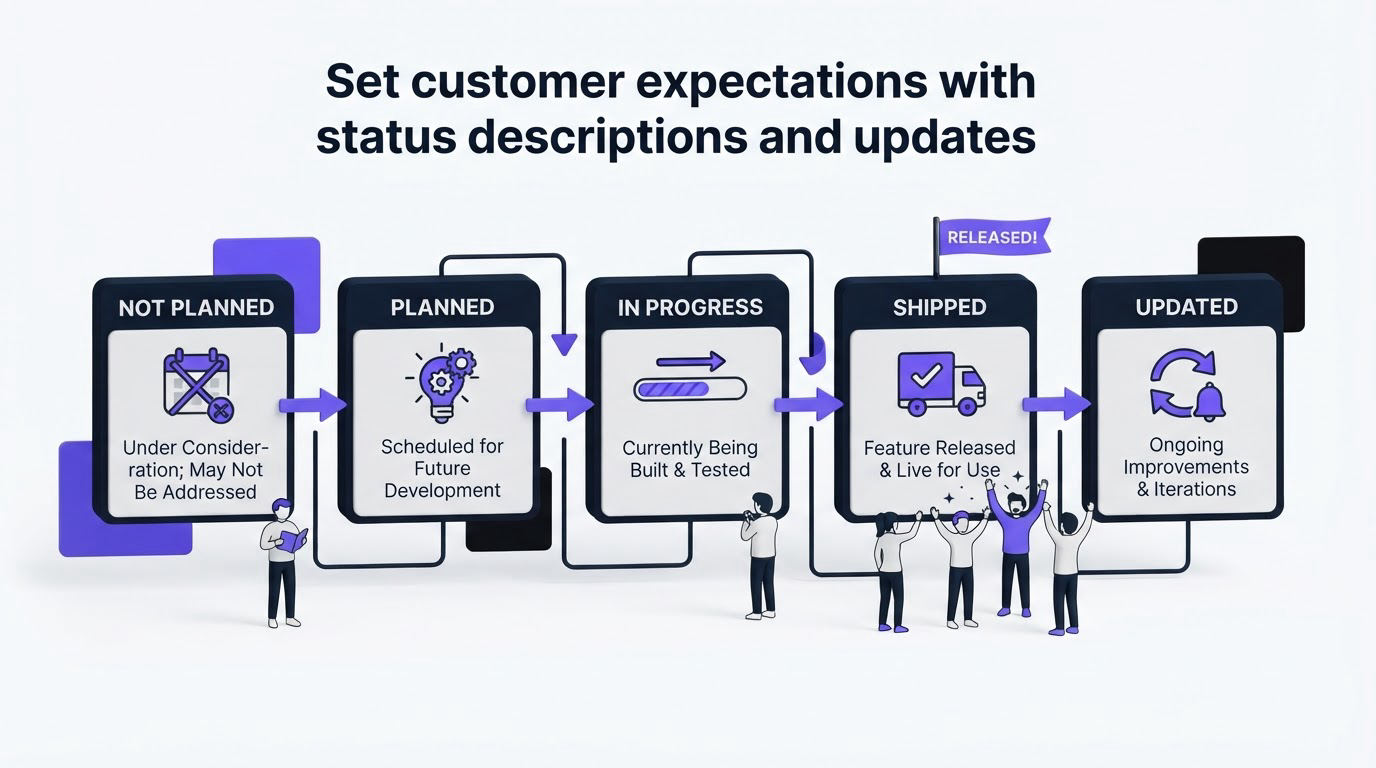
A label alone leaves too much room for interpretation. Add a short description to each roadmap item that covers the problem, intended audience, current scope, and next decision point.
For the Outlook example, “Planned” becomes credible because the description says “one-way availability import for workspace admins” rather than “Outlook integration.” Customers can judge whether the planned scope solves their need. Product teams also avoid treating a broad title as an accidental contract.
Write updates when one of these events happens:
- The team learns something that changes scope or feasibility.
- The item moves from Exploring to Planned.
- Active work begins, pauses, or reaches release.
- A request closes because another direction better serves the product strategy.
Use dates in the update history so readers can see recency. Keep each update short and concrete. “Security review is complete; implementation starts next sprint” is much more useful than “We are making progress.”
Visual treatment also affects comprehension. Use a text label and a clear icon or position alongside color. The W3C guidance on use of color explains why color alone cannot carry meaning for every visitor. For live status announcements, follow W3C guidance on status messages so assistive technology can announce meaningful updates.
How Upvoty connects roadmap statuses to feedback
A public roadmap earns trust through the relationship between a request, its progress, and the finished release. Upvoty supports that full path in one customer-facing space.
Start by collecting requests on feedback boards. Merge duplicate requests so one post represents the underlying problem and voters gather around a single signal. Use internal context and prioritization to decide which items deserve discovery.
Next, publish approved work on the public roadmap. Move each card through the same small set of public roadmap statuses described above, and add scope updates as the team learns more. Customers can see what has reached a real commitment stage rather than guessing from vote totals.
This view shows the customer-facing roadmap format used to communicate what is next.
!Upvoty public roadmap displaying feature progress for customers
When a status changes, use automatic voter notifications to close the silence gap. After release, publish the details through the changelog, including who can use the feature and any setup required. That sequence gives customers a traceable answer from request to outcome.
For the broader structure behind this process, see How to Build a Public Product Roadmap Customers Can Trust.
Common mistakes with public roadmap statuses
The most common failure mode is treating votes as an automatic route into Planned. Votes reveal demand. Product commitment requires additional evidence: strategic fit, target segment, complexity, maintenance cost, and opportunity cost.
Another issue appears when In progress becomes a parking lot. A card can sit there through a blocked dependency, a staffing change, or a major scope revision. Update the card when that happens. If active work has paused for an extended period, move it back to Planned or Exploring and explain the reason.
Avoid status labels that overlap. “Considering,” “Under review,” and “Researching” tend to describe the same customer-visible state. Pick Exploring and use it consistently. Consistency helps customers learn the system after a single visit.
Finally, avoid hiding difficult decisions. Closed requests deserve a concise rationale, especially where voters invested time explaining a real problem. Offer an alternative workflow or a related released feature when one exists.
FAQ about public roadmap statuses
How many public roadmap statuses should I use?
Use four delivery stages for most products: Exploring, Planned, In progress, and Released. Add Closed when your team receives enough request volume to require clear decisions on ideas that will not move forward. This set is easy for customers to scan and practical for product teams to maintain.
Does Planned mean a feature will definitely ship?
Planned should indicate a genuine product commitment to pursue the work. Scope, sequencing, dependencies, and delivery timing can still change during normal planning. Describe the current scope on the card so customers understand what the team has actually committed to build.
Should a public roadmap include every feature request?
A roadmap works best as a curated view of validated priorities and active delivery. Keep the full request conversation on your feedback board, then promote items to the roadmap after they reach the appropriate decision point. This keeps the roadmap readable while preserving customer input.
What should I say when a roadmap item is delayed?
Update the item promptly with the cause at the right level of detail, such as a dependency, a scope change, or a higher-priority reliability issue. State the next review point where possible. Customers respond better to a current explanation than a status that no longer reflects reality.
When should I notify voters about roadmap changes?
Notify them when their request moves into Planned, enters In progress, changes materially in scope, closes, or reaches Released. Frequent minor updates can create noise. Major decision points give voters information they can act on.
Choose labels your team can maintain every week, then make the rules visible in the way you update cards. Upvoty gives you a place to collect requests, show roadmap progress, notify voters, and publish completed work with a consistent customer experience.


