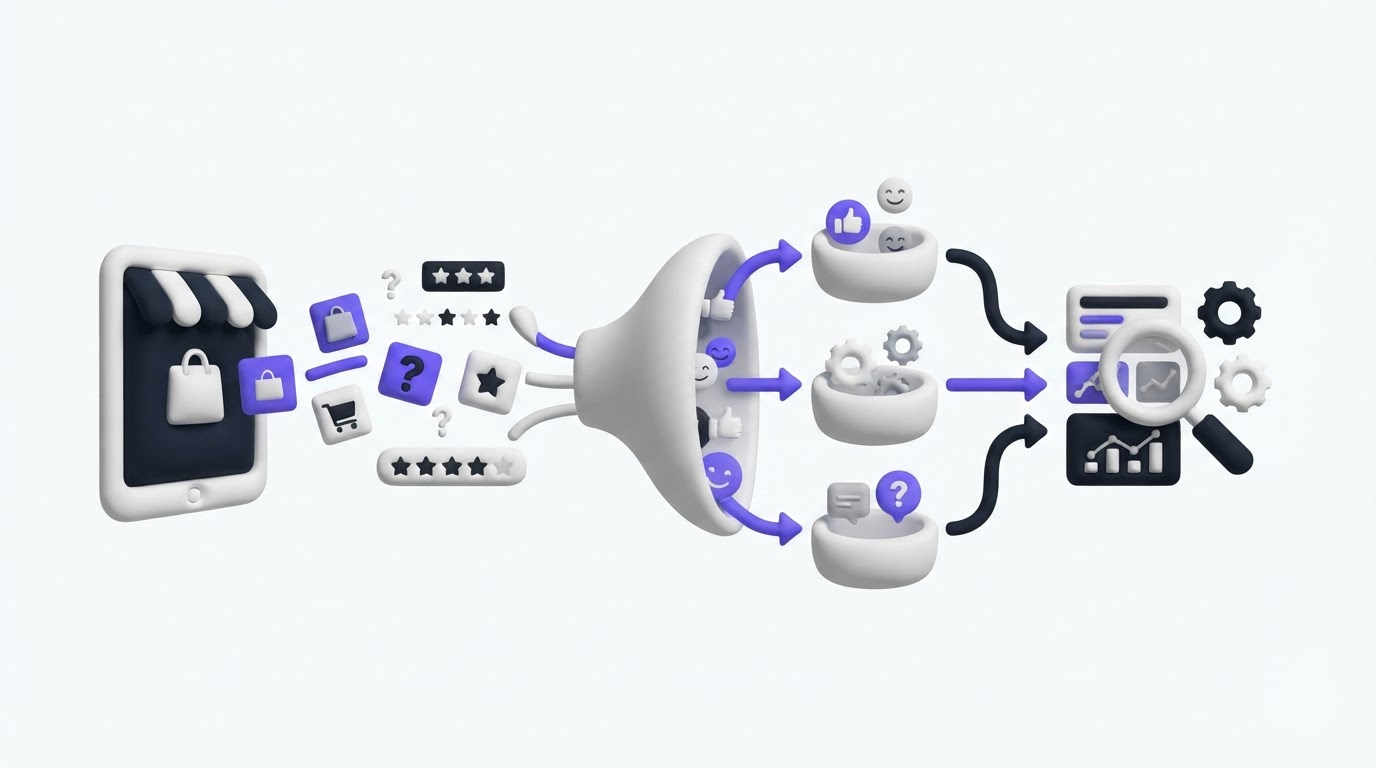
A shopper asks for a bundle builder through email. Another leaves the same request in a chat, while a third tells support that product filters feel slow on mobile. When those messages stay in separate tickets, recurring demand remains hidden and product decisions become guesswork.
Shopify customer feedback needs one home where shoppers can submit ideas, vote on existing requests, and see what your team has acted on. Upvoty gives merchants a structured place to do that without turning the support inbox into a product backlog.
Quick answer: how to manage Shopify customer feedback
Use this workflow to turn store feedback into improvement ideas:
- Create one feedback portal and add clear categories for your store experience.
- Send shoppers to the portal from support replies, post-purchase emails, and key store pages.
- Review incoming requests, merge duplicates, and tag each request by customer need and store area.
- Use votes, customer context, effort, and business impact to prioritize the strongest ideas.
- Move selected ideas through planned, in-progress, and completed stages on a roadmap.
- Publish changelog updates and notify voters when an improvement ships.
Start Shopify customer feedback with a focused portal
A useful portal gives shoppers an alternative to opening a new support ticket whenever they have an idea. It also helps them find an existing request before writing a near-identical one. That produces cleaner evidence for your team.
Set up a branded feedback board with categories that match decisions your store can actually make. A merchant selling direct-to-consumer skincare, for example, might begin with these areas: shopping experience, product selection, subscriptions, shipping and returns, and account experience.
Avoid categories based on internal departments. A shopper can describe a problem with a product finder or checkout step, yet they rarely know which team owns it. Use language they already use on the storefront.
Consider the illustrative store northstartea.com, a Shopify merchant selling loose-leaf tea and starter kits. Its team initially kept requests in Gorgias-style ticket tags, a spreadsheet, and occasional Instagram messages. “Build your own sample box” appeared in six places under slightly different wording. The merchandising lead saw only two mentions in the spreadsheet and prioritized a new tea quiz instead.
The team creates ideas.northstartea.com as its feedback portal and adds categories for discovery, bundles, subscriptions, and delivery. A shopper now sees “Create your own sample box” before submitting a new idea and can add a vote plus context about why the existing bundles fall short.
Place a concise invitation where feedback naturally occurs: the order confirmation email, the help center, an account page, and the resolution message for a relevant ticket. A feedback widget can shorten the path further when shoppers are already browsing the storefront.
Shopify merchants collecting personal data through feedback should explain the purpose and retention approach in their privacy information. Shopify’s customer privacy settings guidance is a useful starting point for managing storefront privacy choices.
Organize recurring Shopify customer feedback before prioritizing it
Votes become useful when each request represents one underlying problem. A board full of duplicates divides support across several posts and creates a misleading ranking.
Review new submissions on a fixed weekly schedule. First, check for an existing request. Then merge duplicate posts into the clearest version, preserving voter interest and the useful details from each submission. Add a short moderator note when wording changes so the request stays understandable.
At Northstar Tea, “more decaf choices,” “decaf sampler,” and “let me select decaf in the box” belong together only after a closer read. The first request concerns assortment. The other two describe bundle configuration. The team keeps them as separate requests because the solutions, owners, and expected effort differ.
Tags make these distinctions visible. Use a small, consistent tag set such as mobile, conversion friction, repeat purchase, catalog, fulfillment, and accessibility. Add internal notes for ticket links, implementation constraints, or direct customer details. Keep those notes private while leaving the customer-facing post readable.
This is where a broad inbox process often breaks down. Support teams optimize for answering one person quickly. Product and ecommerce teams need a view of repeated patterns across many people. The workflow in how to collect, organize, and prioritize feature requests offers a deeper operating model for that handoff.
The following comparison shows how the same sample-box request changes as it moves through a structured process.
| Stage | What Northstar Tea sees | Decision or action | Customer-facing result |
|---|---|---|---|
| Scattered tickets | Six related messages with different wording | No clear owner or combined demand signal | Shoppers receive individual replies |
| Feedback board | One merged request with votes and comments | Assign to merchandising for review | Shoppers can add context and follow progress |
| Prioritization review | Demand from repeat buyers plus estimated implementation work | Test configurable sample boxes before a full bundle builder | Request moves to planned |
| Changelog update | Released configurable sampler option | Publish the shipped change and notify voters | Shoppers see their input led to a visible update |
Prioritize Shopify customer feedback with context, not votes alone
A vote count is a demand signal. Use it alongside commercial impact, strategic fit, confidence, and delivery effort.
For the Northstar Tea example, the sample-box request earns 28 votes. Most voters are returning customers who have already bought starter kits, which makes the request relevant to repeat purchase and product discovery. The tea quiz has 34 votes, yet many comments ask only for help choosing a first order. The team can address part of that issue with improved collection pages and buying guides.
The merchandising team chooses a smaller first release: allow shoppers to choose four samples from a defined decaf and caffeine-free range. This version tests the demand without committing to a fully open bundle builder that complicates inventory rules and fulfillment.
Record the reasoning directly on the request. A short internal decision note might say: “Planned for the next merchandising cycle. Strong repeat-buyer demand. Start with a limited eligible catalog to protect fulfillment accuracy.” Clear reasoning prevents the board from becoming a popularity contest.
Use segments when customer groups have different needs. Wholesale buyers, subscription customers, first-time visitors, and frequent purchasers often give feedback from different contexts. A request with fewer votes can still deserve attention when it removes a serious friction point for a strategically important group. For a fuller method, see how to prioritize customer feedback by revenue, segment, and demand.
One frequent failure mode is treating every comment as a fully designed solution. Shoppers are excellent sources of problems, constraints, and desired outcomes. Your team still needs to validate feasibility, margin effects, inventory impact, and the broader store journey before committing work.
How Upvoty supports the Shopify customer feedback workflow
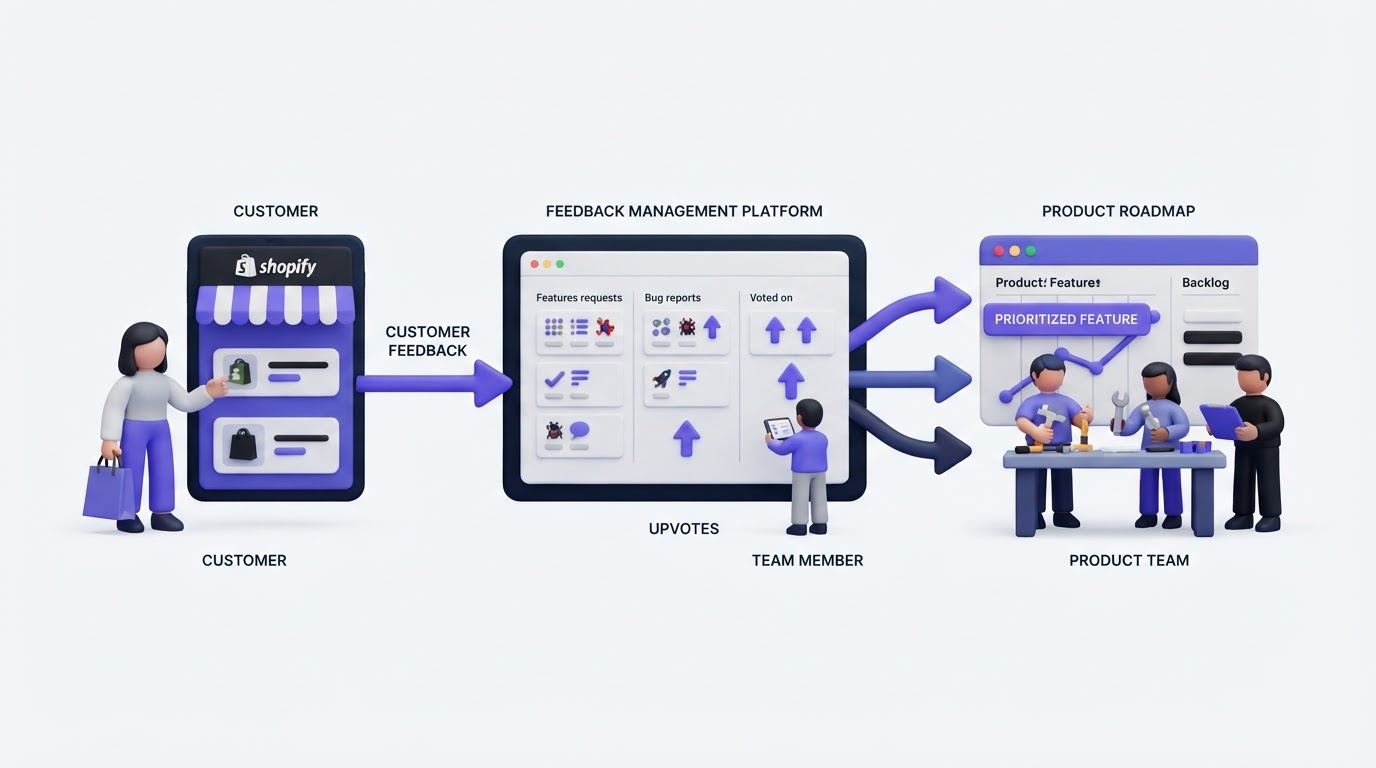
Upvoty is built around the gap between a shopper submitting an idea and a merchant delivering a visible improvement. Here is how the workflow looks inside the product.
First, create a portal and configure boards for the parts of the Shopify experience you want to improve. Use custom submit forms to ask a focused follow-up question where it helps, such as “Which device were you using?” for mobile shopping issues or “Which bundle would you change?” for merchandising requests.
Next, direct shoppers to the portal or place the submission experience closer to your storefront with a widget. They can search, vote, and comment on existing posts. This reduces duplicate submissions before your team begins review.
Then, work from the feedback dashboard. Merge related requests, apply smart tags, add internal notes, and assign ownership. Upvoty’s moderation tools help your team keep public posts useful and respectful while preserving the feedback signal.
After review, set the request status and place selected work on a customer-facing roadmap. Northstar Tea could show “Configurable sample box” under Planned, then move it to In Progress once the catalog and fulfillment work begins. Avoid publishing dates until the team has enough delivery confidence. Status visibility gives shoppers a realistic view of progress without creating commitments that change with every sprint.
Finally, publish the shipped improvement in a changelog. Voter notifications reconnect the release to the customers who raised the idea. A changelog entry for Northstar Tea could explain that shoppers can now build a four-item decaf sampler from eligible teas, then link to the collection page.
This closes a loop that ticket systems usually leave open. The original shopper receives more than a resolved conversation. They receive an update tied to the improvement they helped shape.
The dashboard view below is useful when several similar requests arrive from different channels and need one owner, status, and decision trail.
!Upvoty dashboard for managing feedback requests and prioritization
Share Shopify improvements without overpromising
A public roadmap earns trust when it communicates direction and status clearly. It also needs boundaries. Share work that is likely enough to discuss, use plain status definitions, and keep exploratory ideas out of the committed view.
For example, Northstar Tea can label its sampler work as Planned after the merchandising decision. The status moves to In Progress once the eligible products and storefront logic are being prepared. It reaches Completed only when shoppers can use it on the live store.
Write updates around the customer outcome. “Choose four caffeine-free samples in one box” is more meaningful than “Released bundle configuration v1.” Include any practical limits that affect use, such as eligible products or a temporary rollout scope.
A consistent changelog helps support staff answer “Did you ever add this?” with a link instead of a search through ticket history. Read how to close the customer feedback loop with a changelog for practical release communication patterns, and use a public product roadmap customers can trust to set the right level of visibility.
For stores serving shoppers in multiple regions, make updates easy to understand and avoid exposing personal details from source conversations. The European Commission’s GDPR overview provides a useful reference for the principles around personal data handling.
Measure whether Shopify customer feedback improves store decisions
Track the health of the workflow rather than chasing a raw submission count. Start with the share of new feedback that your team reviews each week. Then monitor duplicate requests, time from submission to a first status, and the number of voters reached by completed updates.
For Northstar Tea, the first operational goal could be simple: every new request receives a status or moderation decision within five business days. The next goal is to merge duplicate requests before the weekly prioritization meeting. Those habits make the demand signal increasingly reliable over time.
Also review the source of requests. Post-purchase feedback may reveal issues around delivery and product expectations. Feedback from collection pages may reveal discovery friction. A submission from an account page can point to subscription or loyalty needs. Source context helps your team choose the right owner and validate whether the issue affects a meaningful part of the journey.
Keep the board active. Add a clear status, merge duplicates promptly, and publish completed work regularly. A stale portal teaches shoppers that their ideas disappear after submission.
FAQ about Shopify customer feedback
How do I collect customer feedback on a Shopify store?
Give shoppers a dedicated feedback destination, then link to it from post-purchase messages, support replies, account pages, and relevant storefront pages. Encourage them to search and vote before creating a new request. This produces a shared record of demand instead of isolated conversations.
Should Shopify merchants let customers vote on feature requests?
Voting works well for identifying recurring needs, especially when shoppers can add comments that explain their use case. Review votes alongside customer segment, business impact, technical effort, operational complexity, and strategic fit before setting priorities.
Can I use customer feedback for physical products as well as store improvements?
Yes. A board can capture ideas about variants, bundles, refill formats, subscriptions, packaging, delivery options, and the online buying experience. Separate product assortment requests from site usability issues so each reaches the appropriate owner.
What should I do with duplicate customer requests?
Merge them into one clearly worded request, retain the combined votes, and summarize any important context from the duplicate posts. This keeps the public board easier to browse and gives your team a more accurate view of demand.
How often should I update customers about ideas they submitted?
Publish an update whenever a request moves into a meaningful status or ships. Regular changelog entries and automatic voter notifications create a dependable feedback loop without requiring your team to send separate manual replies to every voter.
Turn your Shopify customer feedback into a visible decision process with Upvoty. Give shoppers one place to share ideas, give your team a cleaner backlog, and show the improvements that came from their input.


