
A Shopify app team can receive the same request through support tickets, app reviews, sales calls, and direct messages, then struggle to tell whether it represents a widespread problem. Raw request counts also hide a crucial detail: the merchants asking may run very different businesses and have very different product needs.
Feature voting gives Shopify app developers a repeatable way to collect demand, identify the merchants behind it, and make a documented product decision. Upvoty provides the board, segmentation, duplicate handling, and status updates needed to run that process in one place.
Quick answer: how to validate Shopify app ideas with feature voting
Use this workflow for every idea that reaches your Shopify app team:
- Create one clearly scoped request with a merchant-facing problem statement and a defined outcome.
- Merge duplicate requests into that canonical post so every voter contributes to one demand signal.
- Segment voters by merchant type, plan, store maturity, use case, and strategic value.
- Review vote volume alongside revenue exposure, urgency, support burden, and implementation effort.
- Interview a small sample of voters to confirm the workflow, constraints, and willingness to adopt.
- Publish a decision, update the request status, and notify voters when work ships.
Set up feature voting around merchant problems
A useful request gives merchants enough context to decide whether the problem applies to them. Titles such as “Add reports” attract broad, ambiguous votes. A title such as “Schedule a weekly low-stock report by product variant” tells a merchant exactly what they are supporting.
Start each post with four fields: the current workflow, the desired outcome, the affected store type, and any workaround already in use. Use a custom submission form to capture this context instead of making your product team reconstruct it later. The Upvoty custom submit forms page shows how teams can ask for structured details at submission.
Keep voting friction low. Place a link to the board in support replies, onboarding emails, and in-app help. For an app with an established signed-in experience, an in-app feedback widget can collect requests while the merchant is working through the problem.
Worked example: a request for bundled inventory alerts
Consider a Shopify app that helps merchants manage subscription inventory. Several support conversations mention stock alerts for products sold as bundles. The team creates a single post: “Alert me when a bundle is at risk because one component is low.”
The description asks voters to share whether they sell fixed bundles, mix-and-match bundles, or subscription boxes. It also asks how far ahead they need the alert and whether they currently export inventory data into a spreadsheet.
That wording prevents a common failure mode. A broad “bundle support” request can collect votes from merchants who mean entirely different features: bundle creation, order fulfillment, discounting, or inventory forecasting.
Collect only the voter information required for prioritization and communication. Shopify app teams that handle customer-related data should review Shopify’s protected customer data requirements and apply the same restraint to feedback profiles and exports.
Merge duplicate requests before you interpret feature voting
Duplicate posts fragment demand. One merchant may vote for “Bundle stock notifications,” while another submits “Warn me before subscription bundles sell out.” If those posts remain separate, each appears weaker than the underlying problem.
Review new submissions on a regular cadence. Search for similar language, compare the merchant workflow described in each post, then merge requests that share the same desired outcome. Keep separate posts where the workflow or solution meaningfully changes.
In the bundle-alert example, “Send a Slack alert when a bundle component is low” belongs under the canonical request. “Prevent bundle sales when a component reaches zero” deserves its own post because it requires a different product behavior and carries a different operational risk.
Explain the merge in a short moderator note. Merchants should see where their vote went and why. Upvoty’s Merge AI feature can help surface related requests for review, while a human owner still decides whether the underlying jobs match.
A disciplined merge process also creates better product language. Over time, the canonical post becomes a concise record of how merchants describe the problem, the exceptions they care about, and the outcomes they value.
Segment feature votes by the merchants behind them
Feature voting becomes far more useful when each vote carries context. A request with 25 votes from early-stage stores may deserve a different response from a request with eight votes from high-retention merchants running complex operations.
Define segments that reflect choices your team actually makes. For Shopify apps, those usually include store model, app plan, order volume band, business maturity, geography, and product workflow. Avoid segments that nobody will use during planning.
The following comparison shows how the same vote total can lead to different next actions.
| Request signal | Merchant pattern | Likely interpretation | Next action |
|---|---|---|---|
| 25 votes, mostly new stores | Merchants are still configuring the app | Onboarding friction or an expectation gap may be driving demand | Review setup flow and interview recent voters |
| 12 votes, concentrated among subscription merchants | A distinct workflow has a clear need | A segment-specific opportunity may justify discovery work | Prototype the subscription workflow |
| 8 votes, concentrated among strategic accounts | Higher retention or expansion exposure | Account risk deserves direct follow-up | Assign an owner and confirm urgency |
| 40 votes across unrelated store types | Broad language attracts many interpretations | The problem statement needs refinement | Split the request into clearer use cases |
For the bundled inventory alert, the team notices that votes come mainly from merchants selling subscription boxes and fixed bundles. Mix-and-match bundle sellers largely stay silent. That evidence narrows the first release: alerting for fixed component lists offers a coherent scope, while more flexible bundle logic can remain a separate discovery track.
Use customer feedback prioritization by revenue, segment, and demand to build a repeatable scoring approach around these signals. The key is consistent interpretation across planning cycles.
Score feature voting with revenue impact and evidence
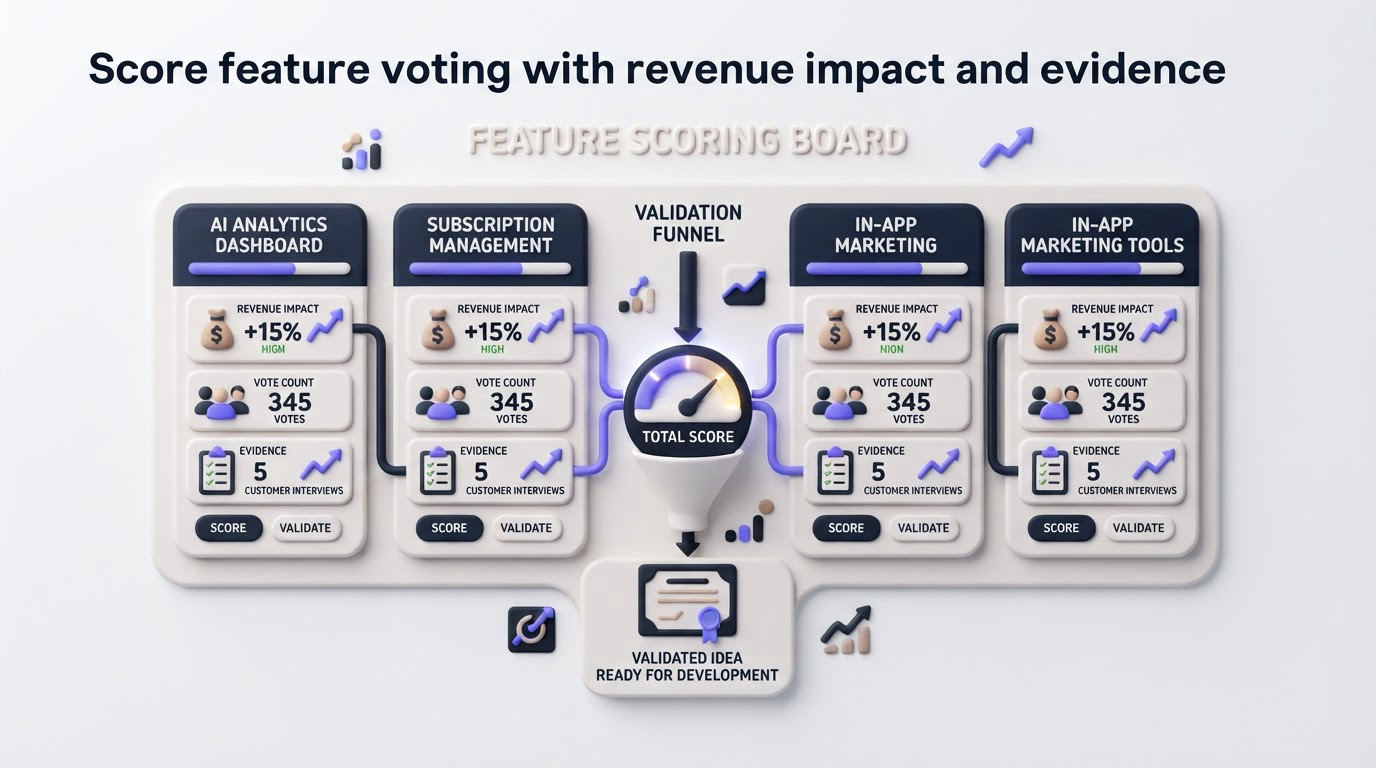
Votes measure expressed interest. Product decisions require a wider evidence set. Give each candidate request a simple review that your team can explain later.
For each request, record the number of unique voters, the segments represented, the accounts that may be at risk, the support conversations linked to the issue, and the estimated delivery effort. Add a confidence note after interviews or prototype tests.
Revenue impact should be recorded as an exposure category rather than a fabricated calculation. For example, label a request “retention risk,” “expansion opportunity,” “new-market requirement,” or “limited commercial impact.” Your customer success or sales lead can add private context through internal notes without exposing sensitive account information on a public board.
For the example, the team finds that fixed-bundle merchants have raised the issue during renewal conversations and that several have built manual spreadsheet checks. The request moves into discovery because it combines repeated demand, a defined merchant segment, and a plausible retention benefit. A vote total alone would have provided a weaker basis for that decision.
Export the last 90 days of requests before quarterly planning. Compare the top-voted posts with ticket themes and churn reasons. This exposes requests that look popular on the board yet have little operational impact, along with high-impact issues that customers rarely submit on their own.
Interview voters before you commit to a Shopify app feature
A vote opens a conversation. Contact a small set of voters from the segments that drove the request and ask them to show the current workflow. Screenshots, order examples, and a short screen recording often reveal constraints that a board post cannot capture.
For bundled inventory alerts, ask when the merchant discovers the shortage today, which team member responds, whether bundles share components, and what action should follow the alert. A merchant may ask for email notifications yet discover that a daily in-app exception list fits their operation better.
Set a clear threshold for a discovery decision. For example, move forward when you have evidence from multiple merchants in the target segment, a common workflow, and a delivery path that fits current product priorities. Park ideas that remain vague, then revisit them when new votes or support evidence arrive.
Accessibility also affects the quality of participation. Ensure your voting experience works by keyboard, has clear form labels, and communicates status changes accessibly. The W3C WCAG 2.2 guidance provides practical success criteria for these interactions.
How Upvoty supports feature voting for Shopify app teams
Running this process in spreadsheets and ticket tags creates a coordination problem. The request, votes, merchant context, internal discussion, and public response end up scattered across tools. Upvoty brings those moments into one workflow designed for visible product feedback.
Start by creating a feedback board for feature voting and choosing whether it should be public or private. Configure the submission form to collect the merchant details that influence your planning decisions. The feedback boards feature supports a focused place for merchants to submit and vote on requests.
Next, review incoming posts, merge overlapping requests, and apply segments or smart tags to identify patterns such as subscription merchants, enterprise stores, or onboarding-stage users. Assign an owner and priority to requests that need investigation. Team members can add internal context while the public post stays clear and merchant-friendly.
This view is especially useful during a duplicate review because it keeps the canonical request, voter list, and related evidence together.
!Upvoty dashboard for managing feature requests and customer feedback
When the team approves bundled inventory alerts, change the post status to planned and describe the first-release scope. Once the feature ships, publish the update through the Upvoty changelog and notify the voters. This creates a visible chain from merchant input to product action.
For a deeper Shopify-specific setup, see how to use Upvoty for Shopify customer feedback. Teams that need a broader operating model can also use the feature request management workflow guide.
Share feature voting decisions on your roadmap and changelog
Merchants tolerate a declined or delayed idea better when they can see a thoughtful decision and a clear status. Use simple statuses such as under review, planned, in progress, complete, and closed. Add a brief explanation when an idea is closed or split into narrower requests.
For the bundle-alert request, the roadmap entry could state: “Fixed-bundle component alerts are planned. Flexible mix-and-match bundle support remains under research.” This preserves confidence while preventing merchants from assuming every variation is included.
A public product roadmap customers can trust should show enough detail to set expectations without exposing internal delivery dates or unvalidated work. After release, connect the completed request to a changelog entry that explains what shipped, who benefits, and any setup steps. The guide to closing the feedback loop with a changelog covers that last step in more depth.
FAQ about feature voting for Shopify apps
How many votes should a Shopify app feature need before development?
There is no universal threshold. Use votes to identify candidates, then assess merchant segment, revenue exposure, support burden, strategic fit, and delivery effort. A tightly defined problem among an important merchant segment can warrant discovery with relatively few votes.
Should feature voting boards be public for Shopify app users?
Public boards work well when transparency can build trust and merchants benefit from seeing existing requests. Private boards suit account-specific workflows, sensitive ideas, or early feedback from selected groups. Many teams use a public board for broad feedback and internal notes for account context.
How do you prevent duplicate feature requests?
Search before publishing, review new submissions regularly, and merge posts that share the same merchant outcome. Leave a visible note that points voters to the canonical request. Keep requests separate when the implementation, workflow, or success criteria differ.
Can feature votes replace merchant interviews?
Votes identify demand patterns and recruit relevant interview participants. Interviews reveal the workflow behind the request, the cost of the problem, and the conditions that determine adoption. Use both forms of evidence before committing substantial development effort.
Start with one focused board, define the merchant segments your roadmap decisions require, and review duplicate requests every week. Try Upvoty to turn Shopify app feedback into traceable feature voting decisions and clear updates for the merchants who contributed.