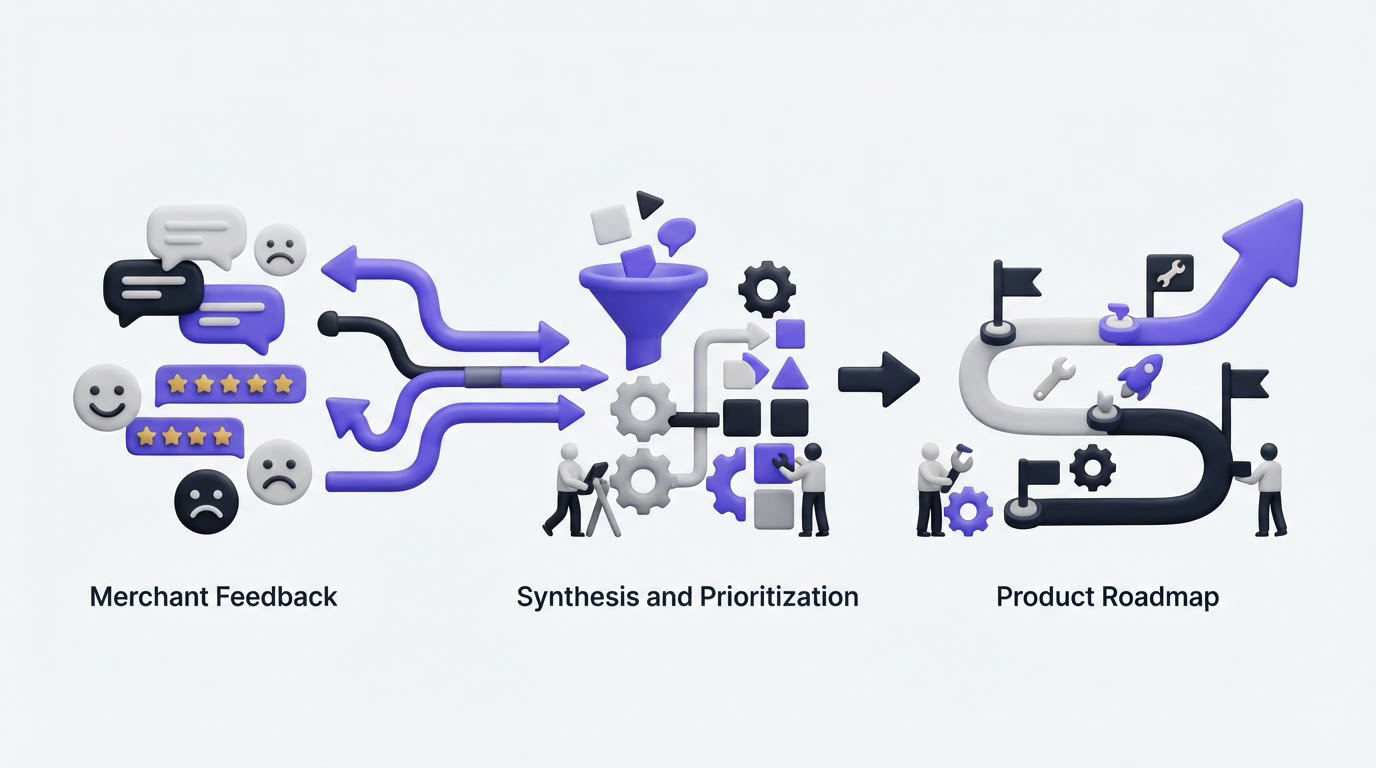
A Shopify app team can receive the same request through support tickets, App Store reviews, onboarding calls, and emails, then lose the pattern because each message lives somewhere different. Merchants feel unheard when an update ships without any visible connection to the problems they raised.
A focused Shopify app customer feedback workflow gives every request a home, connects it to a merchant use case, and turns recurring demand into informed roadmap decisions. Upvoty provides the feedback board, roadmap, and changelog structure for running that process in one customer-facing place.
Quick answer: how to turn Shopify app customer feedback into a roadmap
- Create one feedback intake location and link it from your app, support replies, and merchant onboarding.
- Ask merchants to describe the job they are trying to complete, their store context, and the current workaround.
- Merge duplicate requests, then tag each theme by app use case, merchant segment, and affected workflow.
- Score requests using demand, strategic fit, effort, urgency, and the quality of supporting evidence.
- Move selected themes onto a public roadmap with clear status labels and plain-language scope.
- Publish a changelog entry when work ships and notify the merchants who supported the request.
Start Shopify app customer feedback collection where merchants already work
Feedback quality improves when the request arrives close to the moment of friction. Place a persistent feedback entry point in your app navigation or help area, then use the same destination in support macros, onboarding emails, and review follow-ups. A single destination prevents the team from rebuilding context every time a merchant mentions an idea.
For an embedded app, give the link a specific label such as “Request a feature” or “Vote on improvements.” Avoid a vague “Contact us” link for product ideas. Merchants should see existing requests before creating a new one, which concentrates demand around shared problems.
Collect three details beyond the request title:
- The task the merchant was trying to finish
- Relevant store context, such as order volume, catalog size, or sales channel
- The workaround they currently use
A merchant asking for “bulk rules” could mean several very different things. One may need to apply a return rule to 500 SKUs, while another wants to change fulfillment behavior by market. The task and context separate these requests before engineering estimates begin.
Shopify app teams also need to account for trust and data handling. Keep the feedback form focused on product context, and avoid asking for customer order details or other sensitive data. Review Shopify’s App Store review guidelines before changing app-facing flows, especially when feedback prompts or onboarding screens affect the merchant experience.
Running example: a returns app with scattered requests
Consider a fictional Shopify returns app at returnsloop.example. Its team receives 18 requests for “bulk return rules” over six weeks. Support initially treats them as one feature.
Once requests are collected on one board, the team sees three use cases:
- Merchants with large catalogs want to assign return windows by product collection.
- High-volume merchants want CSV import for product-level exceptions.
- International merchants want return rules by country.
These groups share language, yet they create different technical work and different merchant outcomes. The roadmap should reflect the distinct jobs rather than a single oversized feature request.
For more detail on setting up the intake and review routine, use this feature request management workflow.
Group Shopify app customer feedback by merchant use case
After intake, spend time consolidating before you prioritize. Duplicate votes are useful evidence. Duplicate posts are scattered evidence that makes a roadmap harder to read.
Create a parent request for each shared outcome, then attach related submissions as votes or supporting context. Use tags that describe how the app is used, rather than tags that only repeat feature names. For the returns app, useful tags include catalog-management, high-volume-operations, international-returns, and policy-automation.
Merchant segmentation adds another layer. A request from a store processing 20 orders a month carries different operational weight from the same request from a store processing 20,000 orders a month. Both deserve a response. The difference appears in roadmap scoring and validation, rather than in whether the request gets recorded.
Use a small, repeatable tag set. A long uncontrolled list eventually becomes a second backlog. Review tags monthly, merge near-duplicates, and archive labels that no longer support decisions.
| Field on a feedback request | Example for the returns app | How the team uses it |
|---|---|---|
| Use case tag | International returns | Finds related workflow problems |
| Merchant segment | Enterprise, high-volume | Adds account context to demand |
| Evidence | 11 votes and 4 support conversations | Tests whether demand is recurring |
| Current workaround | Manual policy edits by market | Shows urgency and operational cost |
| Product area | Rules engine | Routes discovery to the right owner |
| Status | Under consideration | Gives merchants a visible answer |
Do not interpret votes as a complete prioritization model. A popular idea can have broad appeal and weak strategic value. A request with fewer votes can remove a serious adoption blocker for the merchant segment your app is built to serve.
Prioritize Shopify app customer feedback with evidence and constraints
A defensible decision combines demand with the evidence behind it. Use a simple score during your product review, then preserve the written reasoning in an internal note. The score helps the team compare themes consistently. The note protects the context when priorities change later.
For each parent request, assess five areas:
- Demand: votes, repeated support contacts, and frequency of the underlying problem
- Merchant impact: time saved, revenue protection, risk reduction, or workflow reliability
- Strategic fit: connection to your target merchant and product direction
- Confidence: strength of the problem evidence and clarity of the desired outcome
- Effort and dependencies: engineering scope, Shopify platform dependencies, and support implications
Apply the same model to each returns-app theme. Collection-based rules could earn high demand and high strategic fit because many apparel merchants manage collections. Country-based rules could score high merchant impact for international brands but require deeper work across the rules engine. CSV import may be a fast operational improvement for a narrower segment.
The team can choose collection-based rules for the next cycle, start discovery on country-based rules, and record CSV import as planned work. This provides a truthful answer to every group without promising the same delivery date.
Capture reasons for declined requests as well. A merchant may accept “outside our product direction” more readily than silence. When a request overlaps with an existing feature, point to the existing workflow and offer setup help.
A revenue-weighted view can help when you have reliable account data, though it needs guardrails. Give strategic segments a considered voice while keeping self-serve merchant patterns visible. Read how to prioritize customer feedback by revenue, segment, and demand for a fuller scoring approach.
Turn Shopify app customer feedback into a public roadmap
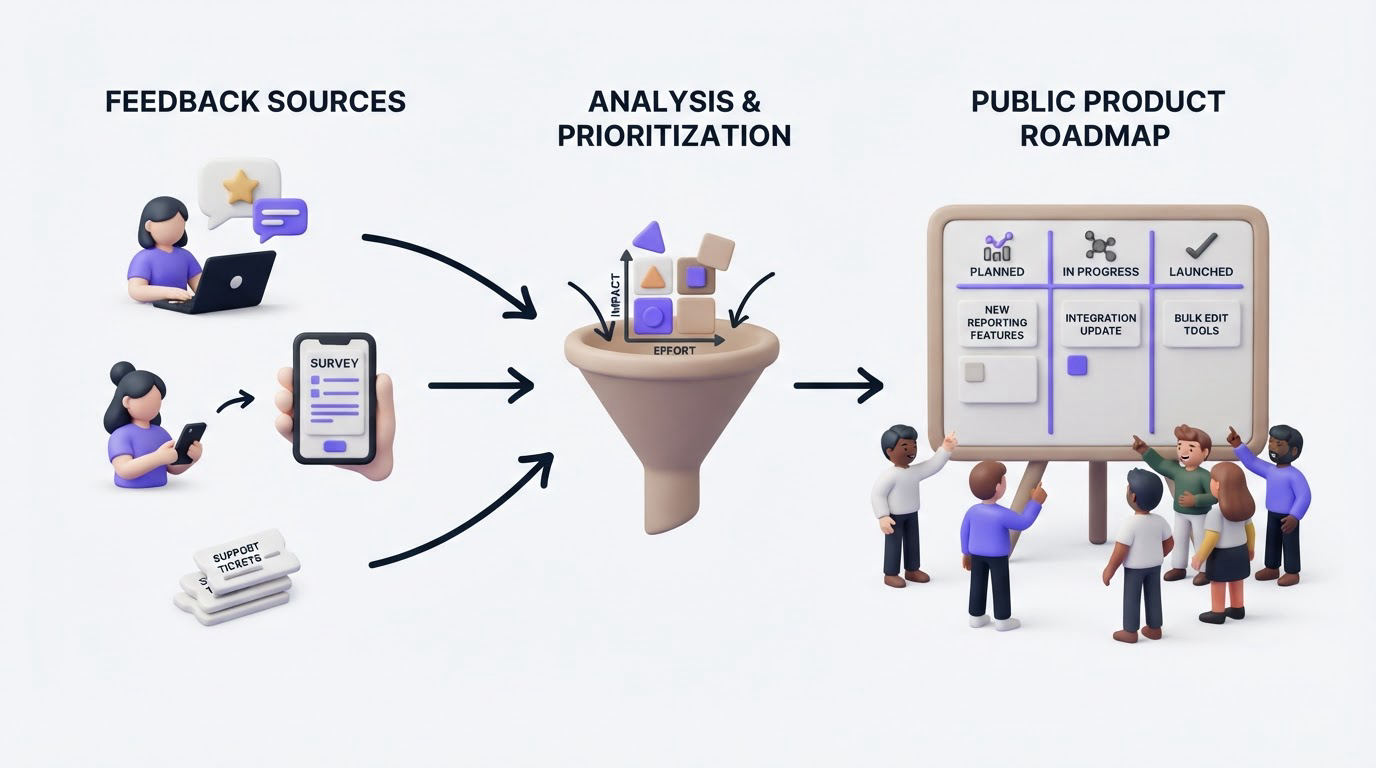
A public roadmap creates an expectation that you will communicate progress. Keep the statuses simple: under consideration, planned, in progress, and shipped. These labels describe a decision state, which makes them useful for merchants and manageable for your team.
Publish outcomes rather than every internal task. “Create collection-based return windows” tells a merchant what will improve. “Refactor rules service” belongs in the engineering tracker.
For the returns app, the public roadmap could show:
- Planned: collection-based return windows
- Under consideration: country-specific return rules
- Planned: CSV import for rule exceptions
Include a brief scope statement under each item. For example, the first roadmap card might say that merchants will be able to assign return windows to Shopify collections from the app’s rules screen. It should avoid a calendar commitment until the release plan is firm.
Roadmap visibility has a trade-off. It reduces repetitive “when will this ship?” conversations, while public plans need active maintenance. Assign an owner to review statuses every week. Move a delayed item back to under consideration or planned when its circumstances change, and add a brief explanation where appropriate.
Merchants can understand a changed plan. They cannot understand a roadmap that stays frozen for months. This guide to building a public product roadmap customers can trust covers the communication practices behind reliable status updates.
How Upvoty supports the Shopify feedback workflow
The manual process often breaks at the handoff between feedback collection, product review, and merchant communication. Upvoty keeps those stages connected while allowing the team to decide what appears publicly.
First, create a dedicated board for your Shopify app and configure its feedback boards around the outcomes merchants can request. Share the board from your embedded app, help center, support macros, and onboarding messages. Merchants can search existing ideas, post context, and vote for the requests that affect them.
Next, use smart tags and segments to organize entries such as high-volume operations, catalog workflows, and international selling. Merge submissions that describe the same merchant outcome, preserving votes and discussion on one parent post. Add internal notes for support details or implementation constraints that do not belong on the public board.
Then, review consolidated requests in the feedback dashboard. Assign an owner, set a priority, and record the reason behind each roadmap decision. The returns-app team could tag 18 original requests, merge them into three use-case themes, and give each theme a separate score during planning.
This screenshot shows the type of dashboard view used to organize feedback before a roadmap decision.
!Upvoty dashboard for managing feedback, tags, votes, and request status
Finally, publish selected items through the roadmap and update them as work advances. When collection-based return windows ship, post a changelog entry and use automatic voter notifications to reconnect with merchants who asked for it. The product team gains a traceable path from request to release, and merchants see that their input had a visible destination.
Share launch progress with Shopify merchants
Shipping work completes only part of the feedback loop. Publish a changelog update that names the merchant outcome, shows where to find the capability, and explains any relevant setup steps.
For the returns app, a useful update might say: “Collection-based return windows are now available in Rules. Select a Shopify collection, set a return window, and save the policy. Existing default rules remain unchanged.” This helps the original voters and assists merchants who discover the feature later.
Add a screenshot or short setup example when the workflow has multiple steps. Link the changelog entry from the relevant roadmap card, then mark that roadmap item as shipped. The connection shows merchants that the status change represents a usable release.
Follow up after launch with the merchants whose feedback carried detailed context. Ask whether the release handles their original workflow. Their answer can reveal a missing edge case early, such as mixed collection assignments or country-specific overrides.
Shopify’s Admin GraphQL API documentation is useful when your planned improvement relies on Shopify data or platform capabilities. Check the current API behavior during discovery, before publishing a roadmap statement that assumes a technical path is available.
For a repeatable release communication process, see how to close the customer feedback loop with a changelog.
Common mistakes with Shopify app customer feedback
Treating App Store reviews as the product backlog
Reviews are a high-visibility signal, yet they rarely capture enough context for a product decision. Reply professionally, resolve the immediate issue where possible, and invite the merchant to add their use case to the feedback board. Their detailed follow-up can then join related demand.
Building from the loudest request
A detailed request from one merchant can be compelling. Validate it against your target segment, support history, and the broader product direction before committing resources. A short discovery call often reveals whether the request represents an isolated configuration or a recurring job.
Showing dates that the team cannot support
Use status-based roadmap communication until delivery confidence is strong. A status plus scope gives merchants useful information without creating avoidable release-date pressure.
Leaving shipped feedback disconnected from the original request
Mark the parent request as shipped, publish a changelog entry, and notify voters. This takes little time and turns feedback collection into a visible relationship-building practice.
FAQ about Shopify app customer feedback
How should Shopify apps ask merchants for feedback?
Ask after a meaningful product moment: completing setup, resolving a support issue, or using a key workflow several times. Direct the merchant to one searchable board where they can vote on existing requests or add the context your team needs.
Should a Shopify app use a public or private feedback board?
Use a public board for broad product ideas and a private board for sensitive enterprise workflows, beta programs, or account-specific discussions. Many teams use both, with public demand informing the wider roadmap and private context supporting account work.
How many votes are enough to build a feature?
There is no universal threshold. Review vote count alongside merchant segment, problem severity, strategic fit, technical scope, and evidence from support conversations. Ten votes tied to a core workflow can outweigh many votes for a minor convenience feature.
What should merchants see on a public roadmap?
Show the customer outcome, current status, and a concise scope description. Keep internal tasks, uncertain technical dependencies, and uncommitted dates inside your planning tools until the release plan is ready.
Set up one place for Shopify app customer feedback, group requests around merchant workflows, and make each roadmap decision visible through its status. Try Upvoty for your Shopify app feedback process and give merchants a clear route from request to release.