A landing page can describe every major feature and still leave buyers asking, “Will this work for our team?” That gap usually appears when product marketing relies on internal terminology while customers describe their problems in very different words.
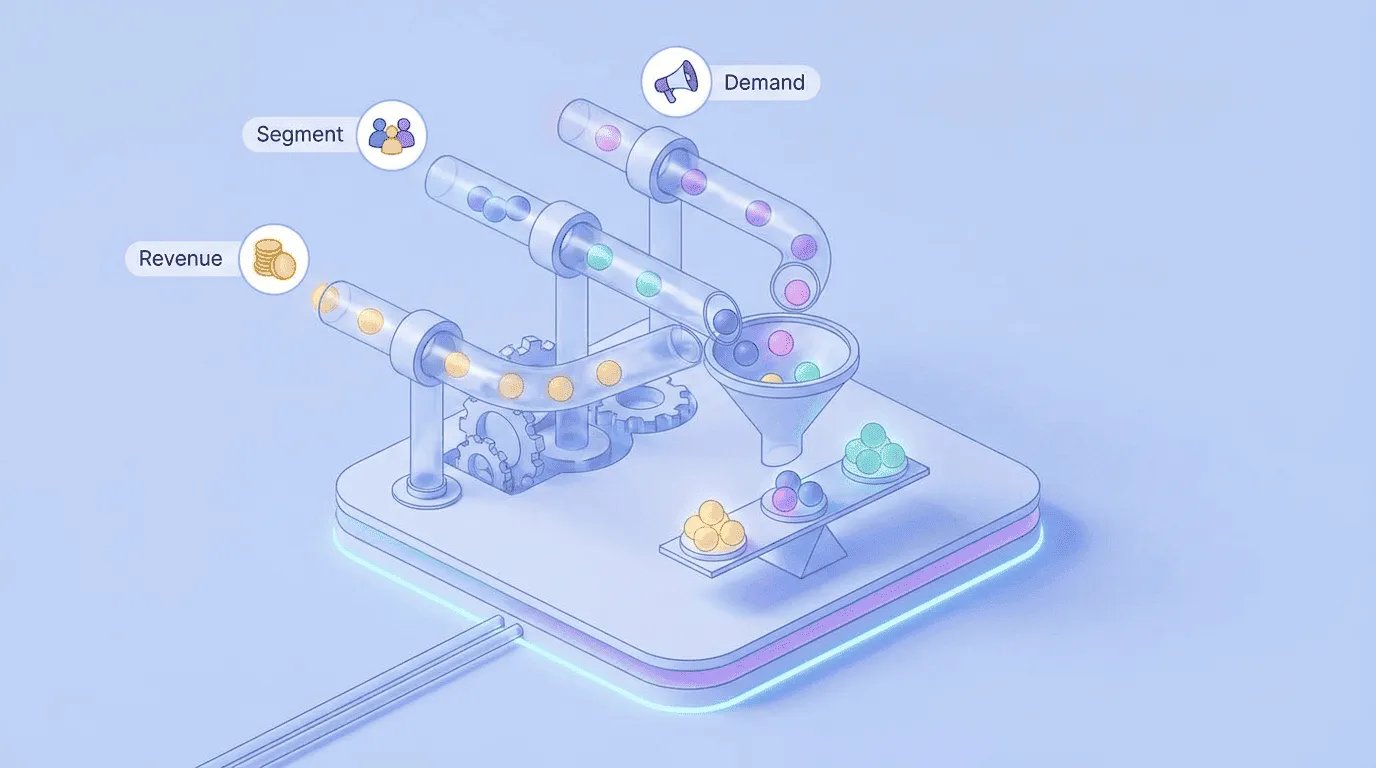
Upvoty gives product, marketing, and growth teams a shared place to collect those words, connect them to demand, and turn recurring feedback into testable messages.
Quick answer: how teams use feedback data to refine messaging and positioning
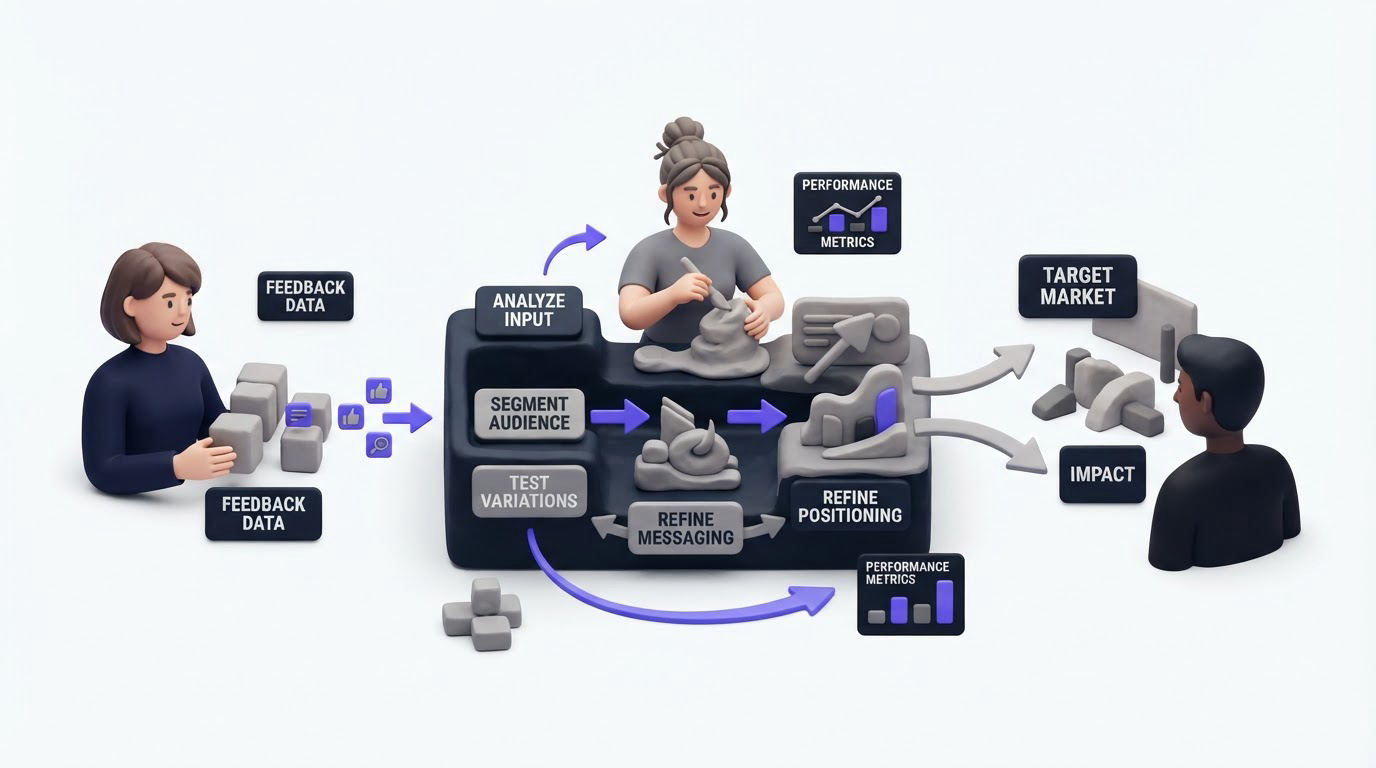
Use this workflow to turn feedback into positioning evidence:
- Collect feedback from requests, support conversations, sales calls, surveys, and in-app prompts in one reviewable dataset.
- Group submissions by the customer problem, desired outcome, objection, and audience segment behind each comment.
- Pull exact customer phrases from high-signal themes and preserve the context around each phrase.
- Write a positioning hypothesis that connects an audience, a painful situation, a promised outcome, and proof.
- Test one message variable at a time across landing pages, lifecycle email, sales materials, and ads.
- Review conversion quality, sales objections, and new feedback, then keep, revise, or retire the message.
Start with feedback that contains buying context
Feature requests alone rarely produce strong positioning. A request such as “add Slack alerts” tells you what a person wants. The explanation behind it often reveals the message: “Our support team misses urgent requests because nobody checks the board after lunch.”
Capture the explanation whenever possible. Ask follow-up questions in an intake form and record supporting context from calls or tickets. Useful fields include the customer’s role, company size, current workaround, trigger event, expected outcome, and account stage.
A request from an active customer who has built a spreadsheet workaround carries different messaging value from a casual upvote. The first can reveal urgency, a failed alternative, and a concrete job to be done. For a practical collection process, see this guide to organizing feature requests into a usable workflow.
Consider a fictional B2B SaaS product that helps product teams manage customer feedback. Its homepage leads with “Centralized product discovery for modern teams.” The phrase feels polished internally, yet demo calls repeatedly include a similar complaint: “I need one place to see whether ten people are asking for the same thing.”
The team collects 90 days of feedback and records the words around each request. They find repeated references to duplicated requests, scattered conversations, and uncertainty about what customers want most. That evidence gives them a clearer starting point than the homepage slogan.
Group feedback themes before writing new positioning
Raw feedback contains duplicates, edge cases, and loud individual opinions. Create themes that describe the underlying customer situation rather than the requested feature.
For the example team, “Slack alerts,” “merge duplicate ideas,” and “export requests” may belong under one broader theme: a fragmented view of customer demand. Each request has a different solution, while the buyer’s job remains consistent: build a trustworthy view of demand before setting priorities.
Use a simple coding structure for each piece of feedback:
| Feedback element | Example from the fictional SaaS team | Messaging use |
|---|---|---|
| Trigger | “We have requests in support, Slack, and sales notes.” | Opens with the operational pain |
| Desired outcome | “I want to see the real demand in one place.” | Supplies the core promise |
| Current workaround | “I export everything into a spreadsheet every Friday.” | Shows cost and urgency |
| Objection | “Voting can favor one noisy customer.” | Identifies proof needed |
| Segment | Product lead at a 50-person SaaS company | Defines the audience for the test |
Export the last 90 days first. Then tag each item with one primary theme and one secondary theme only when it adds meaningful context. Excessive tagging creates a taxonomy that nobody can maintain.
Theme quality improves when product marketing, support, sales, and research review examples together. Product marketing hears the language used before purchase. Support sees friction after adoption. Sales can identify objections that delay evaluation. Product teams can explain which requests reflect a broader workflow problem.
Prioritize themes by more than volume. A smaller set of comments from a defined high-value segment can provide a stronger positioning direction than hundreds of loosely related votes. The framework in how to prioritize customer feedback by revenue, segment, and demand helps teams weigh those signals deliberately.
Use customer language without copying it blindly
Customer phrases are valuable because they show how people frame their own problems. They are raw material for a message, not finished copy.
In the example, customers say:
- “I need one place to see repeated requests.”
- “We keep building for whoever asks the loudest.”
- “I need evidence before I take a priority decision to leadership.”
- “Our spreadsheet is already outdated by the time I share it.”
The team can turn those statements into a positioning hypothesis: For product teams managing feedback across several channels, the product provides a current view of repeated customer demand so they can prioritize with evidence and explain decisions clearly.
That statement gives marketing several useful assets. “Repeated customer demand” is a candidate headline concept. “Prioritize with evidence” becomes an outcome claim. “Explain decisions clearly” addresses the leadership-facing job that appeared in the comments.
Keep the customer’s original meaning intact. Strip out company-specific jargon, unclear shorthand, and requests tied to a one-off configuration. Preserve the practical tension. A phrase like “whoever asks the loudest” carries a recognizable concern that an abstract phrase such as “stakeholder management” can hide.
Turn objections into message proof
A buyer objection often tells you which proof belongs beside a claim. Gather objections from lost deals, demo notes, support tickets, comments, and feedback submissions. Then connect every important objection to an answer customers can verify.
For the fictional team, the repeated objection is: “A voting board may make a popular request look more important than it really is.” The homepage should acknowledge the decision context through product proof. Useful proof includes segmentation, account information, duplicate request merging, internal notes, and a prioritization view that teams can discuss.
Avoid answering an objection with a louder claim. Add evidence close to the claim that creates concern. If the headline promises a reliable view of demand, show how teams see who submitted a request, which segment they represent, and why requests were grouped together.
This work also reveals messages to avoid. The phrase “let customers decide your roadmap” may attract attention, yet it can reinforce the exact concern about popularity replacing judgment. Feedback gives you the wording to identify that risk early.
How to test feedback-informed positioning and messaging
Build a small message matrix before changing every channel. Select one audience, one pain, one outcome, and one proof point for each variant. The test stays interpretable because each version makes a distinct promise.
For the fictional team, the first two homepage variants could be:
Variant A: “See repeated customer demand before you set priorities.”
Variant B: “Replace scattered feedback with evidence your team can act on.”
Variant A focuses on the outcome heard most often in requests. Variant B focuses on replacing the spreadsheet-and-inbox workflow. Both use the same product and audience, which makes the comparison useful.
Test the message where the audience encounters it. A homepage headline can be evaluated through qualified demo starts, a paid ad through post-click conversion quality, and an email through replies or booked conversations. Track the next meaningful action, then review whether the people taking that action match the intended segment.
Use controlled experiments where the channel supports them. Google Ads explains how campaign experiments split traffic between a base campaign and a test campaign, which can help teams evaluate a focused message change under similar auction conditions. Keep the audience, offer, and conversion definition stable during the test.
Do not declare a winner from click-through rate alone. A pain-led message can earn curiosity clicks from people who never become suitable buyers. Pair channel data with sales call notes, conversion behavior, and the language prospects use after arriving on the page.
Use Upvoty to move from feedback themes to message tests
The manual version of this workflow often breaks at the collection stage. Feedback lives across inboxes, support tools, call notes, and private spreadsheets. Teams then debate anecdotes because no one has a consistent record of the underlying demand.
With Upvoty, start by directing customers to feedback boards or collecting input through a feedback widget. Keep each submission connected to the customer and their request rather than reducing it to a copied sentence in a campaign brief.
Next, group overlapping requests through Merge AI and apply Smart Tags for themes such as “fragmented feedback,” “priority evidence,” and “leadership reporting.” Review the original submissions inside each group before adopting a phrase for campaign copy. The surrounding comments often reveal the real trigger and the objection behind a short request.
This dashboard view supports the review step by keeping feedback, tags, and demand signals in one working area.
!Upvoty dashboard for managing customer feedback, themes, and requests
Then use segments to compare language across audiences. A product manager at a growing SaaS company may stress prioritization evidence, while an agency customer may focus on gathering requests across multiple client accounts. This prevents a broad homepage claim from trying to serve every audience at once.
Finally, publish roadmap or changelog updates when the product team acts on a meaningful theme. These updates create fresh proof for messaging and demonstrate that customer input reaches real decisions. Read how to close the feedback loop with a changelog for the operational side of that process.
Apply validated messages to paid acquisition
Once a message earns stronger qualified responses on your site and in sales conversations, use it in paid campaigns. Keep the message path consistent from ad to landing page to form or demo booking flow. A prospect who clicks an ad about scattered feedback should arrive at a page that continues that idea with relevant proof.
The fictional team could run a search or paid social campaign around “prioritize product feedback with evidence,” direct traffic to Variant A, and add proof about grouping repeated requests by customer and segment. Sales can then record whether prospects repeat the campaign language in calls and whether the concern about noisy voting appears less often.
For channel-level testing and optimization, use how product-led teams use feedback data to optimize paid acquisition. The workflow works best when growth teams feed campaign objections and search terms back into the same feedback review process.
Common mistakes when using feedback data for positioning
The most common failure is treating every request as a positioning signal. Individual requests can show useful product opportunities, yet positioning needs a recurring customer problem with a clearly defined audience and outcome.
Another failure is promoting a feature before identifying the job behind it. “Add integrations” may represent a need for fewer manual handoffs, a faster approval process, or a way to include an external team. Read the comments, call notes, and account context before writing the claim.
Teams also lose useful language by rewriting it too early. Store the exact phrase alongside the cleaned-up version used in copy. When a campaign underperforms, the original wording helps reveal whether the message became too generic.
Keep a decision log for each test. Record the theme, segment, message variant, channel, proof used, date range, and decision. This prevents old hypotheses from returning as “new” ideas six months later.
FAQ
How much feedback do you need before changing positioning?
Look for repetition across multiple sources and a defined audience. Ten detailed comments from similar buyers can justify a focused test when they expose the same trigger, outcome, and objection. A full positioning rewrite needs broader confirmation across customer interviews, sales conversations, and behavior data.
Can feature requests help with homepage copy?
Yes. Requests reveal desired outcomes, failed workarounds, and customer vocabulary. Use the explanation around each request to understand why the feature matters. Homepage copy should communicate the customer problem and promised result, then support that promise with relevant capabilities.
Who should own feedback-based messaging work?
Product marketing should own the message hypothesis and testing plan. Product, sales, support, and growth should contribute evidence and review results. Assign one person to maintain the theme definitions and test log so findings remain usable.
How often should teams review feedback for messaging insights?
Run a monthly theme review and add a shorter review after major launches, campaign changes, or clusters of lost deals. A regular cadence keeps wording current while giving each message test enough time to produce meaningful evidence.
Start by collecting the customer phrases that explain the problem behind the request. Upvoty gives your team a structured way to group those signals, find the strongest message themes, and carry validated learning into your next campaign test.